Appearance
User Flows
This directory documents every major user flow in the Compath application, organized by user role and flow. Each flow has its own folder containing the flow Markdown file and any captured screenshots.
Status Legend
[ ]Not started[x]Documented[ Took Screenshots ]Documented and screenshots captured
Guest (Unauthenticated)
Visitors who are not logged in. They can only access public routes.
- [ Took Screenshots ] G.1 Sign Up - Register via Supabase Auth magic link or OAuth; screenshots: sign-up.png, magic-link-sent.png
- [ Took Screenshots ] G.2 Login - Log in, JWT issued, redirected based on role/profile state; screenshots: login.png, magic-link-sent.png
- [ Took Screenshots ] G.3 Password Reset - Current implementation note for password reset placeholder vs magic-link auth; screenshots: magic-link-login.png
- [ Took Screenshots ] G.5 Public Booking - Book a session with a counselor via
/book/:slug; screenshots: session-select.png, slot-picker.png, details.png, confirmed.png, request-received.png, no-sessions.png, not-found.png - [ Took Screenshots ] G.6 Embed Booking - Book via embedded widget on external site (
/embed/book/:slug); screenshots: session-select.png, slot-picker.png, details.png, confirmed.png - [ Took Screenshots ] G.7 Public Landing Page - View counselor's public page at
/p/:subdomain; screenshots: landing-page.png - [ Took Screenshots ] G.8 Take Public Assessment - Complete assessment via
/assessments/public/:tokenor/assessments/take/:token; screenshots: consent.png, questions.png, completed.png - [ Took Screenshots ] G.9 Shared Assessment Landing - View assessment info page via
/assessments/share/:token; screenshots: landing.png, guest-details.png - [ Took Screenshots ] G.10 Join Meeting - Join a video meeting via public link
/join/:token; screenshots: guest-form.png, pre-join.png, waiting-lobby.png, cancelled.png, ended.png, meeting-room-guest-waiting.png


Client (Authenticated)
Clients are end-users receiving counseling services. They have a simplified navigation focused on their own sessions and communication.
Sidebar navigation: Dashboard, Inbox, Calendar, My Sessions, My Bookings
Onboarding
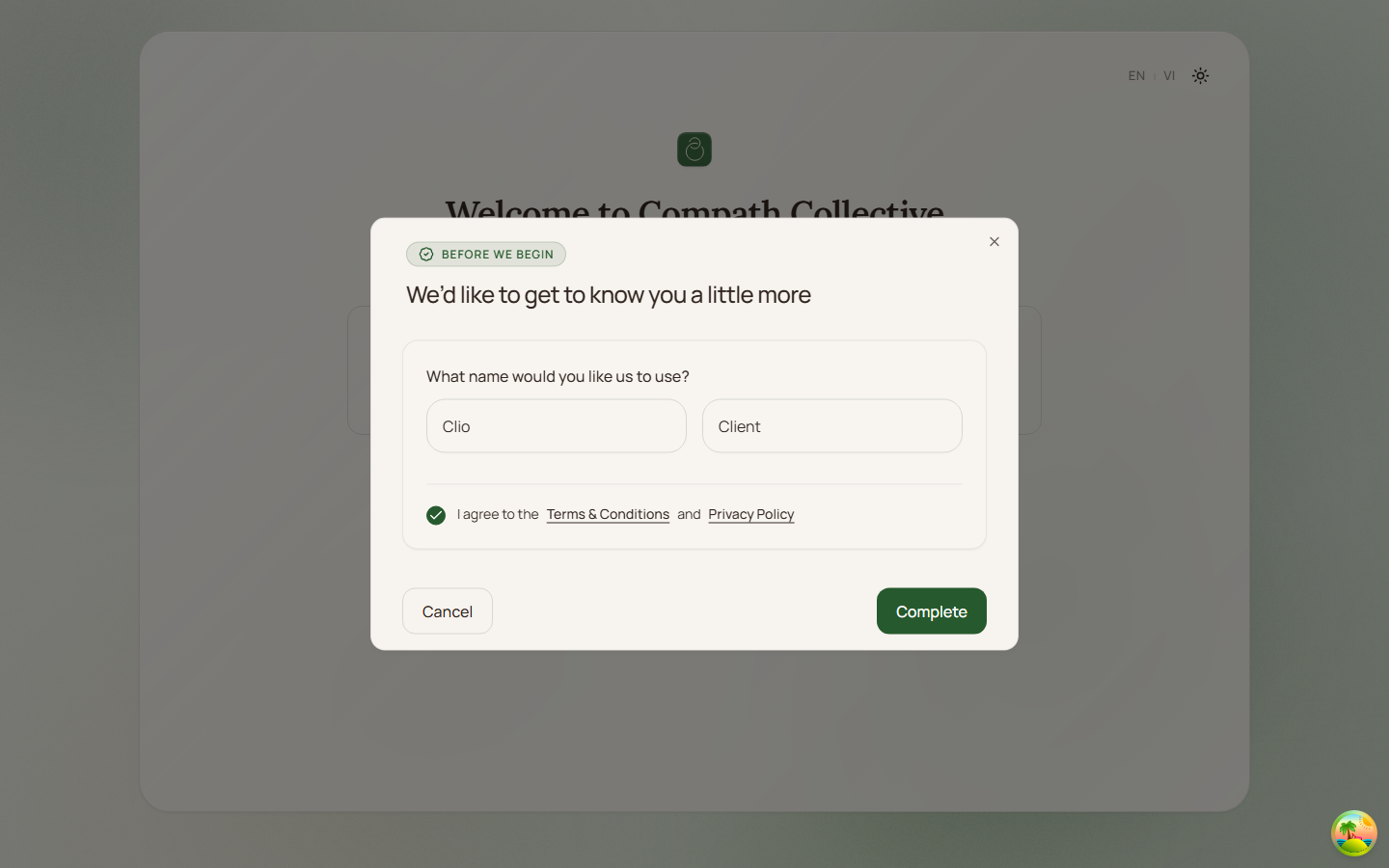
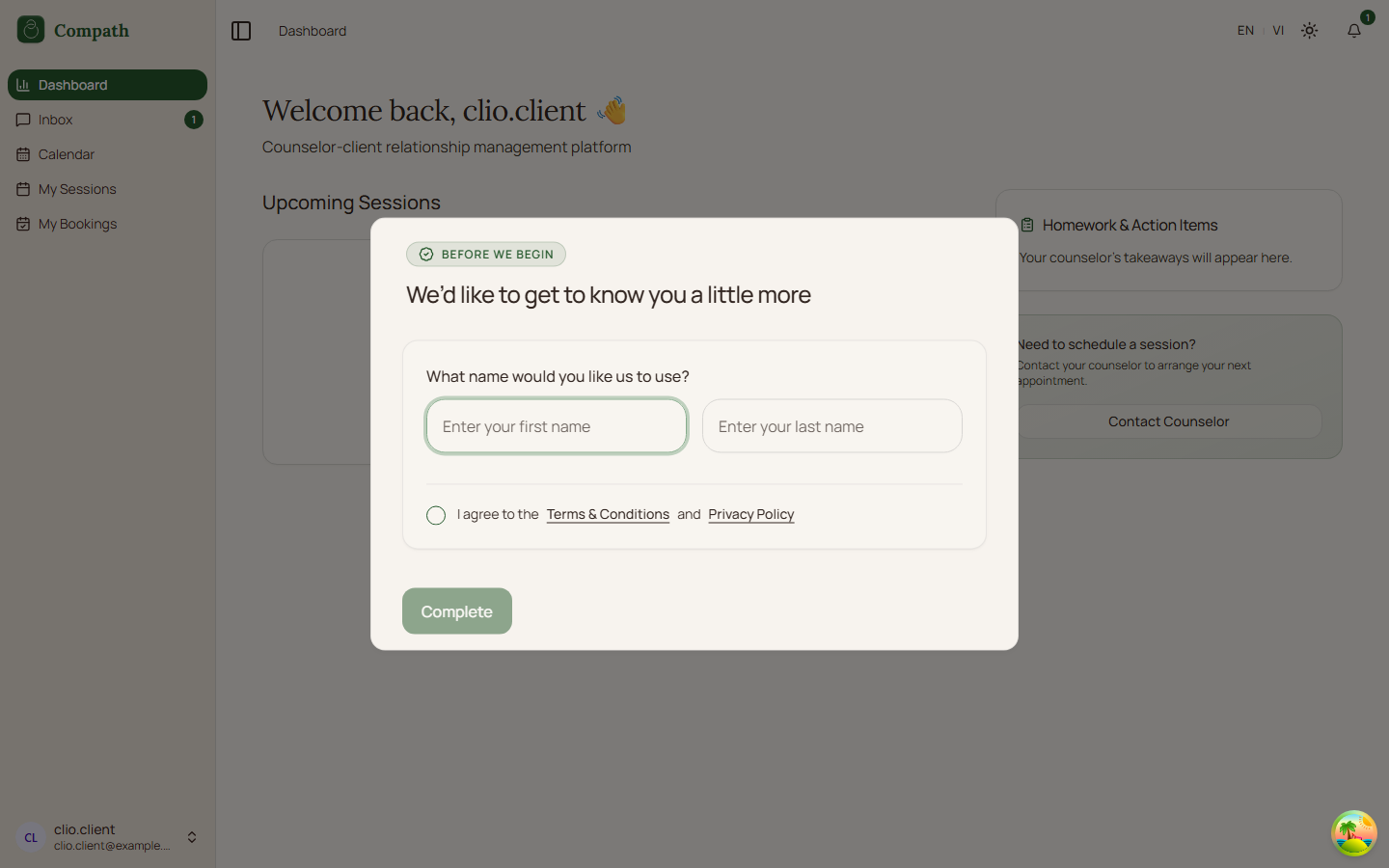
- [ Took Screenshots ] C.1 Client Onboarding - First-time profile setup after sign up; screenshots:
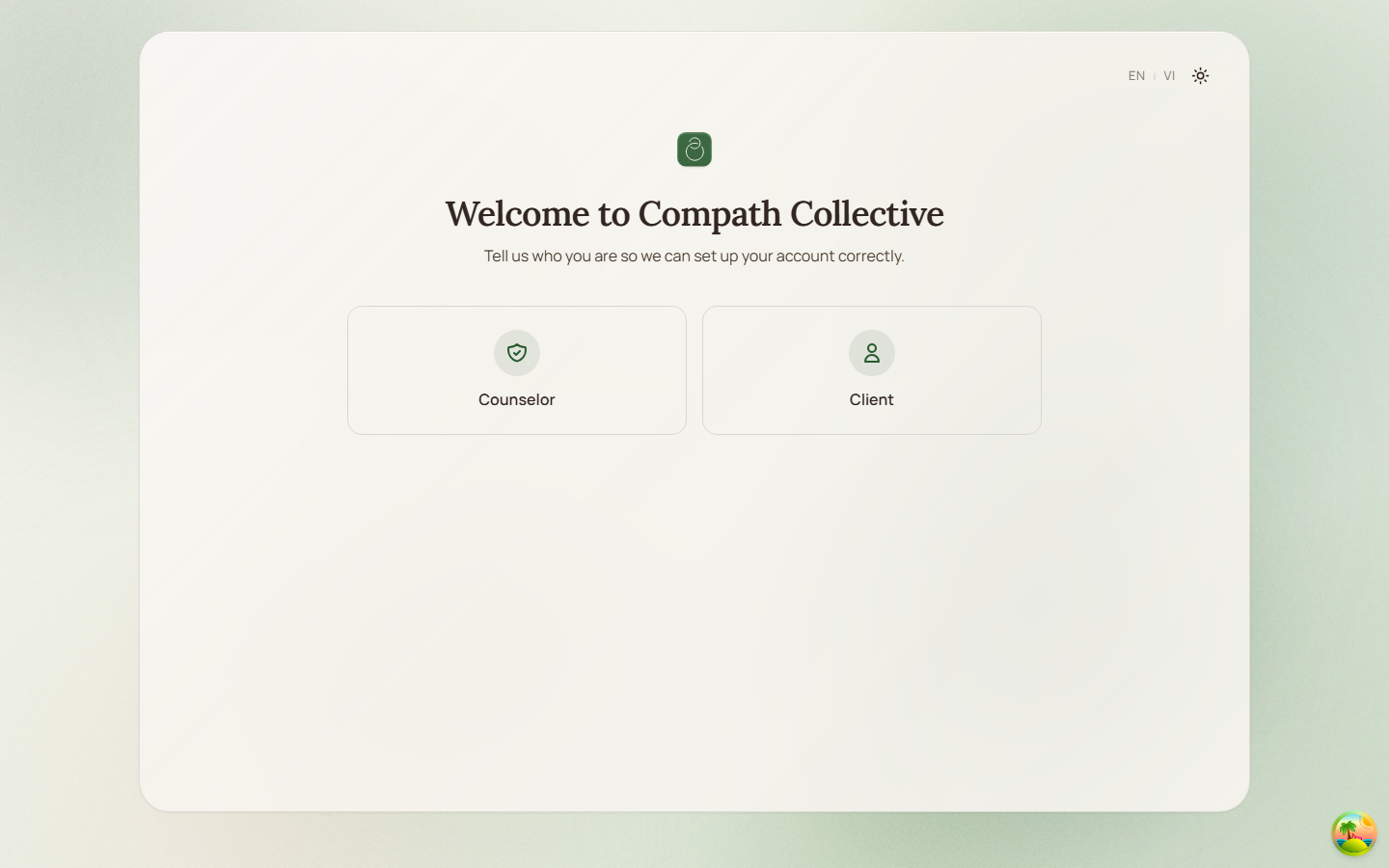 ,
, 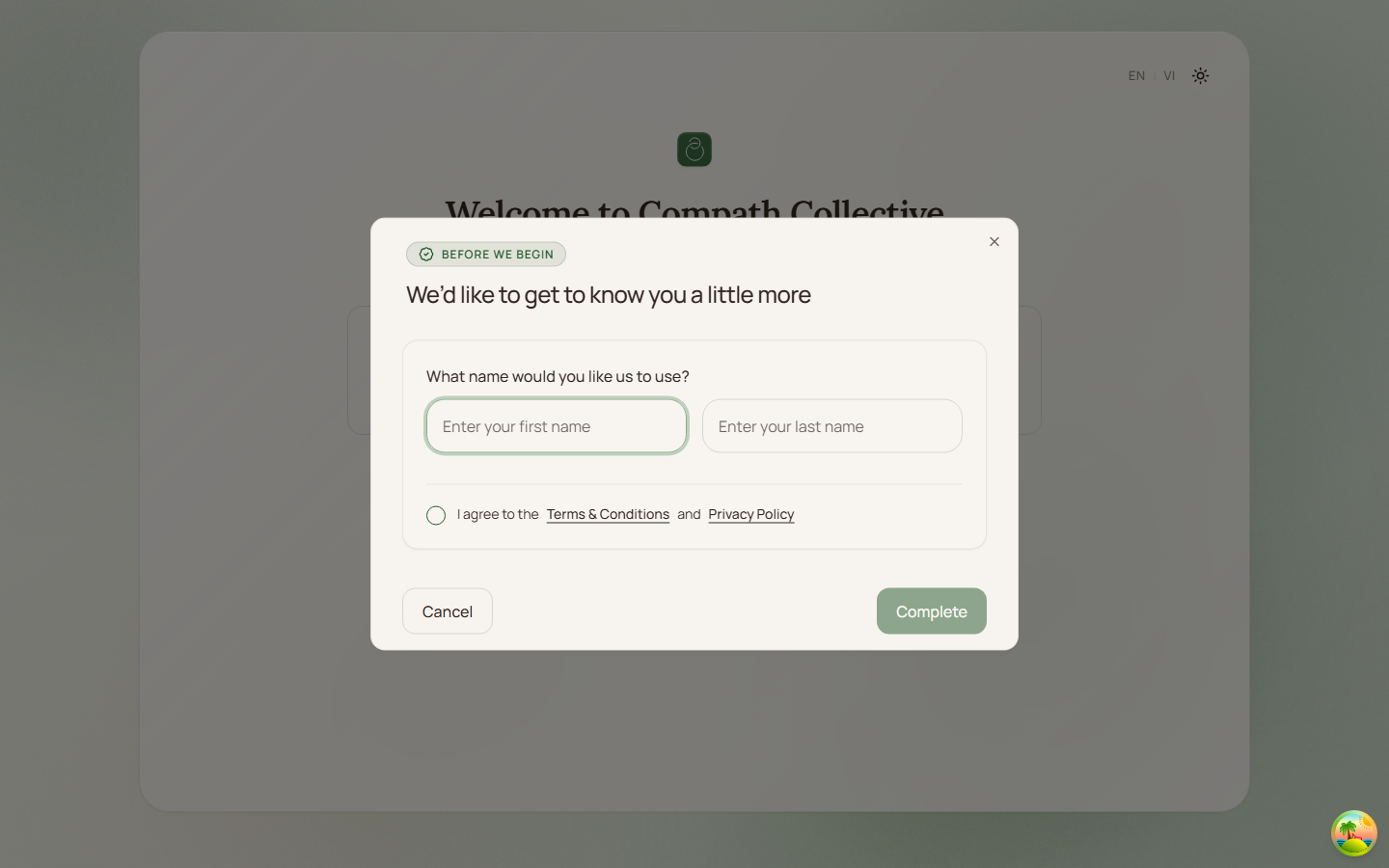 ,
, 
Daily Use
- [ Took Screenshots ] C.2 Client Dashboard - Overview: upcoming sessions, treatment progress, notifications; screenshots:
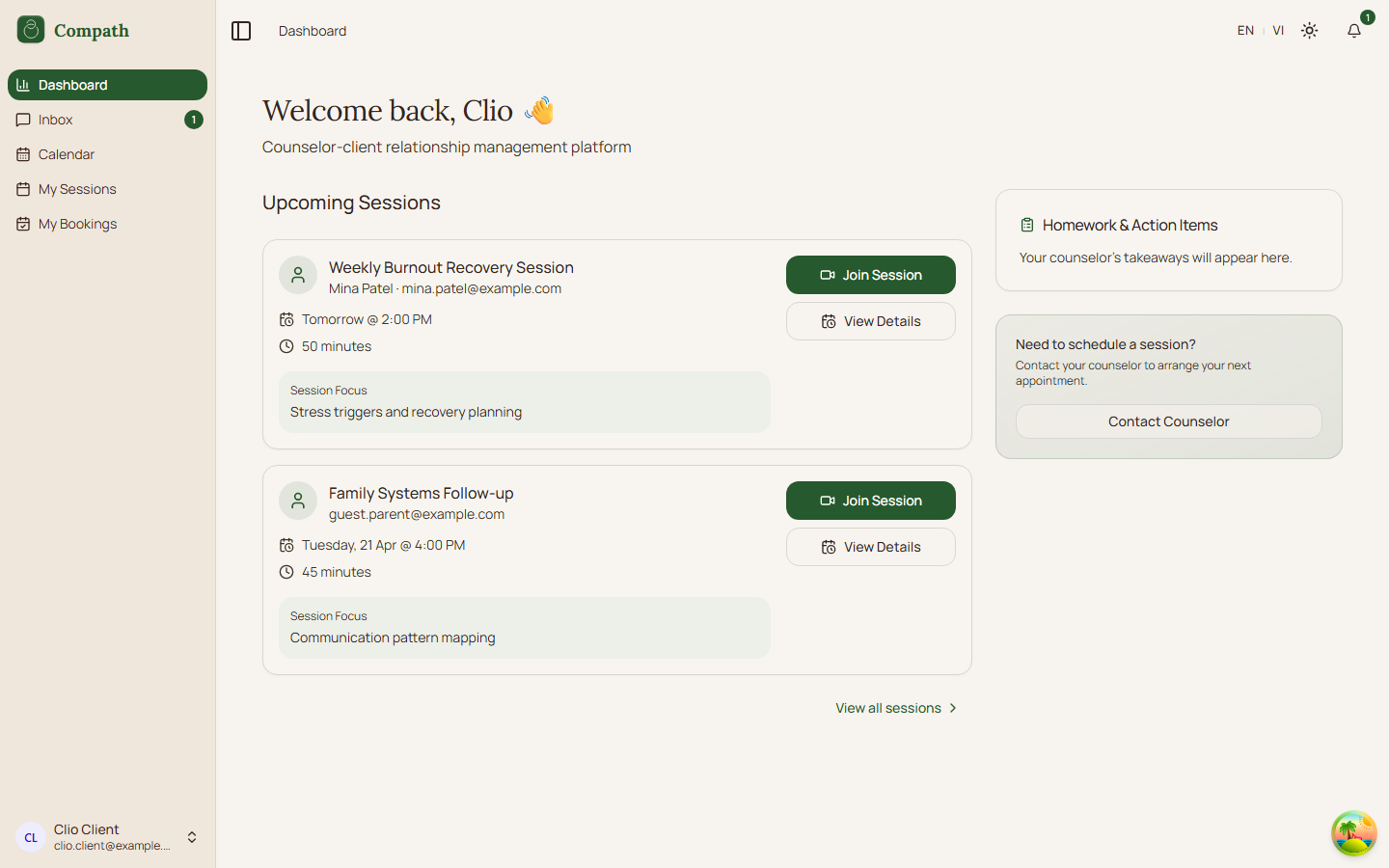 ,
, 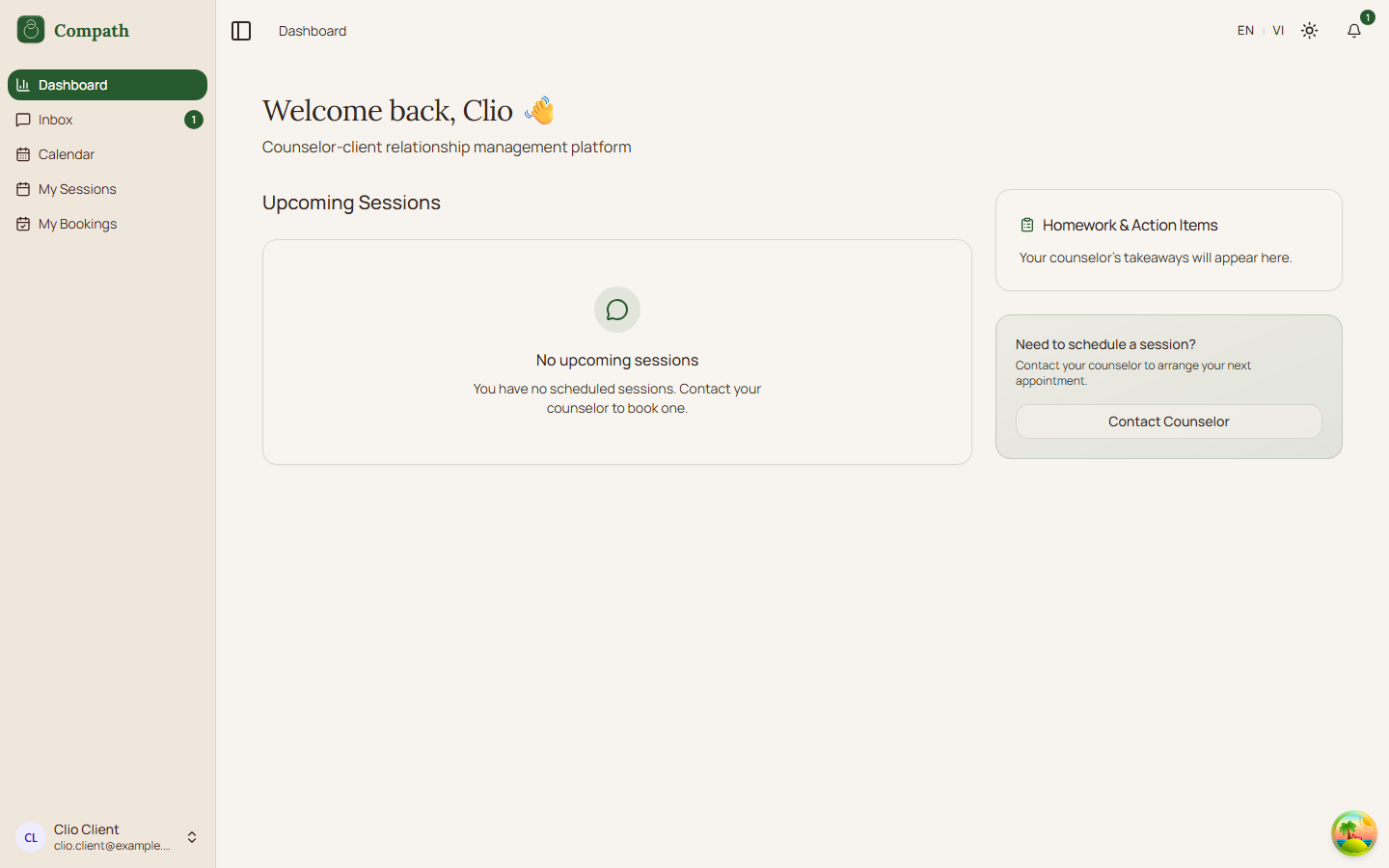 ,
, 
- [ Took Screenshots ] C.3 Calendar - View own sessions/meetings on calendar (day/week/month); screenshots:
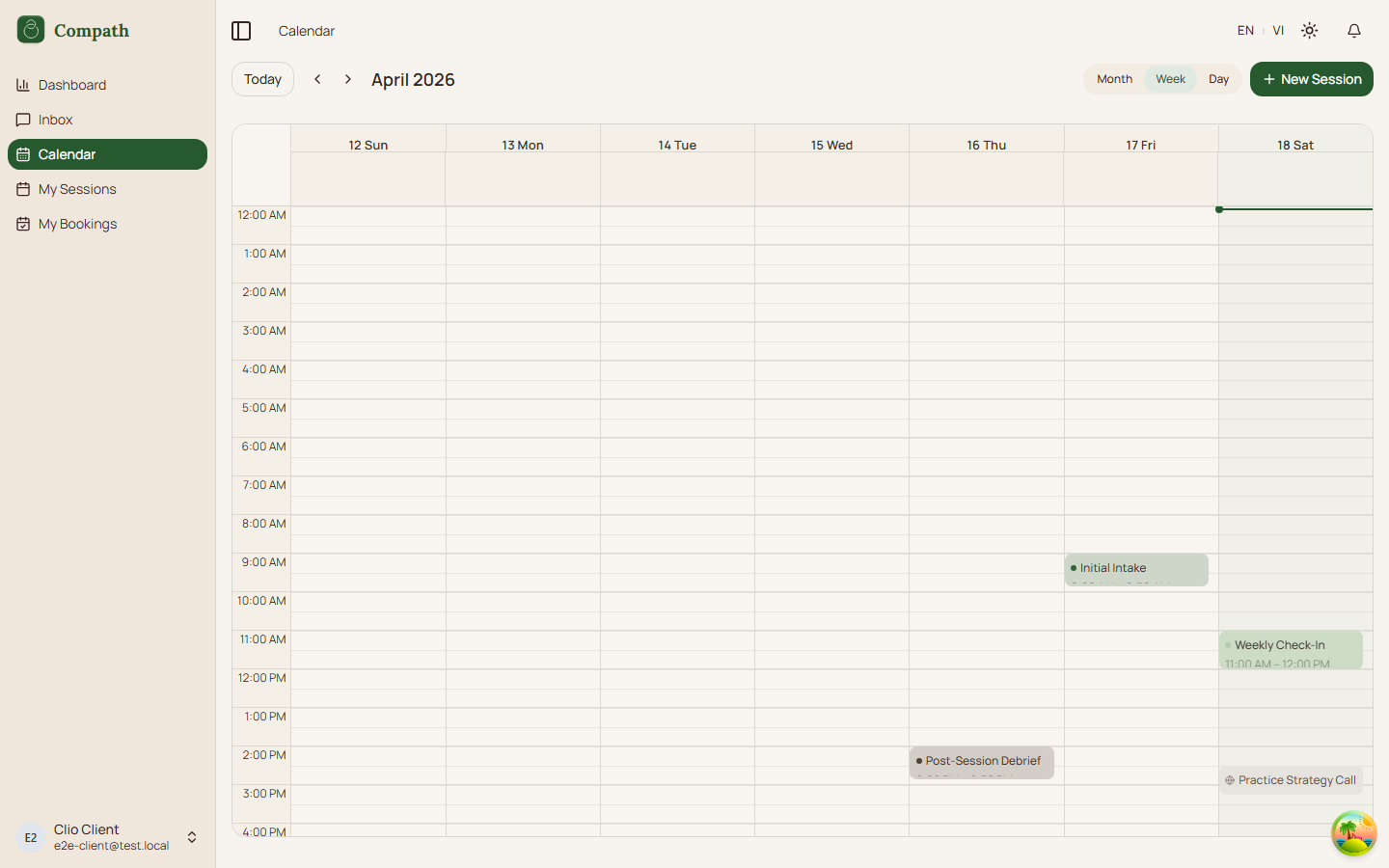
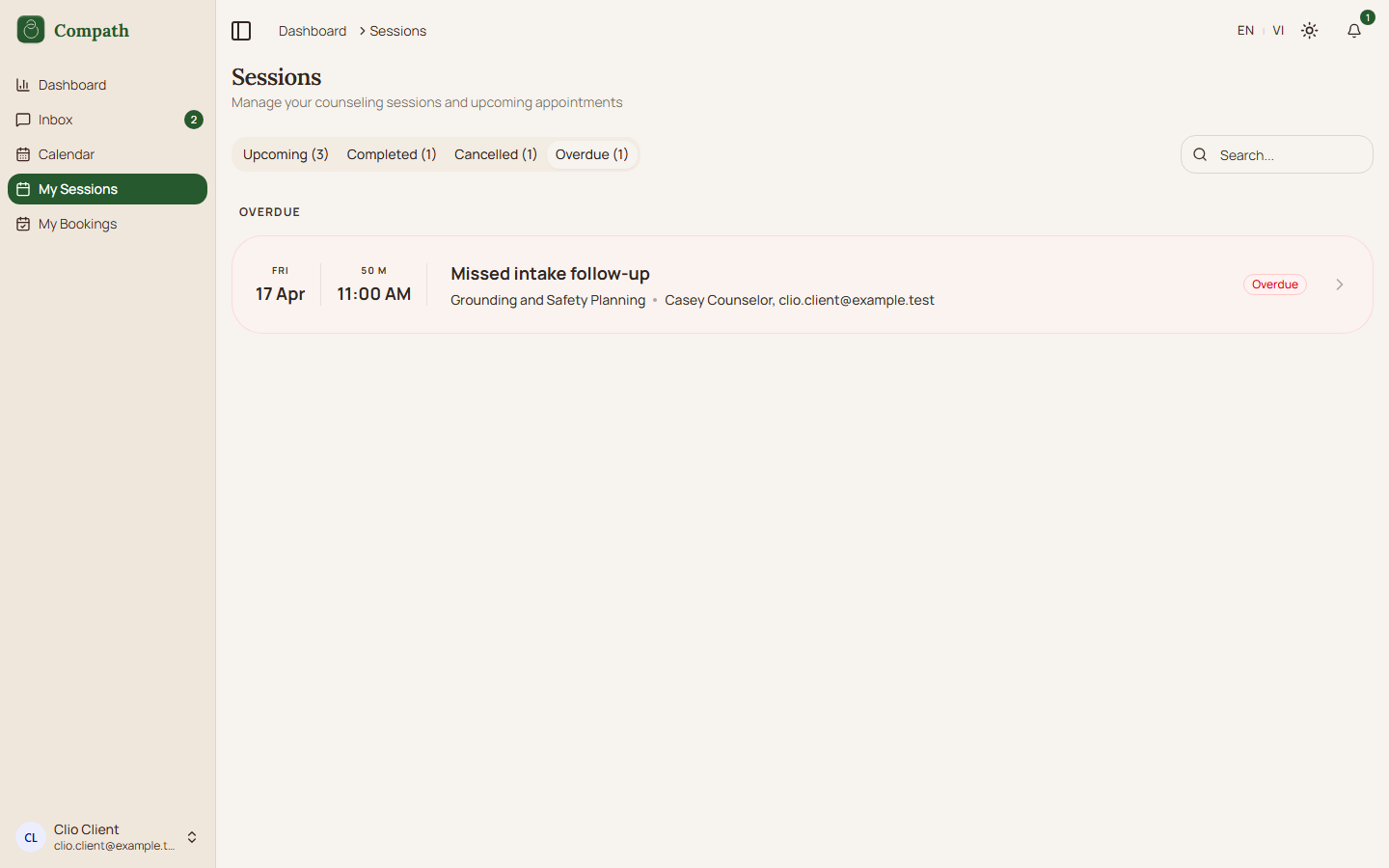
- [ Took Screenshots ] C.4 My Sessions - Browse sessions by status; screenshots:
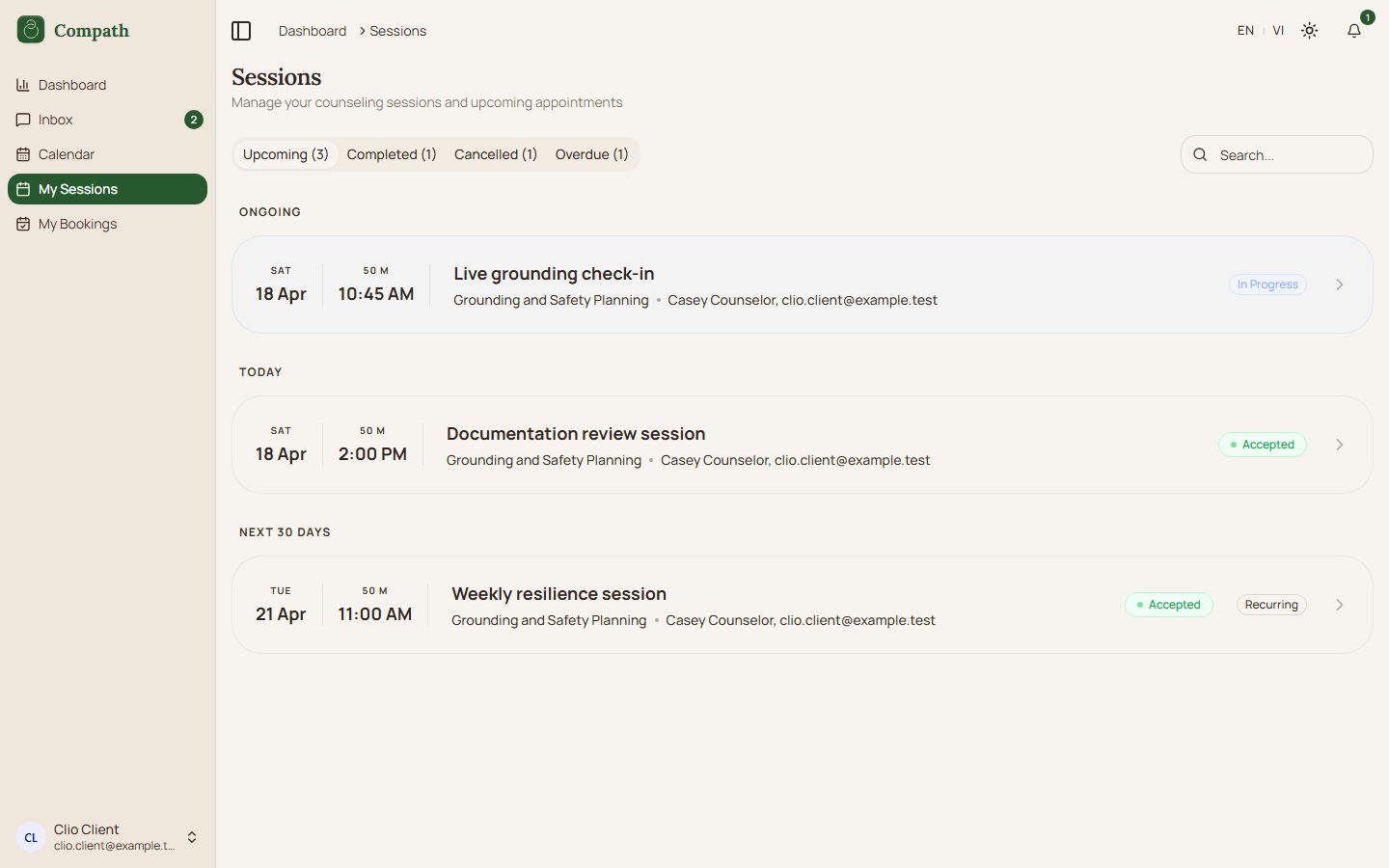 ,
, 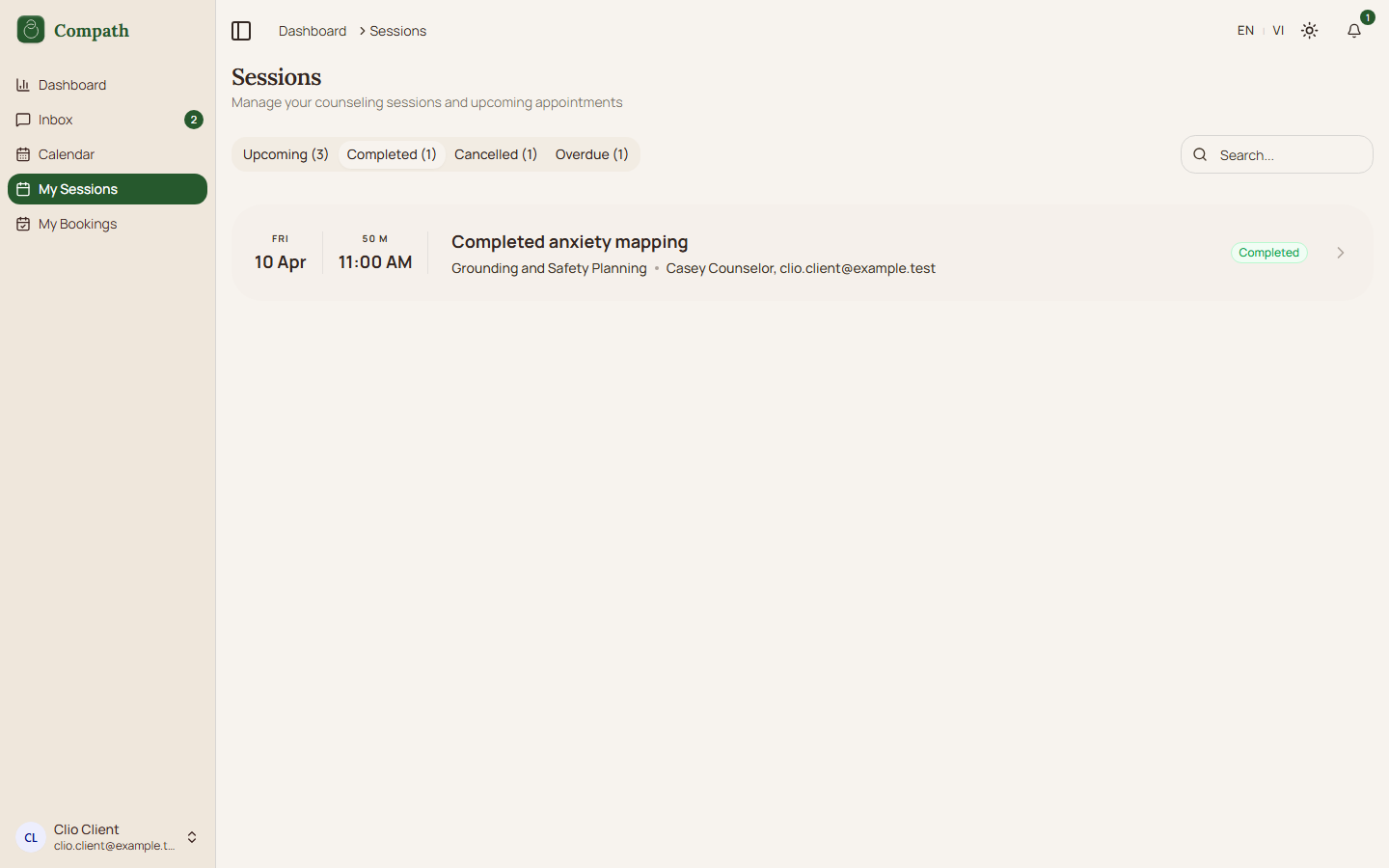 ,
, 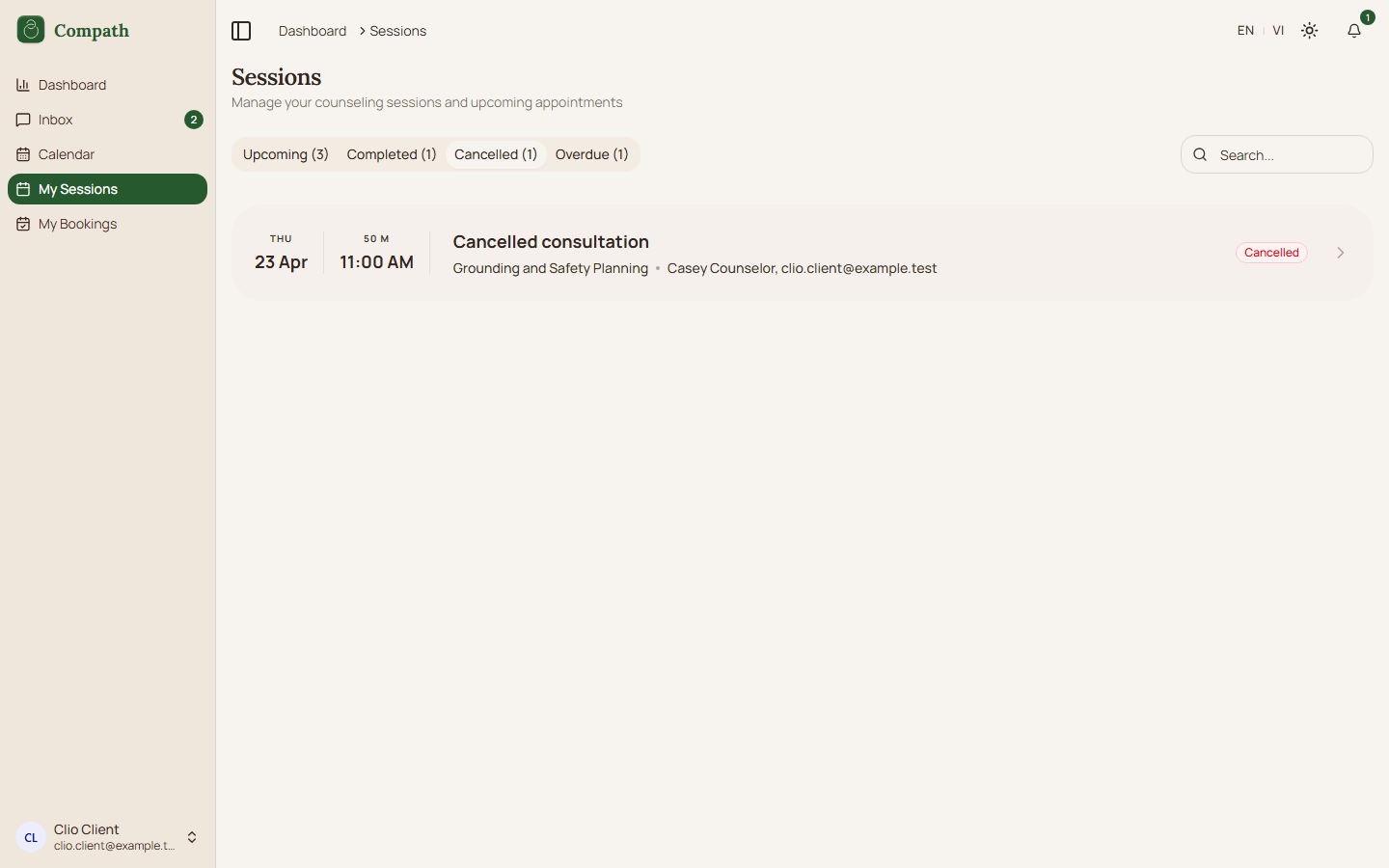 ,
, 
- [ Took Screenshots ] C.5 Session Details - View meeting info, notes, documents for a specific session; screenshots:
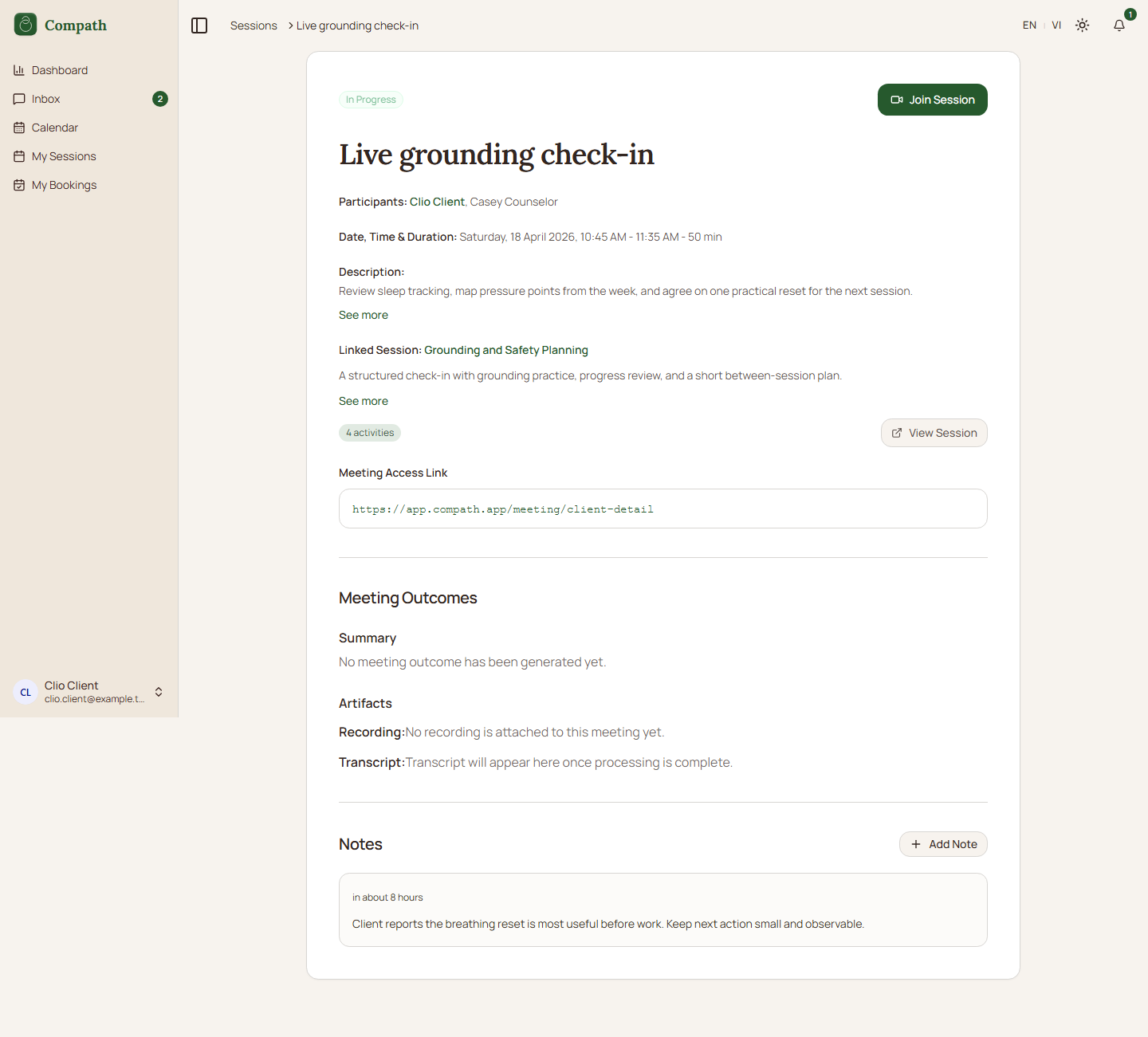
- [ Took Screenshots ] C.6 Join Meeting - Pre-join device check -> enter video room; screenshots:
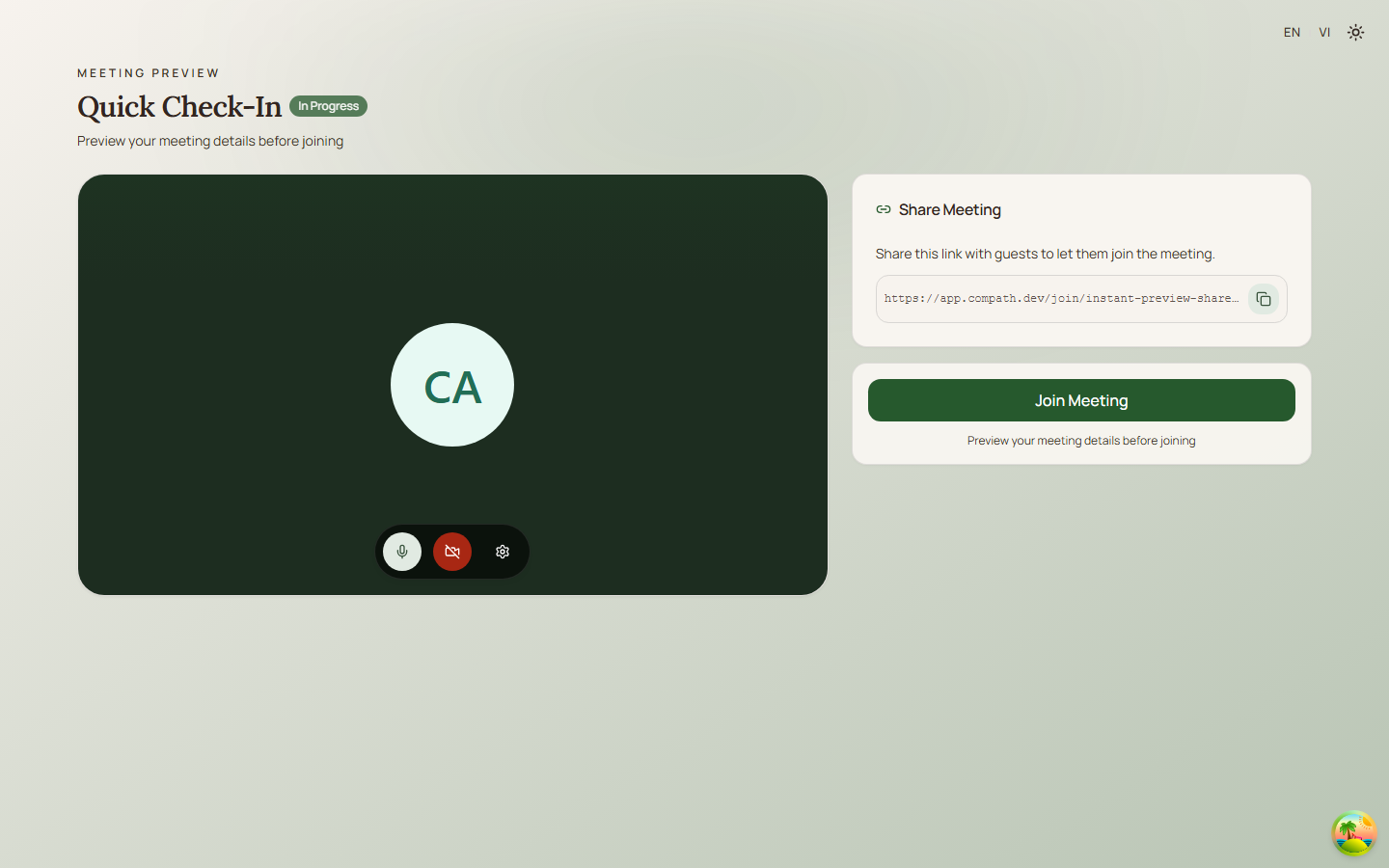
- [ Took Screenshots ] C.7 Meeting Room - In-meeting: video, audio, screen share, end meeting; screenshots:
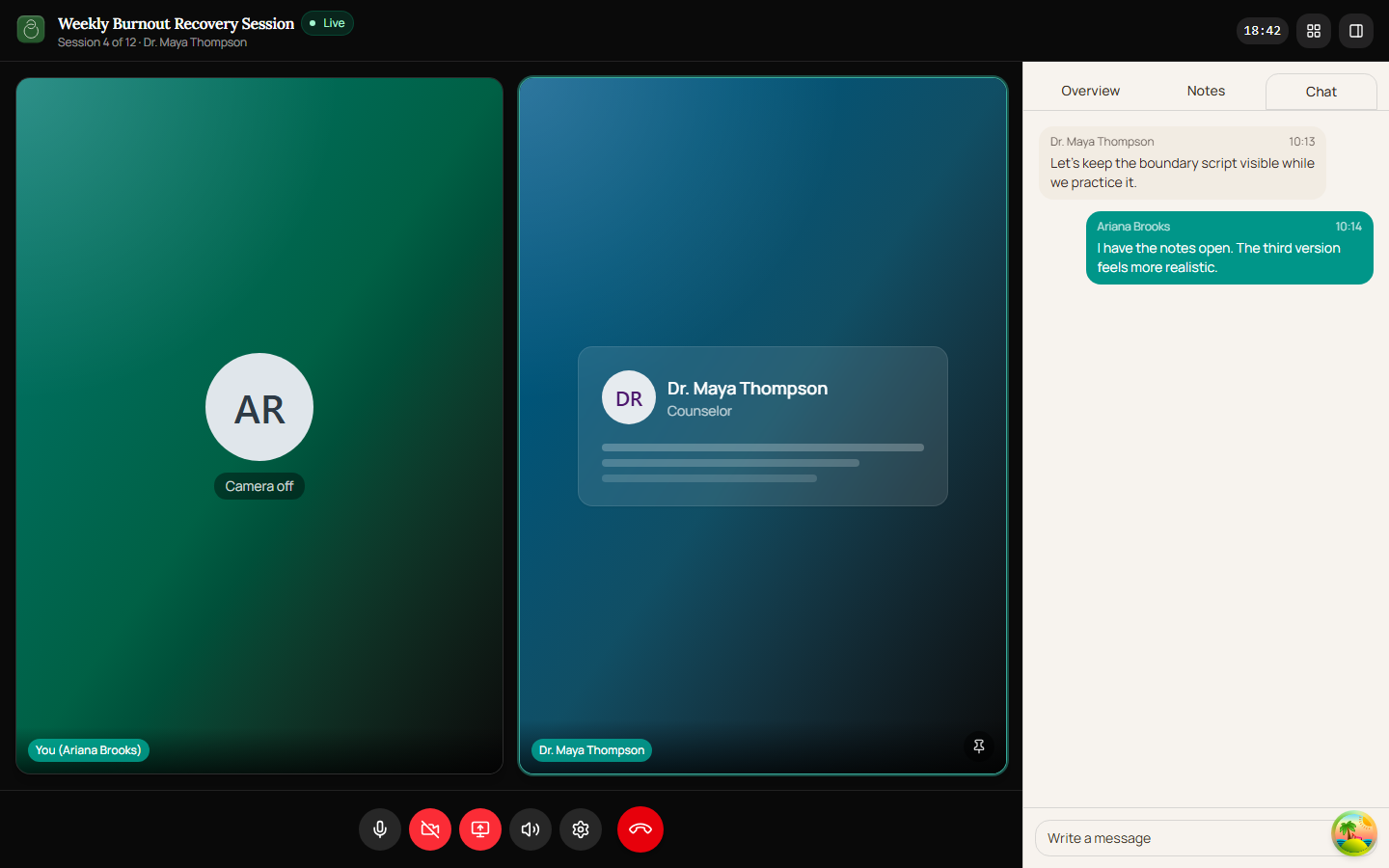
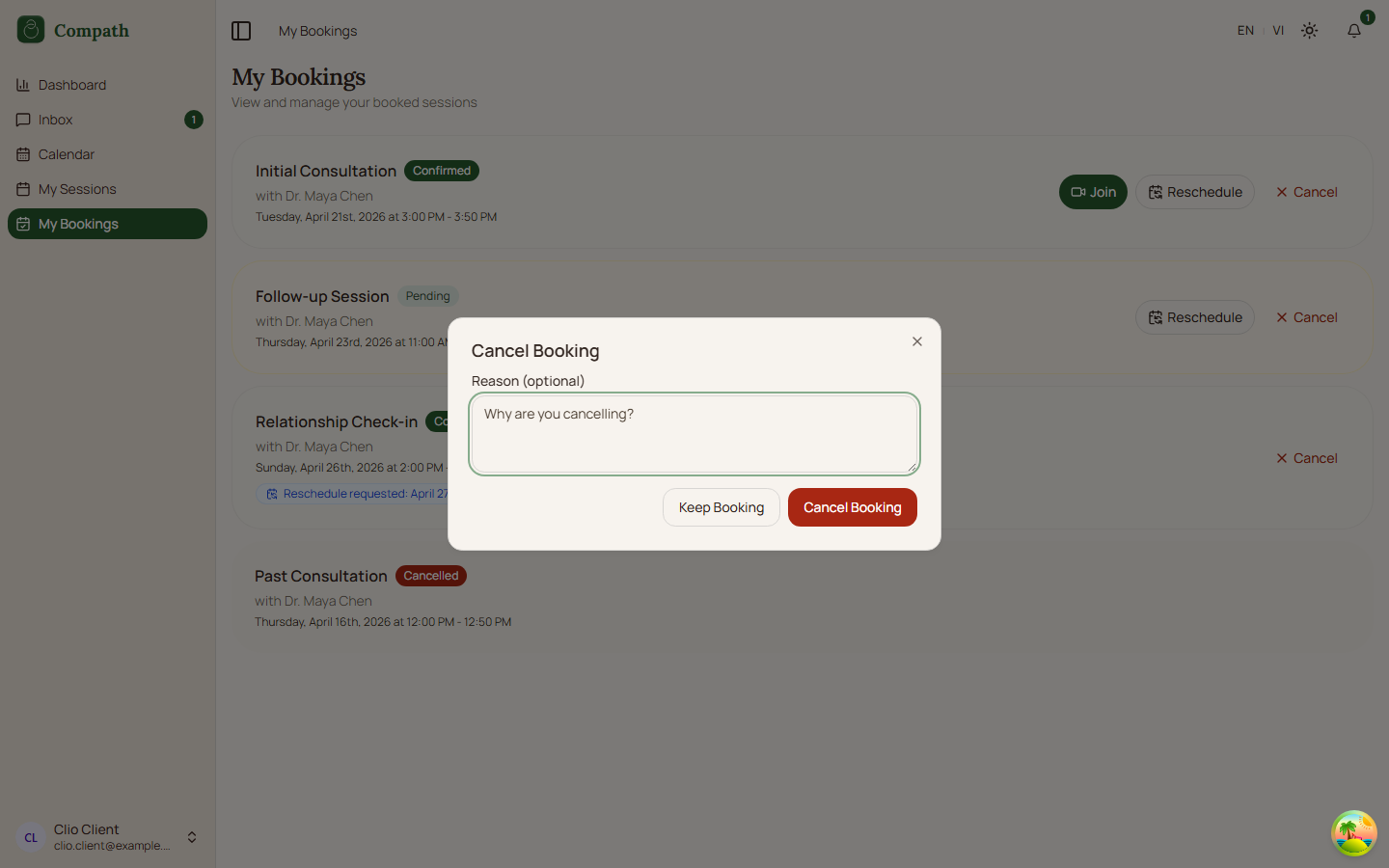
- [ Took Screenshots ] C.8 My Bookings - View upcoming and past bookings; screenshots:
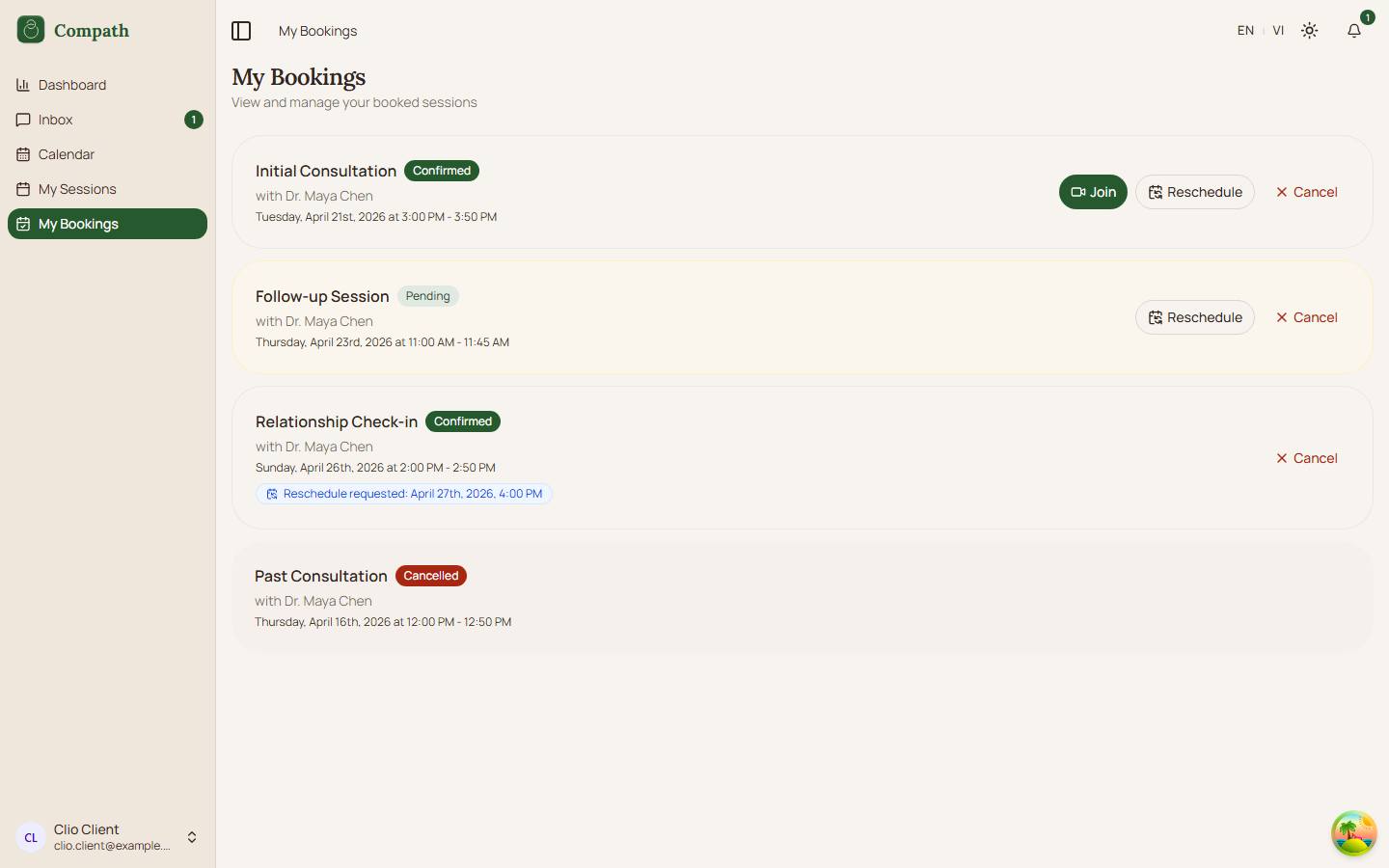 ,
, 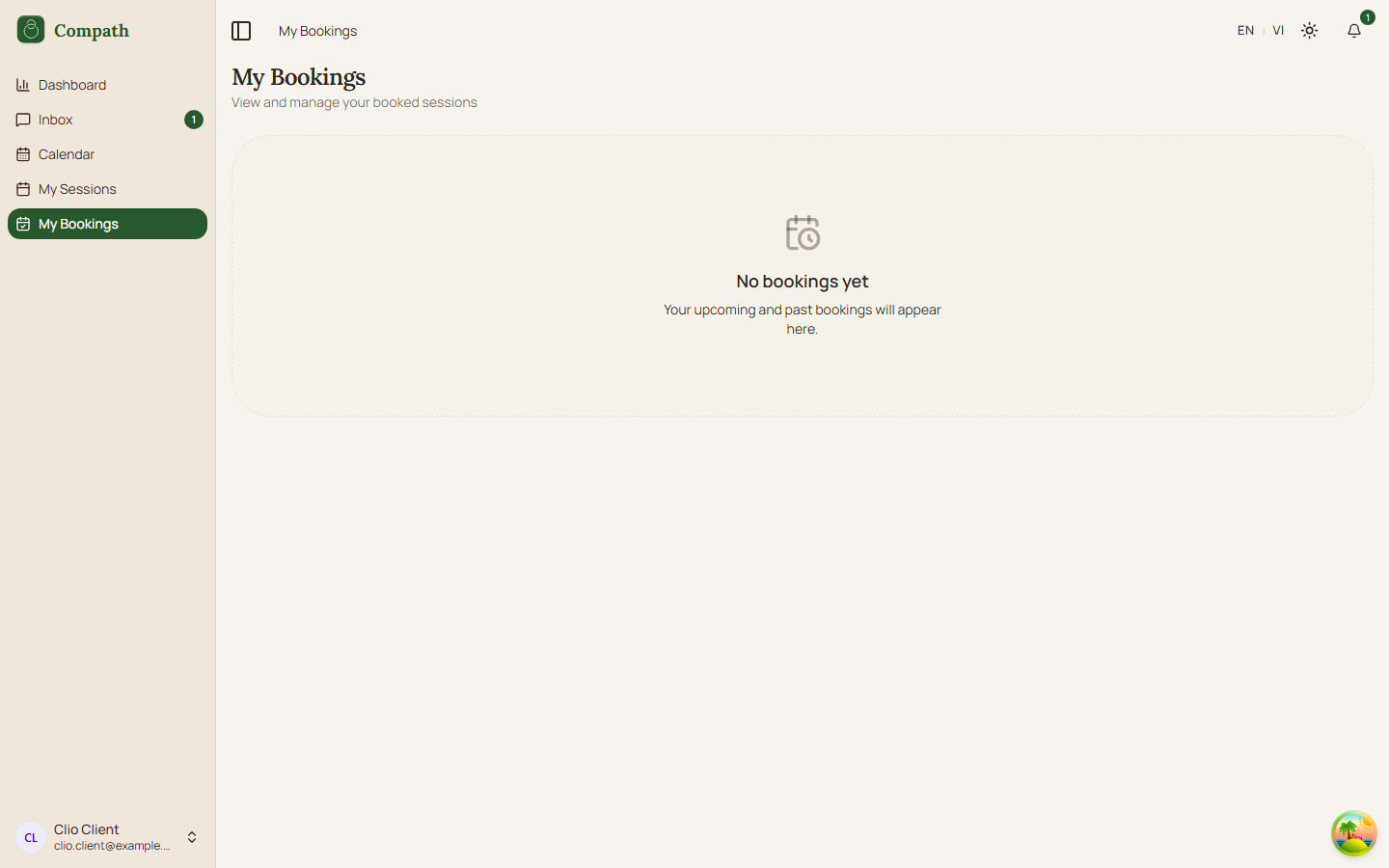 ,
, 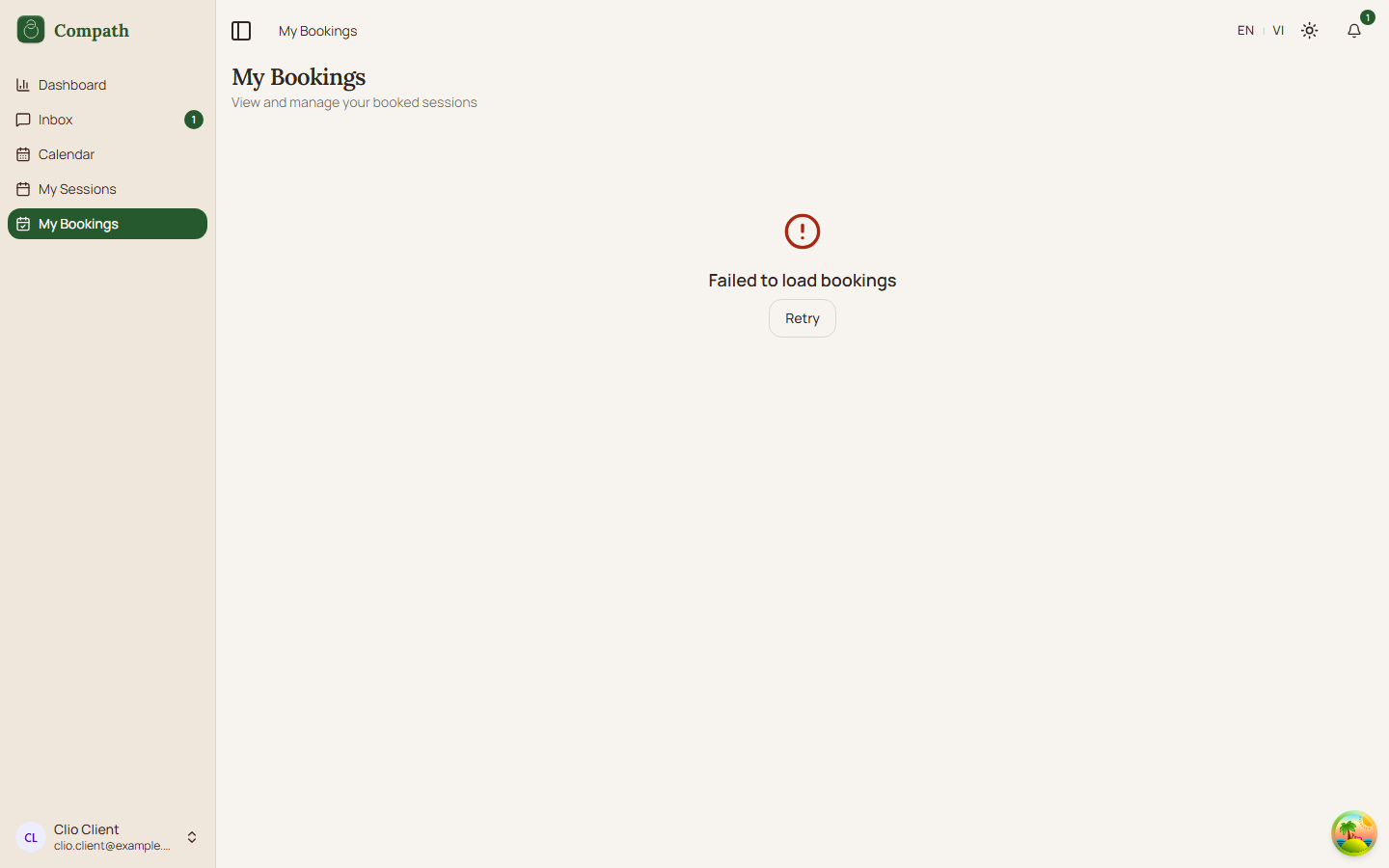 ,
, 
Communication
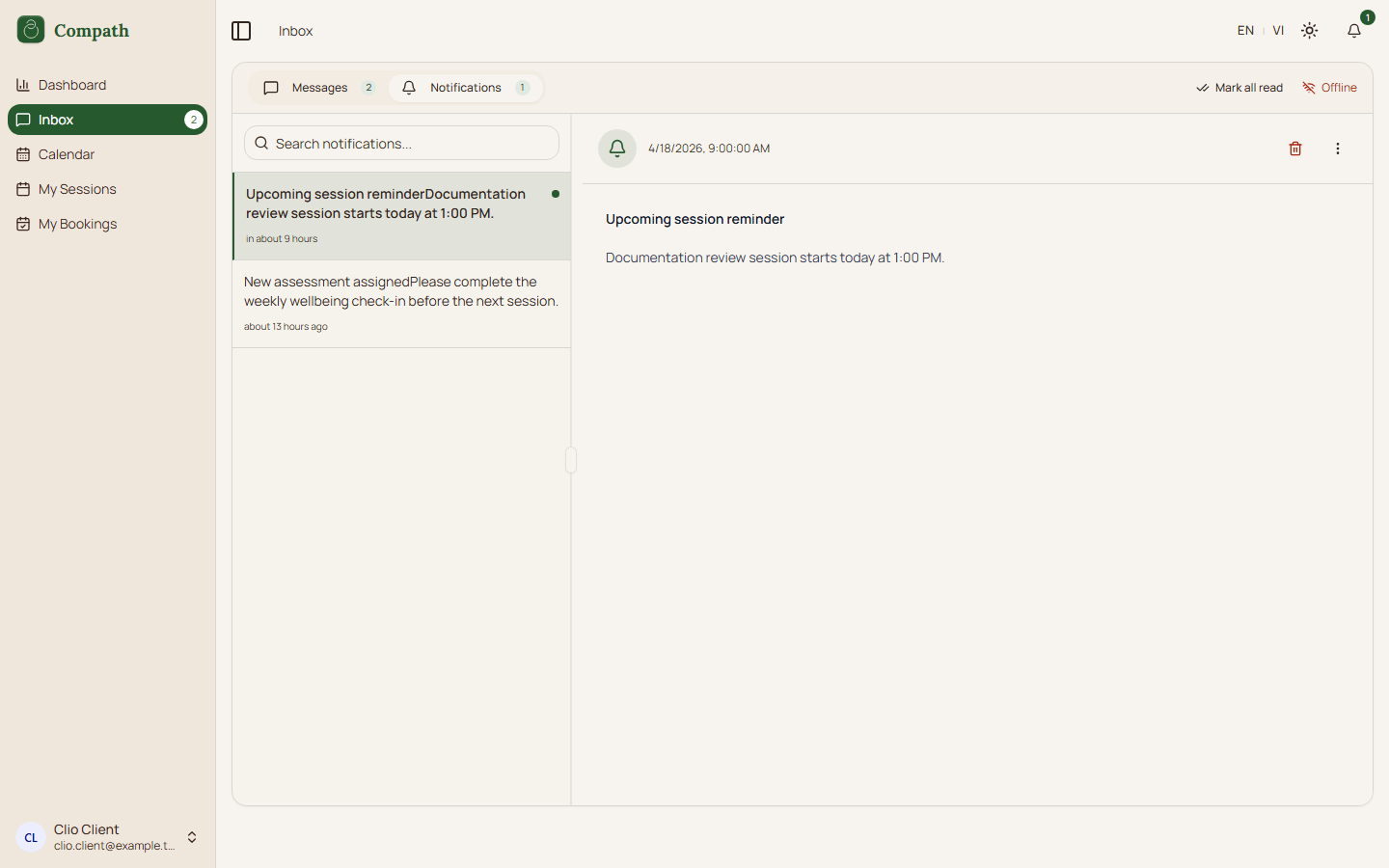
- [ Took Screenshots ] C.9 Inbox - View and send messages to counselor; screenshots:
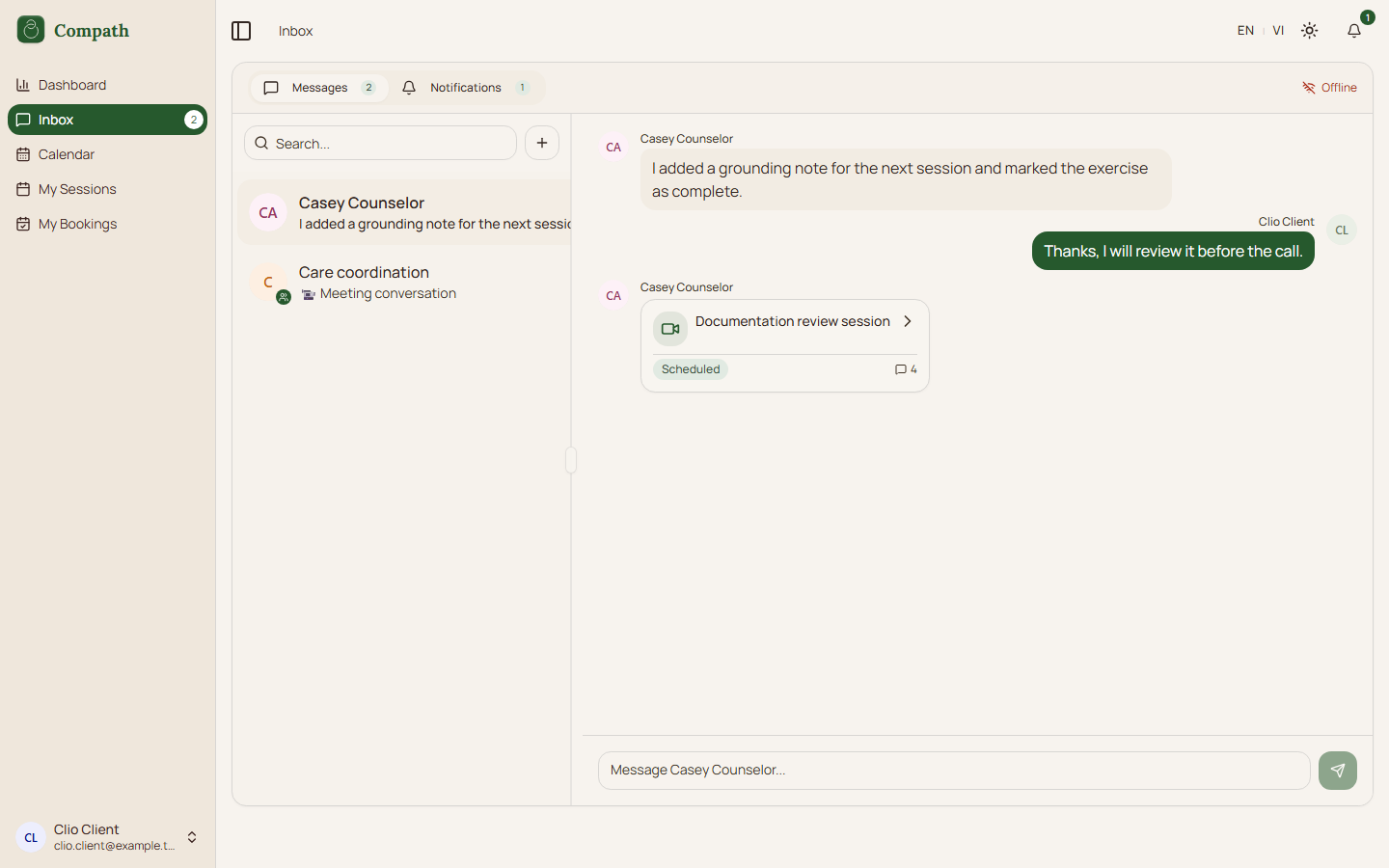 ,
, 
Account
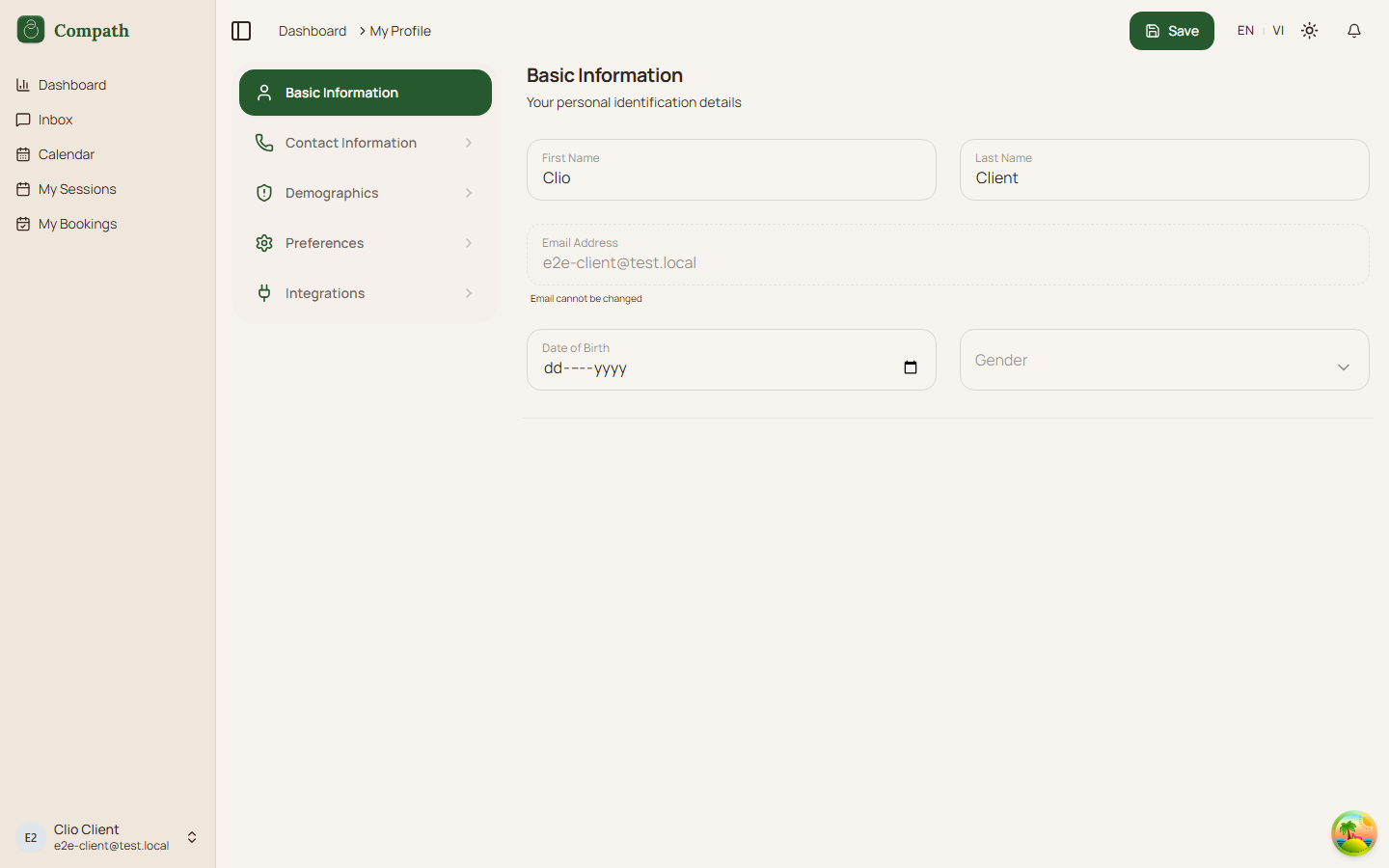
- [ Took Screenshots ] C.10 Profile - View/edit personal info, avatar, preferences; screenshots:
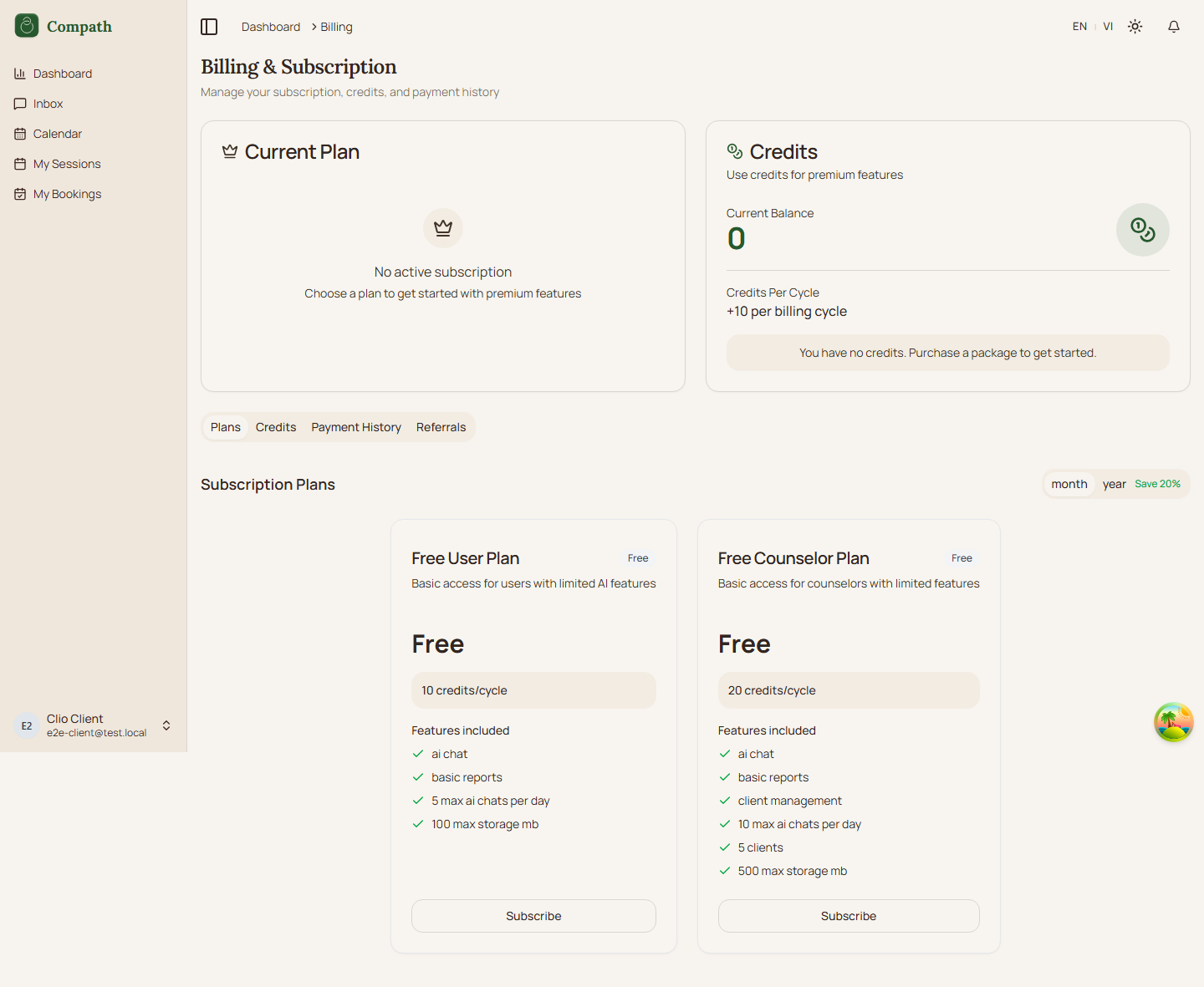
- [ Took Screenshots ] C.11 Billing - View subscription, manage plan, payment history; screenshots:
Counselor (Authenticated)
Counselors are practitioners managing clients, sessions, treatment plans, and assessments. They have the most feature-rich navigation.
Sidebar navigation: Dashboard, Inbox, Clients, Library*, Assessments*, Calendar, Sessions, Booking Settings, Landing Pages (beta)
*Library and Assessments are behind feature flag VITE_ENABLE_RESTRICTED_ROUTES.
Counselors acting inside a workspace (sidebar switcher) see a workspace sidebar in place of the personal one. Owners and managers get Home (/workspaces/home), the workspace hub, whose "This week" agenda names the counsellor and client on every card — from the session's host and invitee when it has no client relationship — and Members (/workspaces/members); an employed counsellor gets their own Dashboard in Home's slot and no Members entry. Sessions, Clients and Calendar are the regular pages (Sessions and Calendar show only the workspace's rows while the switcher is set to it); workspace owners additionally see Settings.
Onboarding
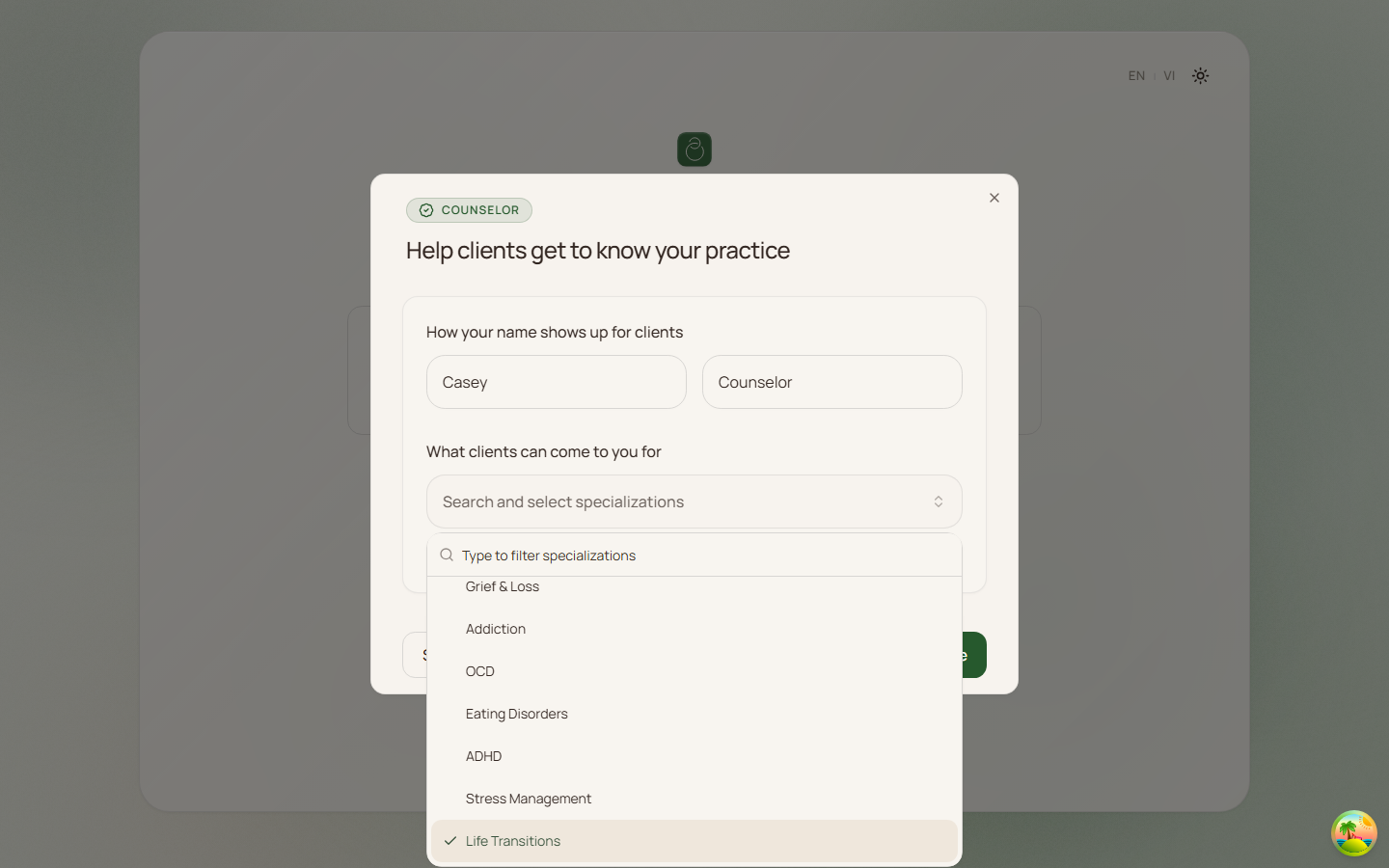
- [ Took Screenshots ] CO.1 Counselor Onboarding - First-time profile setup after sign up; screenshots: ,
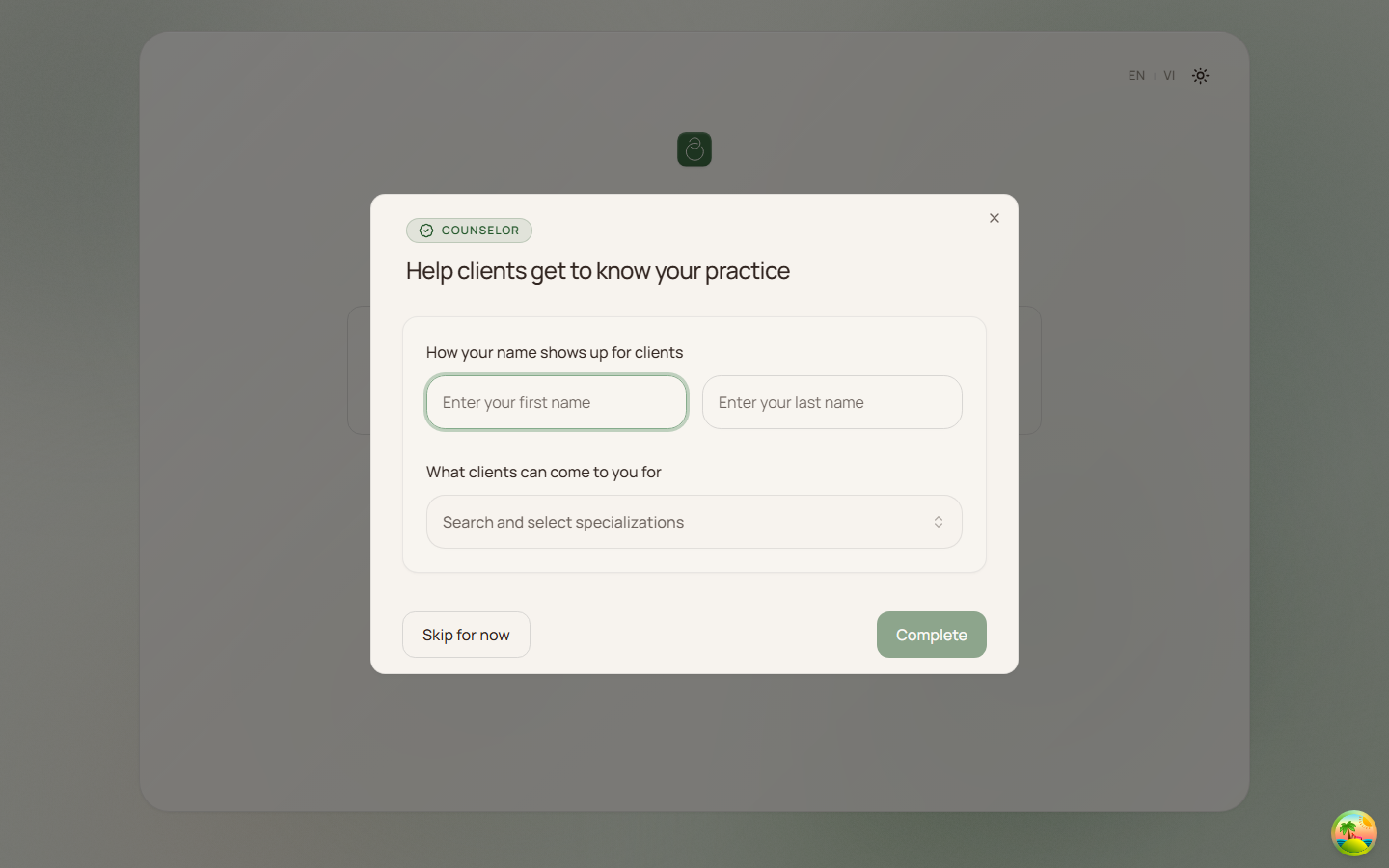 ,
, 
Daily Use
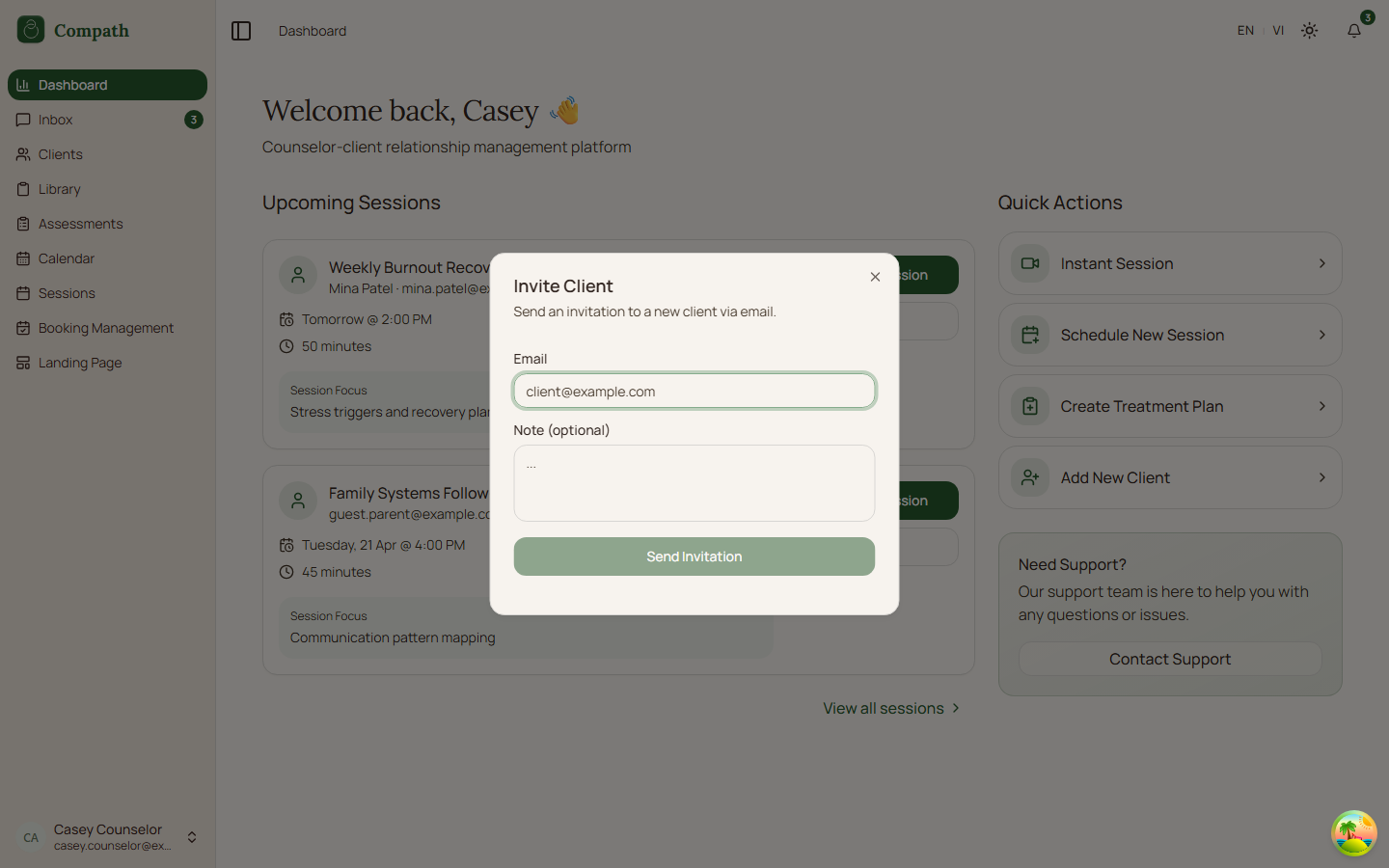
- [ Took Screenshots ] CO.2 Counselor Dashboard - Overview: upcoming sessions, recent clients, quick actions; screenshots:
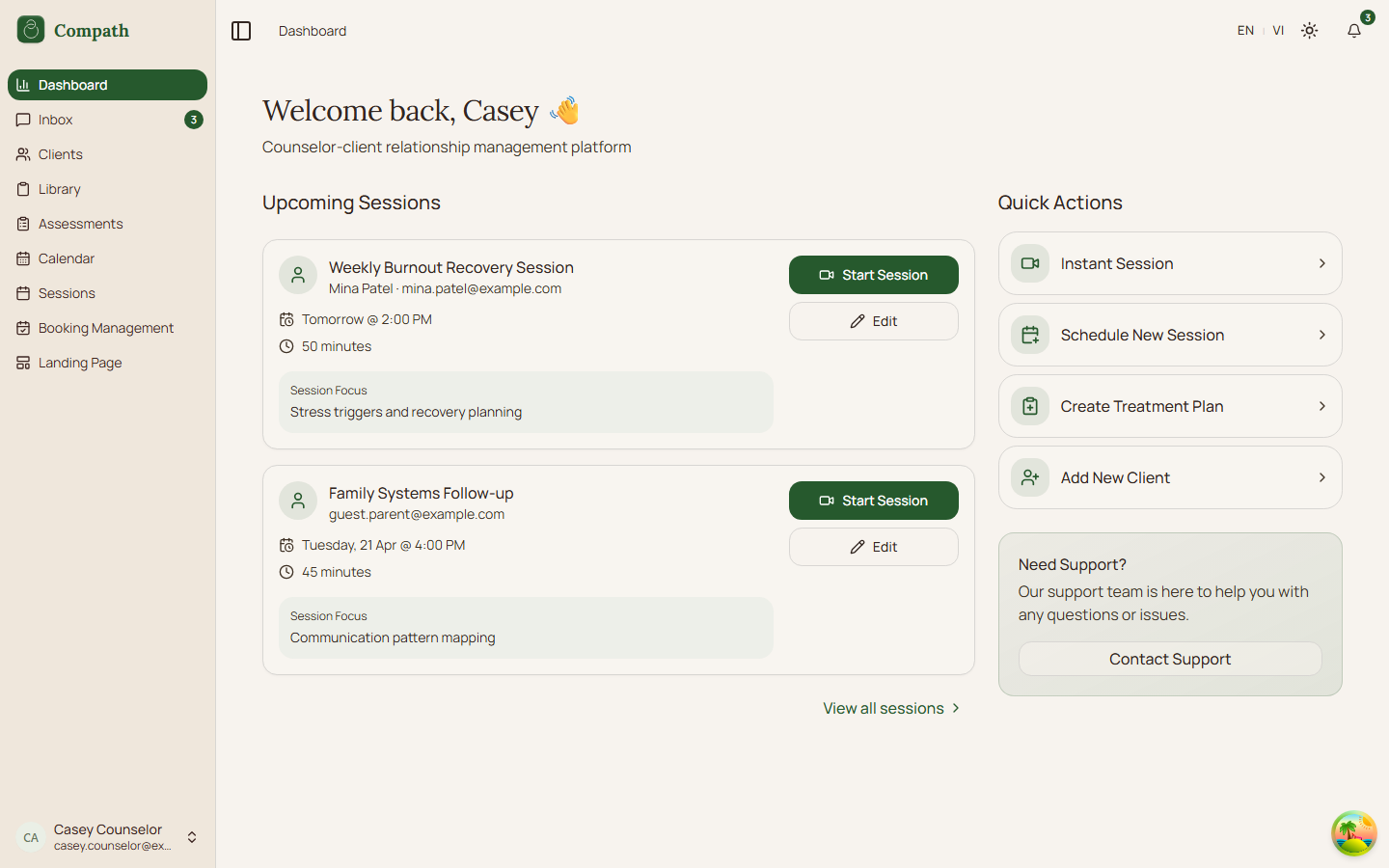 ,
, 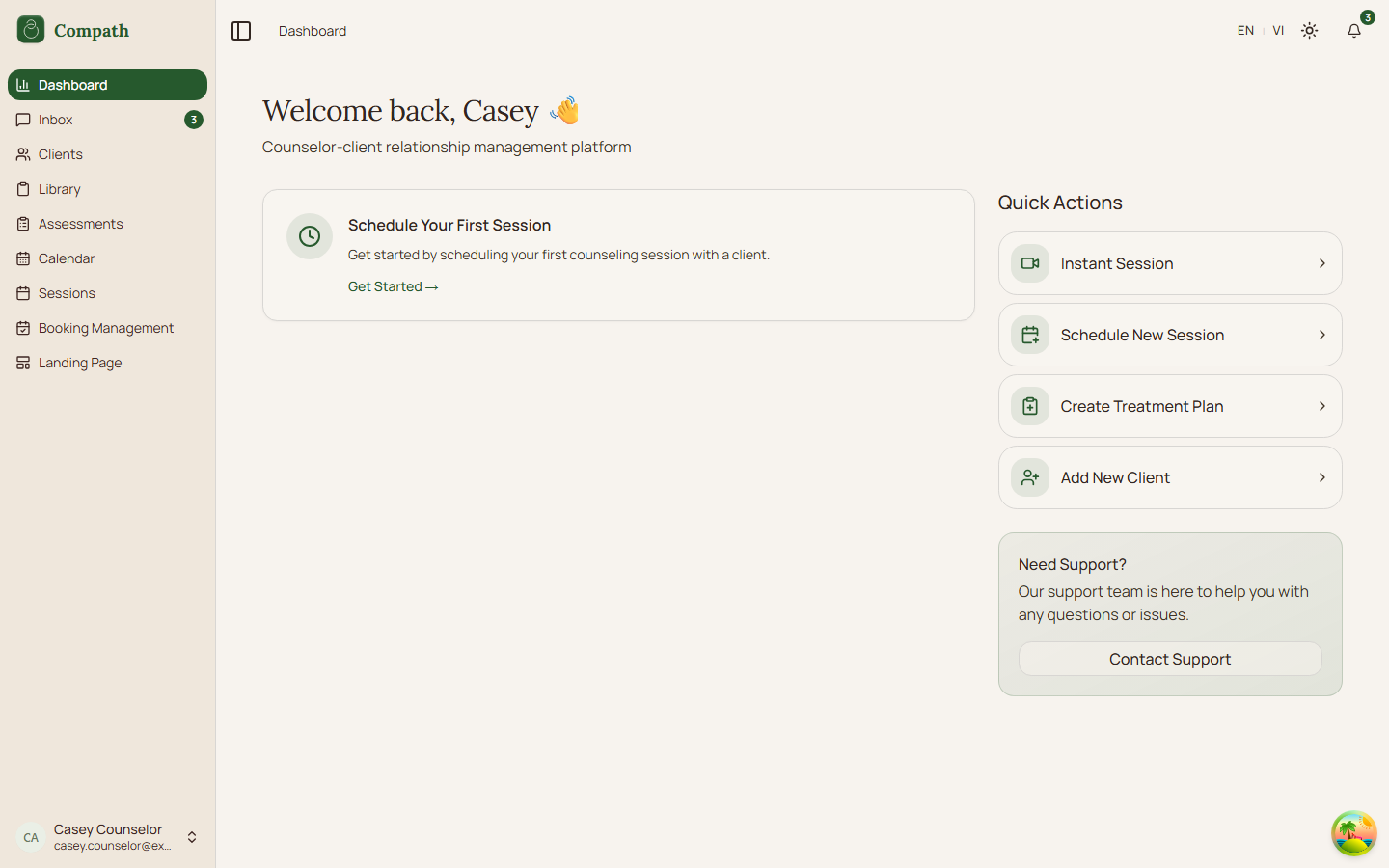 ,
, 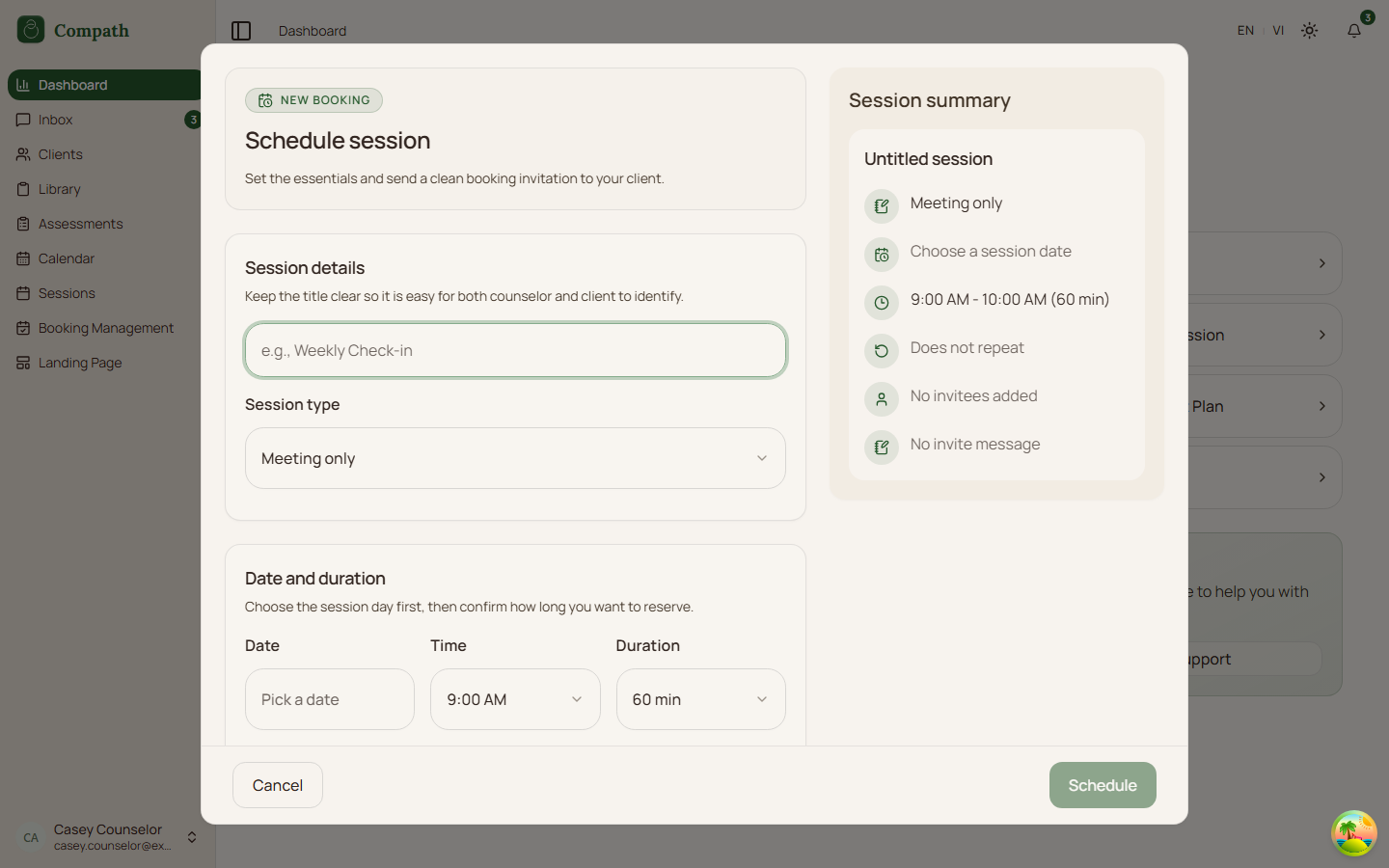 ,
, 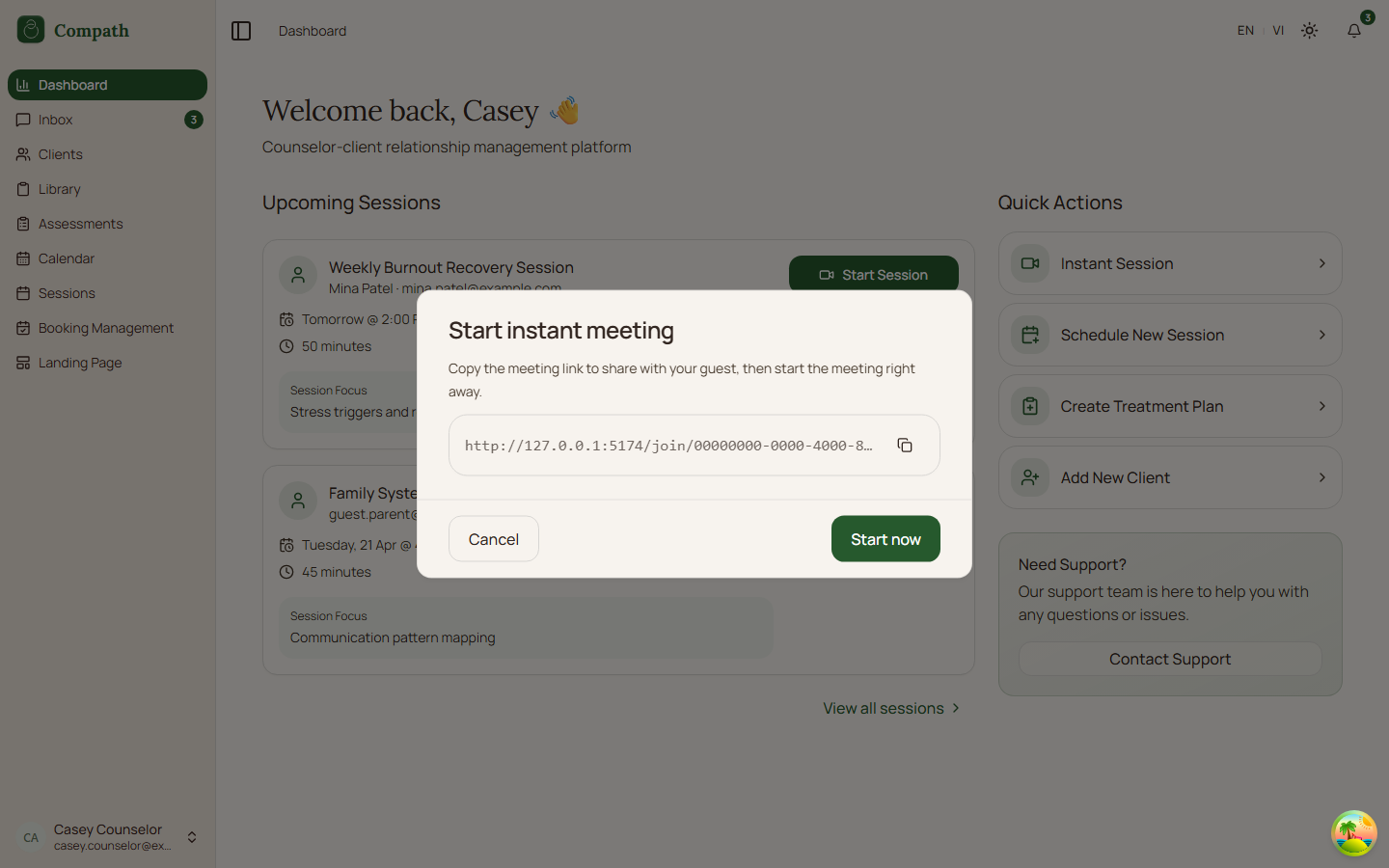 ,
, 
- [ Took Screenshots ] CO.3 Calendar - View all sessions/meetings on calendar + Google Calendar sync; screenshots:
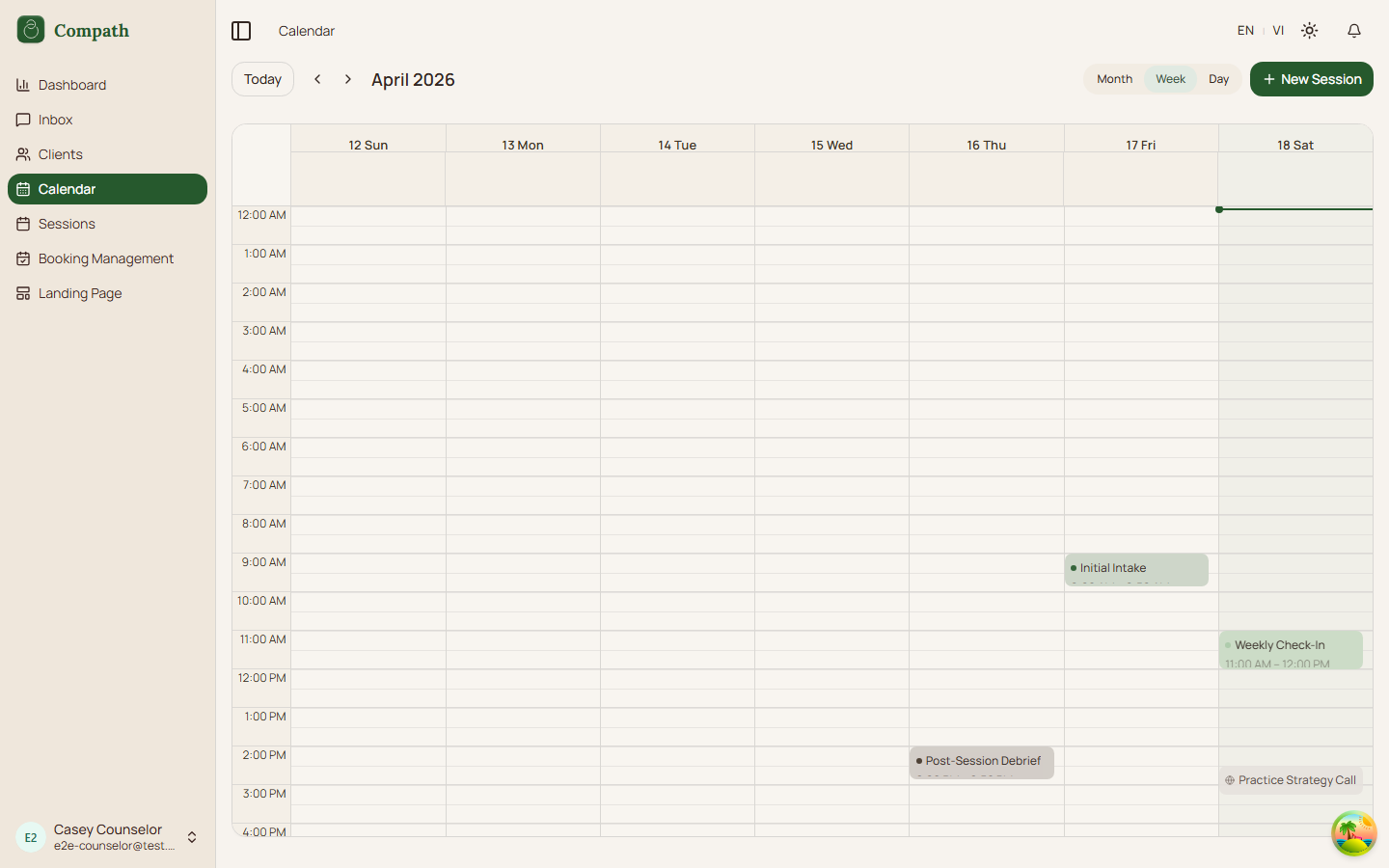
- [x] CO.4 Google Calendar Sync - Connect Google account, sync calendar events
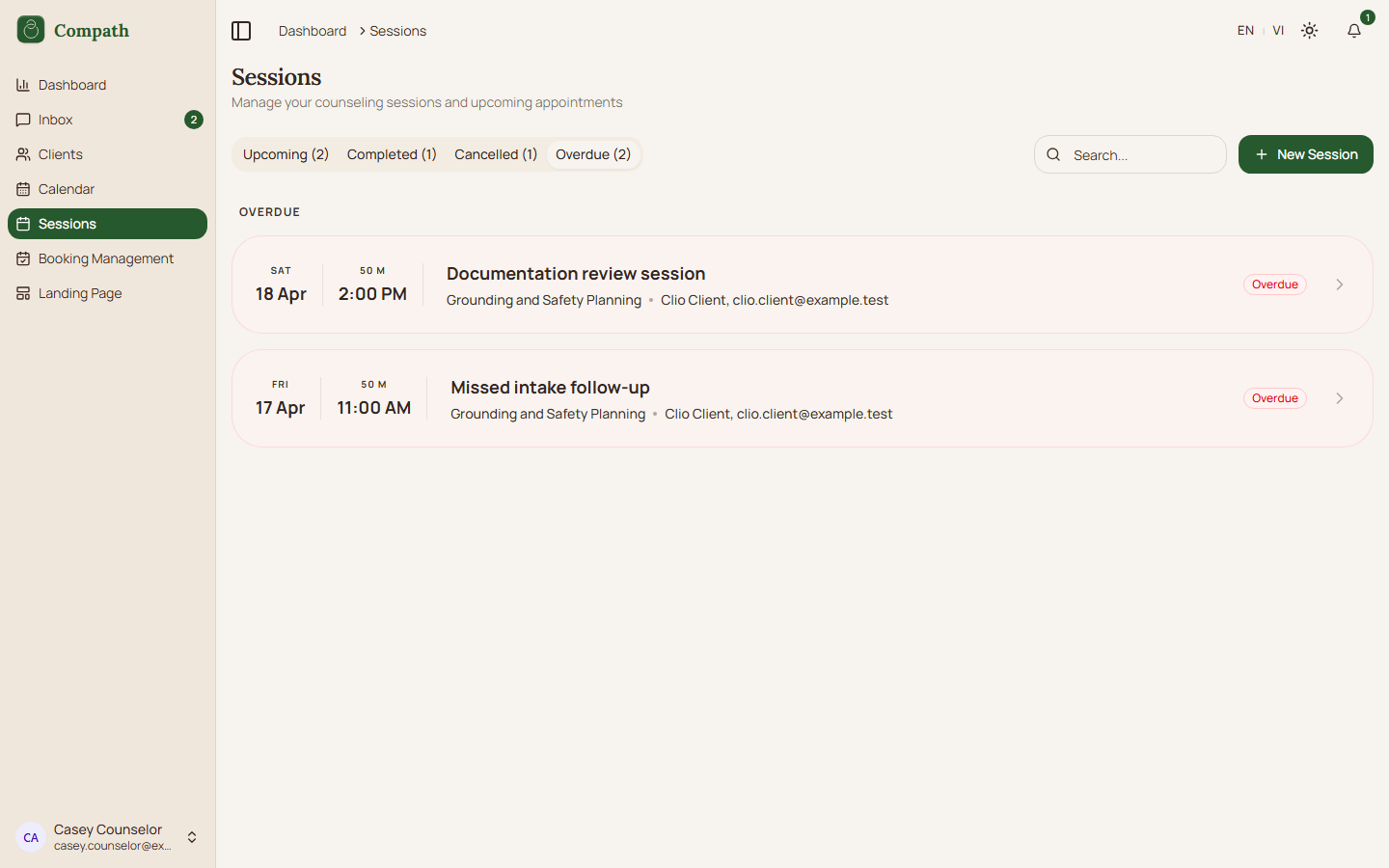
- [ Took Screenshots ] CO.5 Sessions List - Browse sessions by status with filters; screenshots:
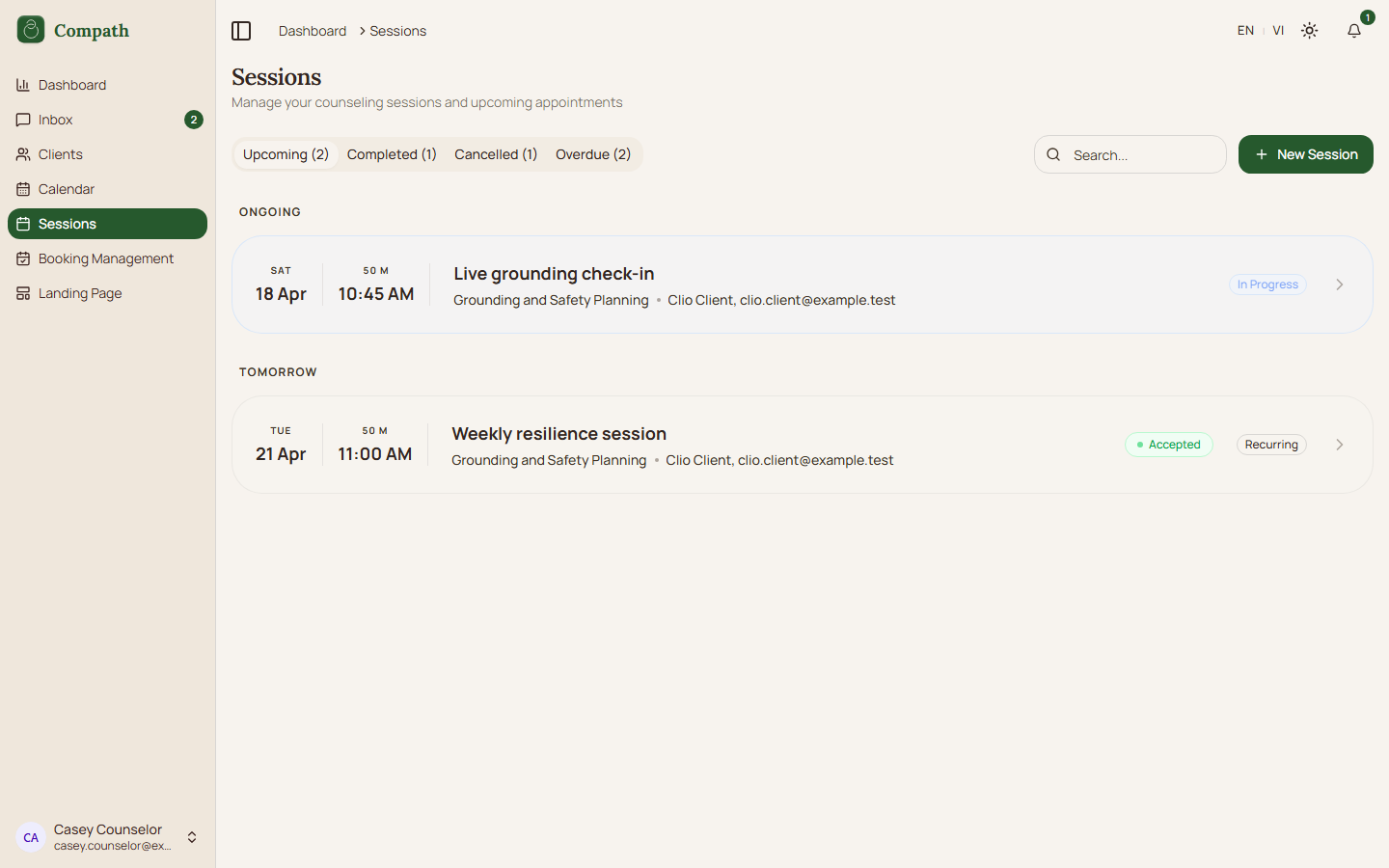 ,
, 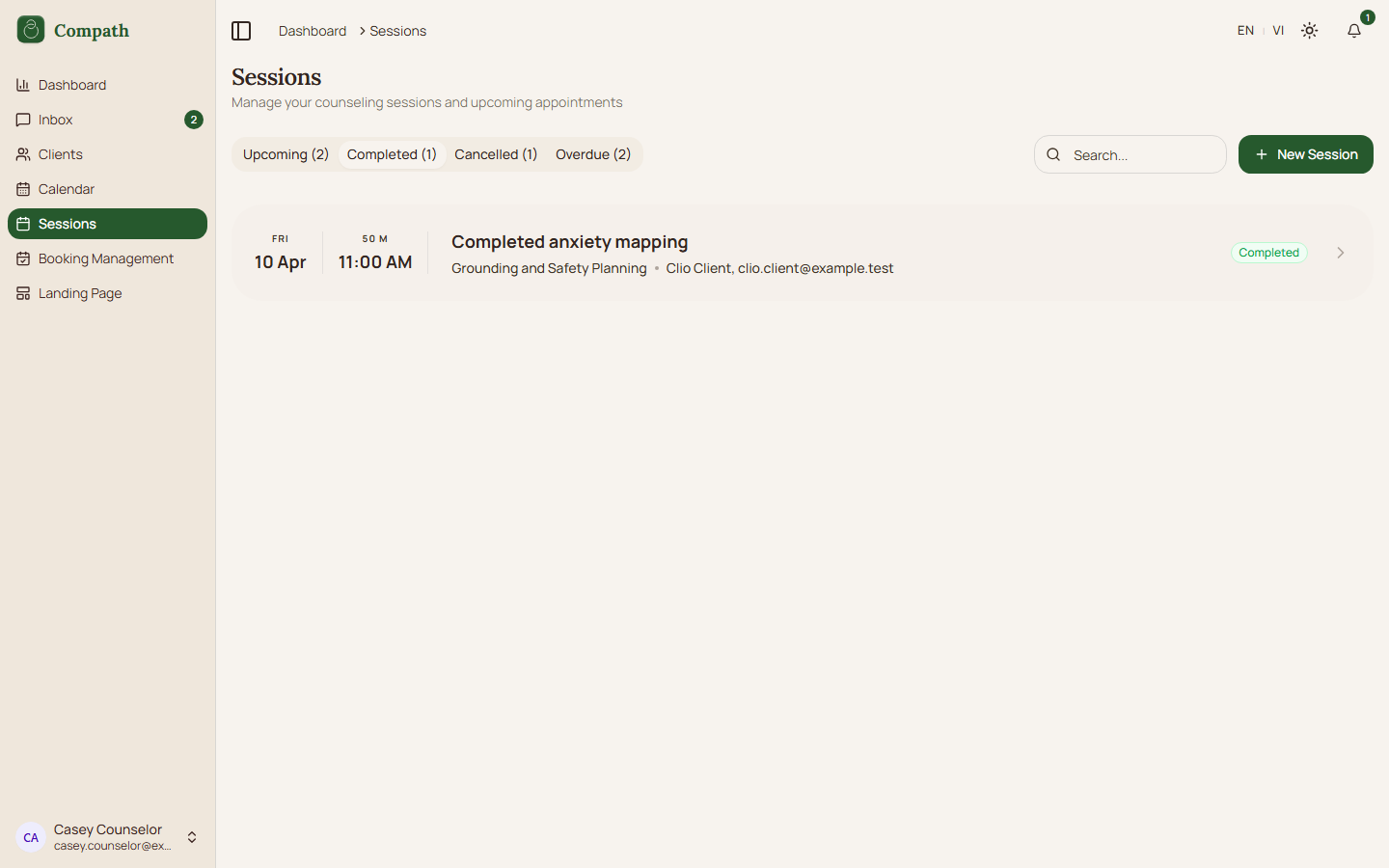 ,
, 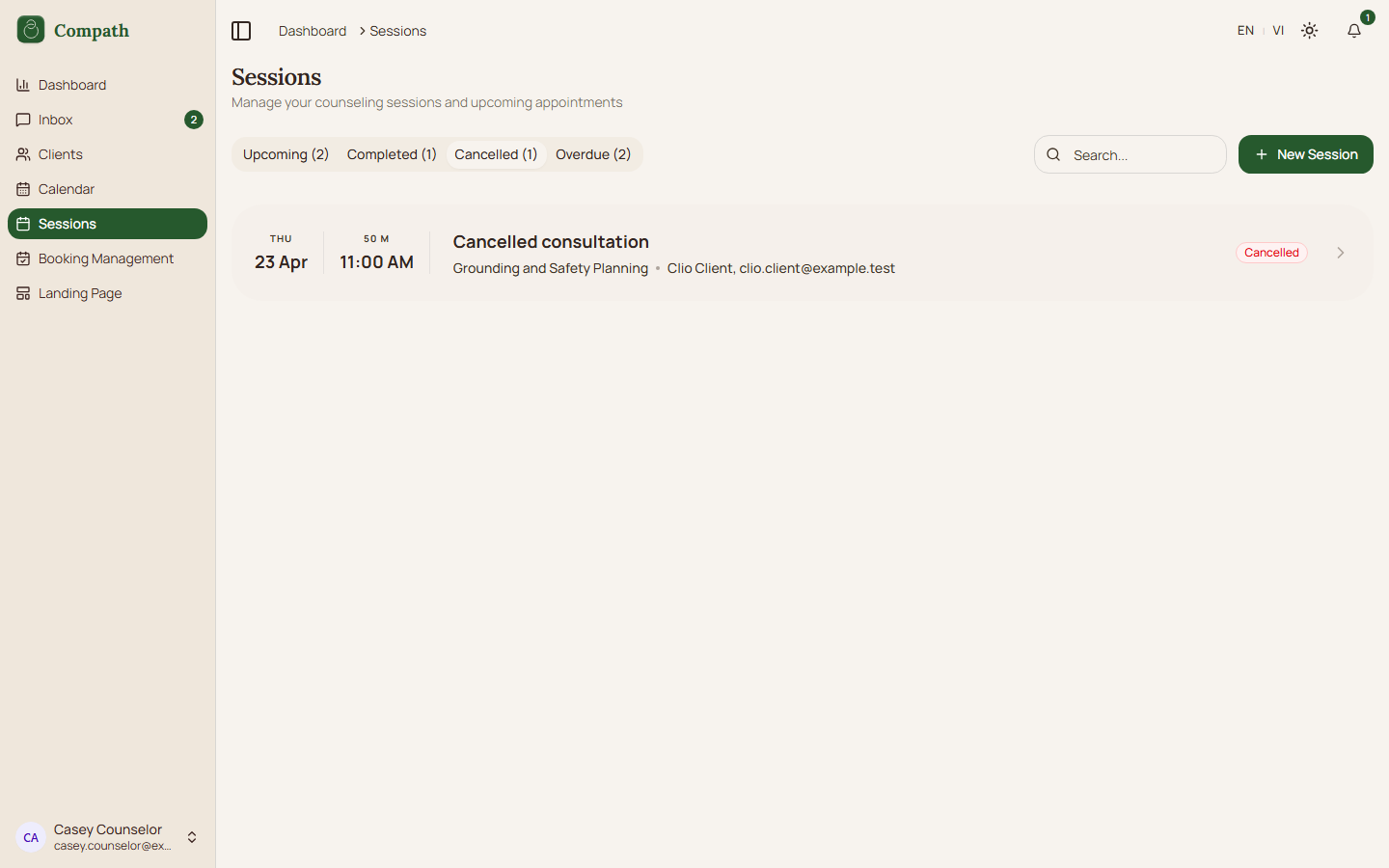 ,
, 
- [ Took Screenshots ] CO.6 Session/Meeting Details - View meeting info, notes, participants, documents; screenshots:
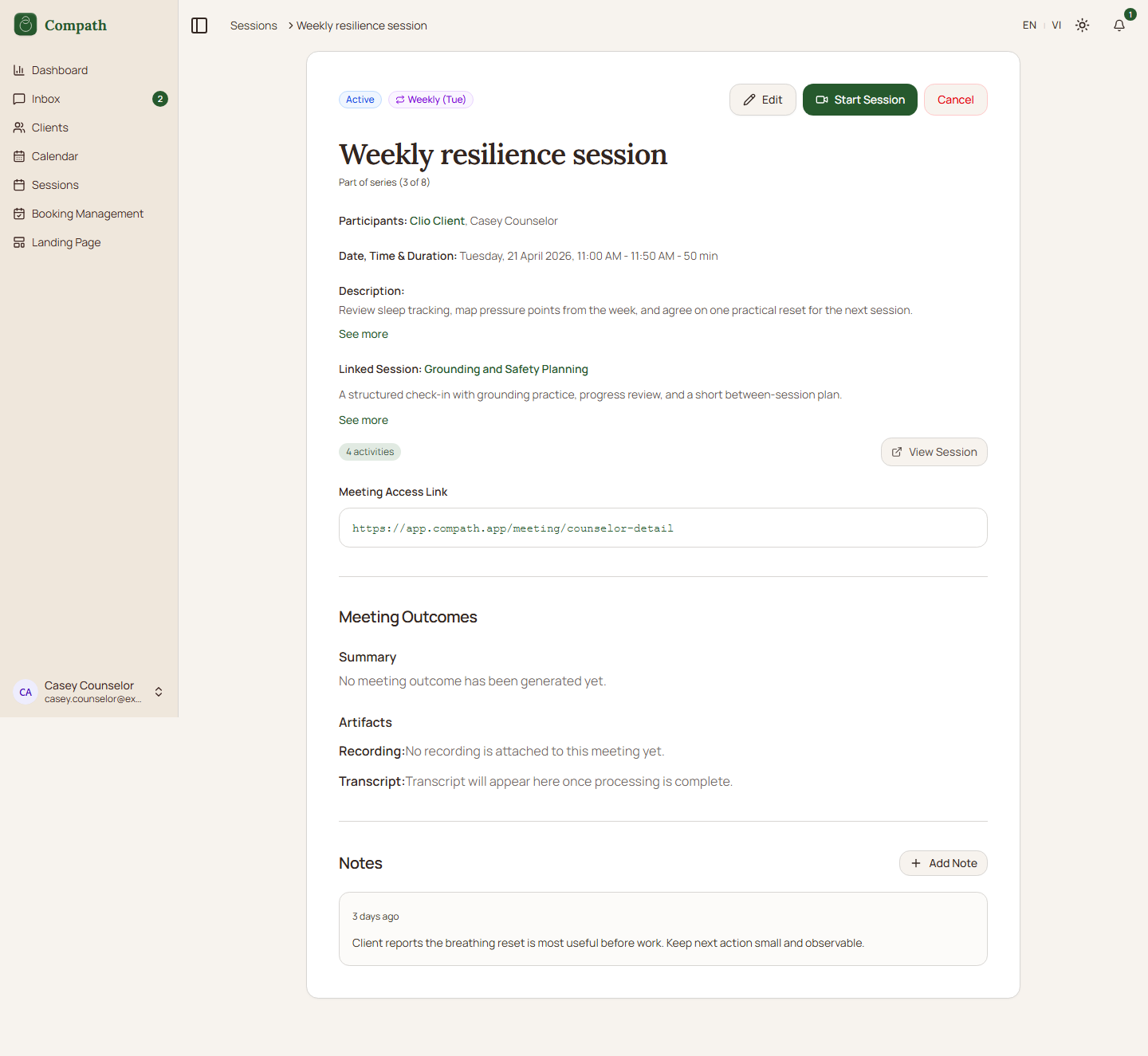
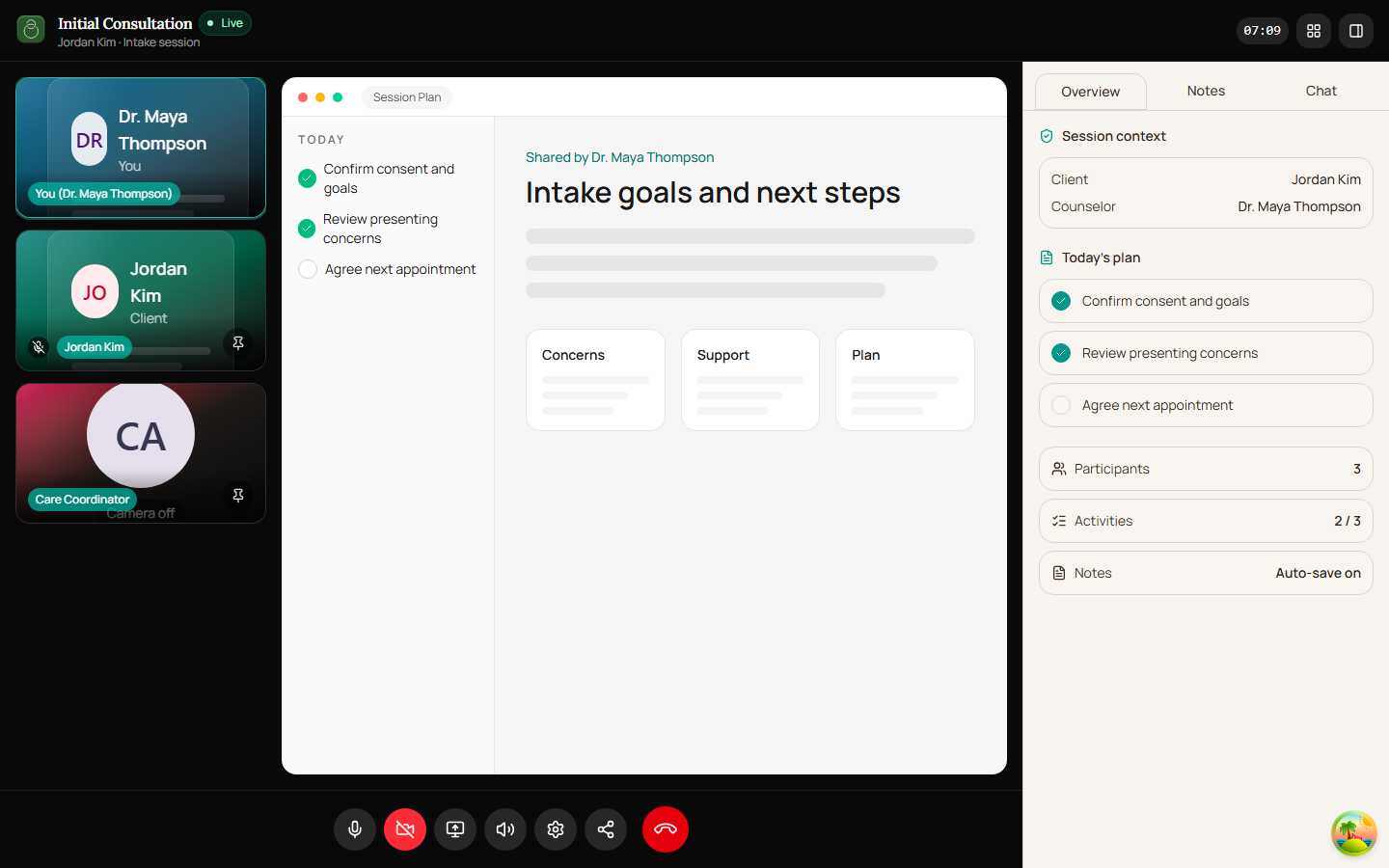
- [ Took Screenshots ] CO.7 Join Meeting - Pre-join device check -> enter video room; screenshots:
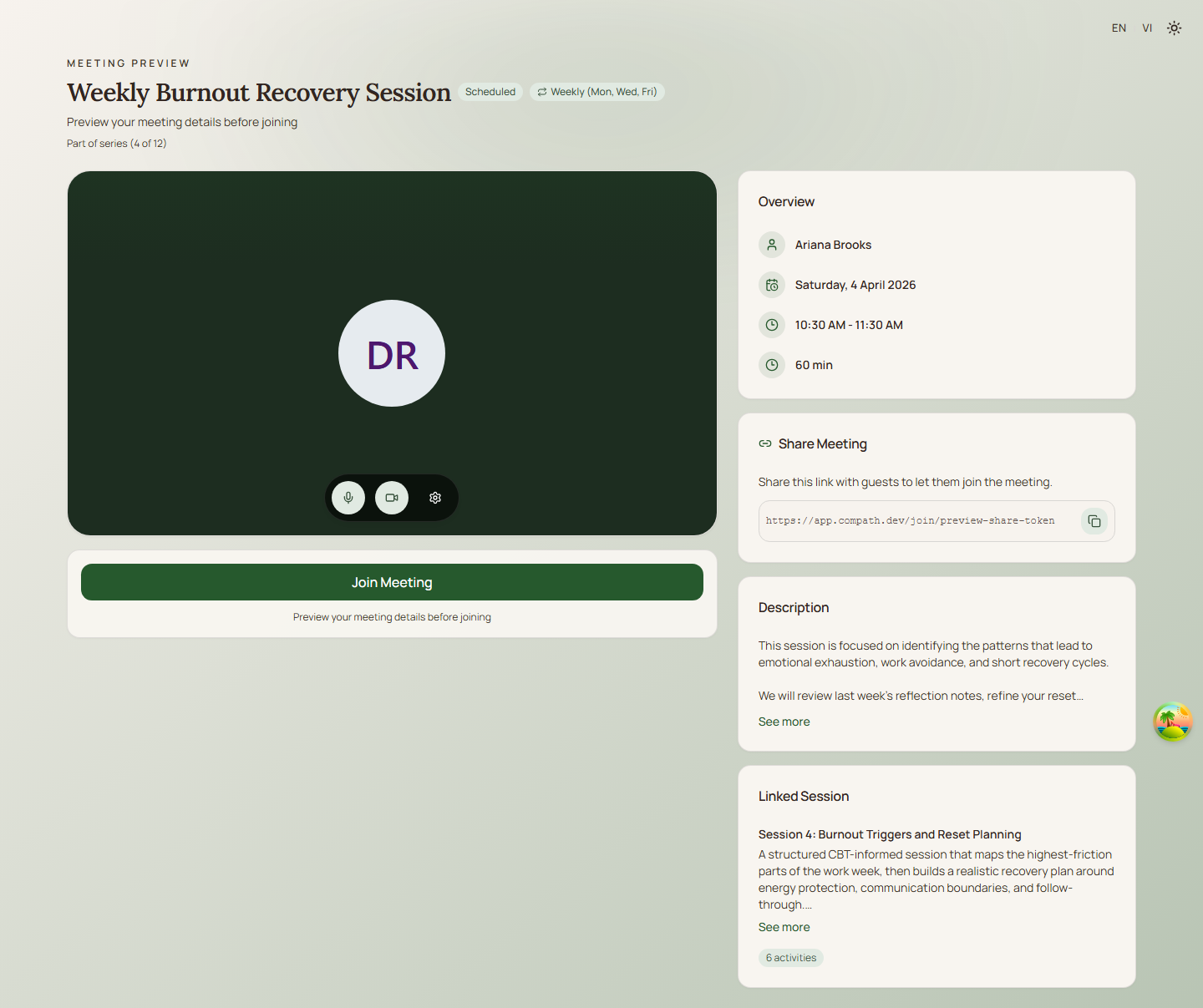
- [ Took Screenshots ] CO.8 Meeting Room - In-meeting: video, audio, screen share, end meeting; screenshots:
Client Management
- [ Took Screenshots ] CO.9 View Clients List - Browse, search, filter clients; screenshots: clients-list.png
- [ Took Screenshots ] CO.10 Client Details - View client profile, relationship, treatment history; screenshots: client-details.png
- [ Took Screenshots ] CO.11 Invite New Client - Create invitation, send email, track status; screenshots: invite-client-dialog.png


Library (Treatment Plans, Sessions, Activities)
- [x] CO.12 Library Overview - Browse treatment plan templates, session templates, activity templates
- [x] CO.13 Create Treatment Plan - Build plan with sessions and activities
- [x] CO.14 Treatment Plan Detail - View/edit plan, manage linked sessions
- [x] CO.15 Create Session Template - Build reusable session with activities
- [x] CO.16 Session Template Detail - View/edit session template
- [x] CO.17 Create Activity Template - Build reusable activity
- [x] CO.18 Activity Template Detail - View/edit activity template
- [x] CO.19 Clone Treatment Plan - Copy template plan to a specific client (custom plan)
Assessments
- [x] CO.20 Assessment Library - Browse, search, filter assessments
- [x] CO.21 Create Assessment - Build assessment with questions
- [x] CO.22 Assessment Detail - View/edit assessment, manage sharing
- [x] CO.23 Assessment Results - View aggregated results and submissions
- [x] CO.24 Submission Detail - View individual client submission
- [x] CO.25 Assessment Groups - Organize assessments into groups
- [x] CO.26 Share Assessment - Generate shareable link or landing page
Booking
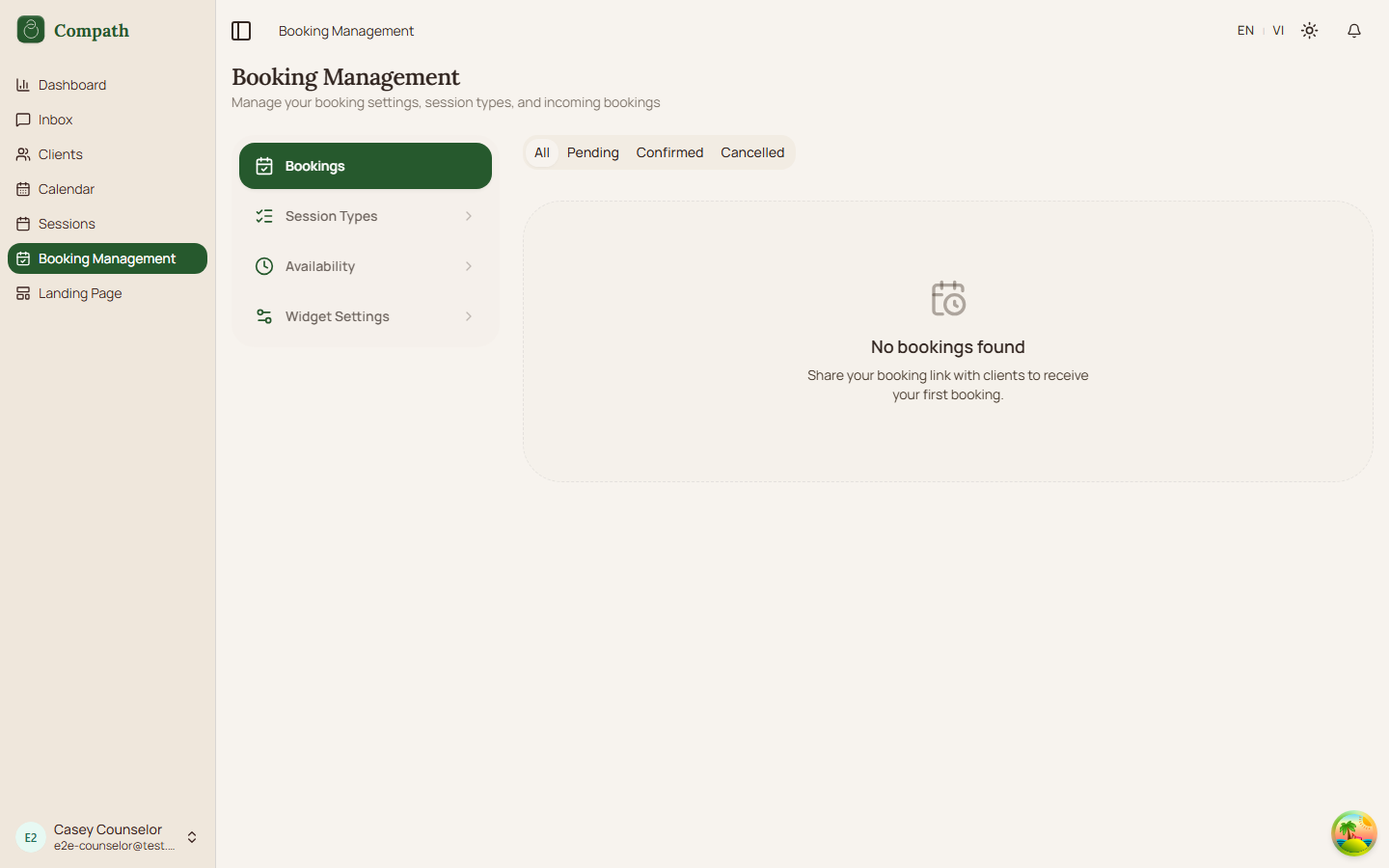
- [ Took Screenshots ] CO.27 Booking Settings - Configure availability, booking rules, services; screenshots:
Landing Pages (beta)
- [x] CO.28 Landing Pages List - Browse counselor's public landing pages
- [x] CO.29 Landing Page Builder - Create/edit public-facing counselor page
Communication
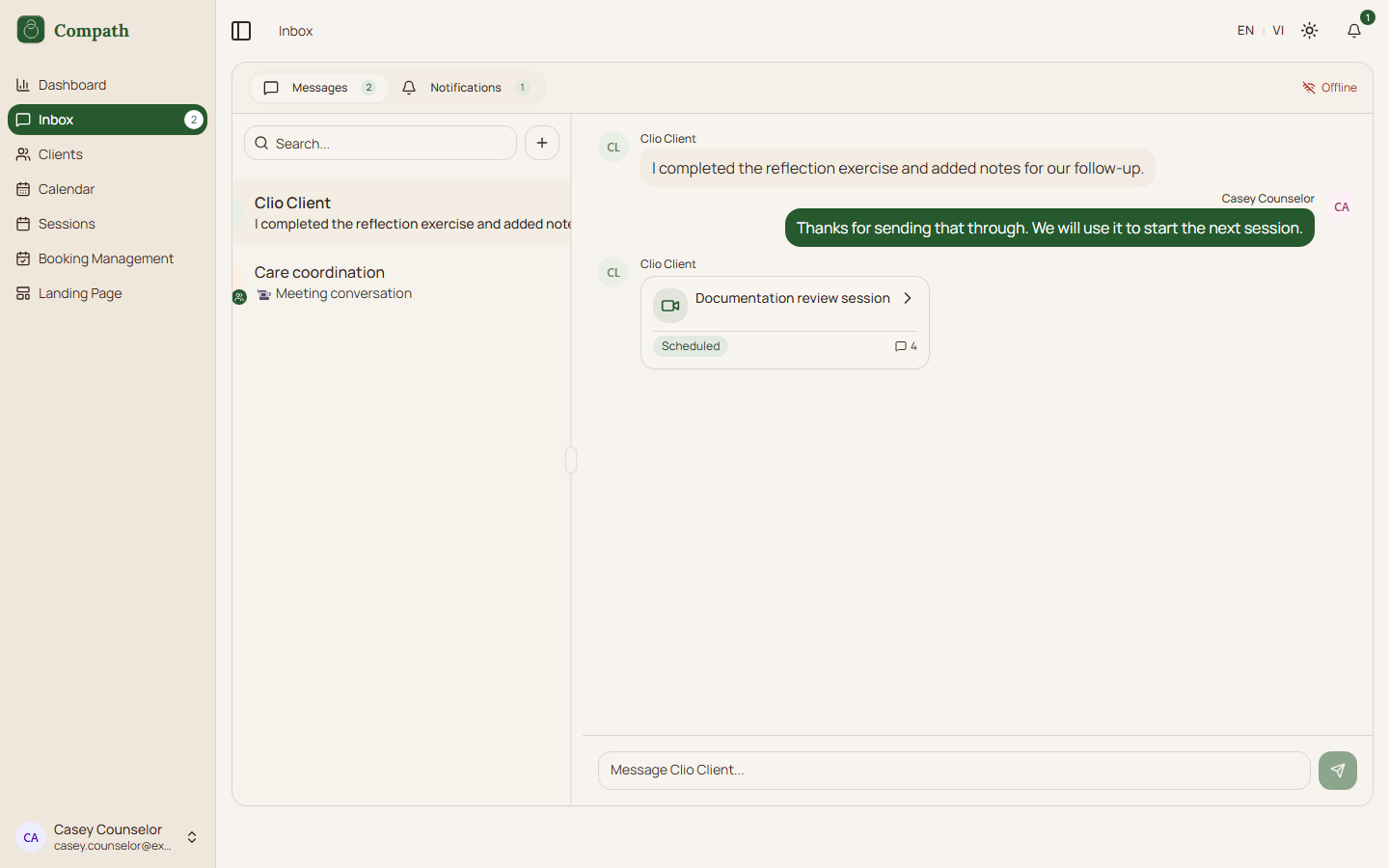
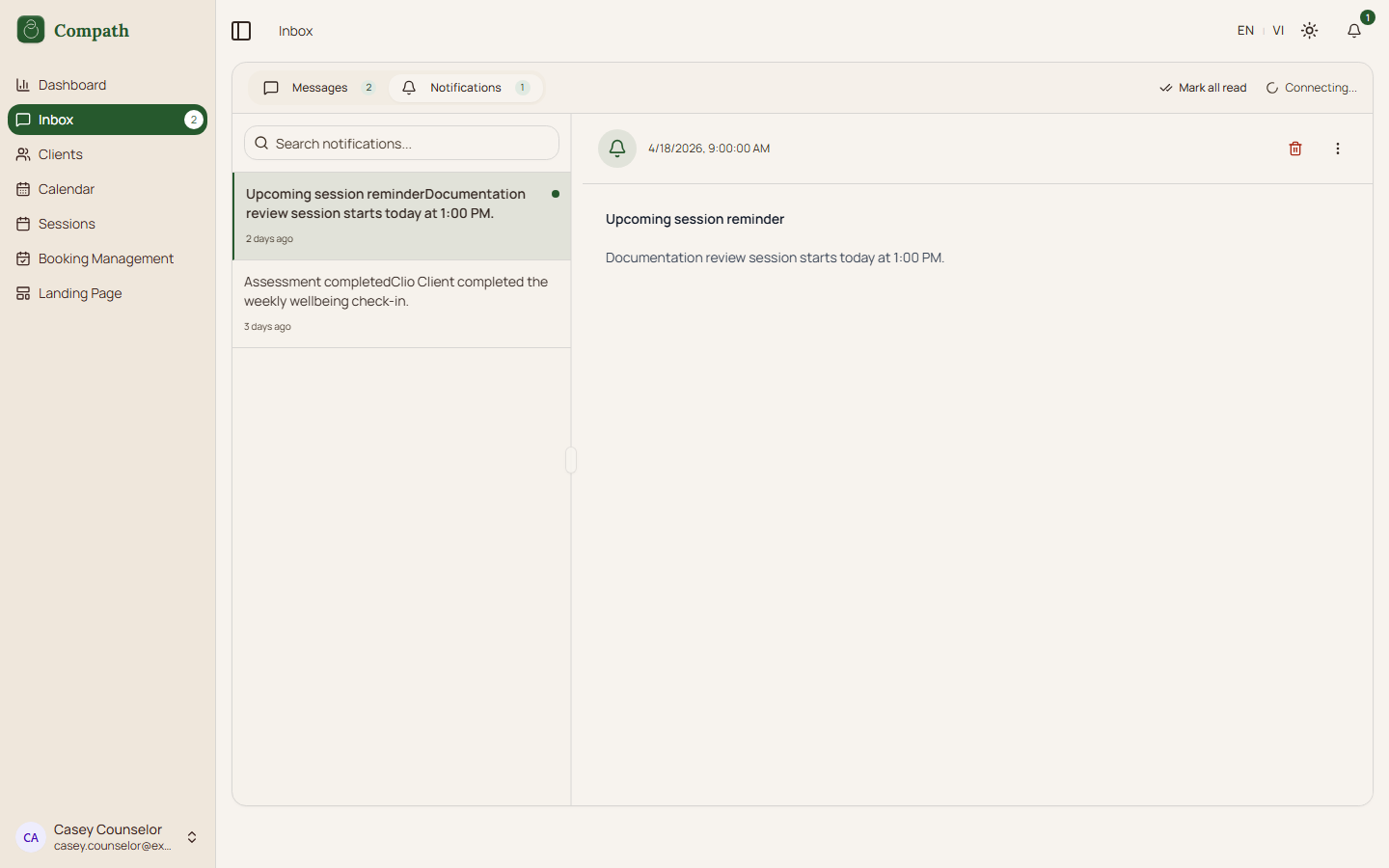
- [ Took Screenshots ] CO.30 Inbox - View and send messages to clients; screenshots:
 ,
, 
Account
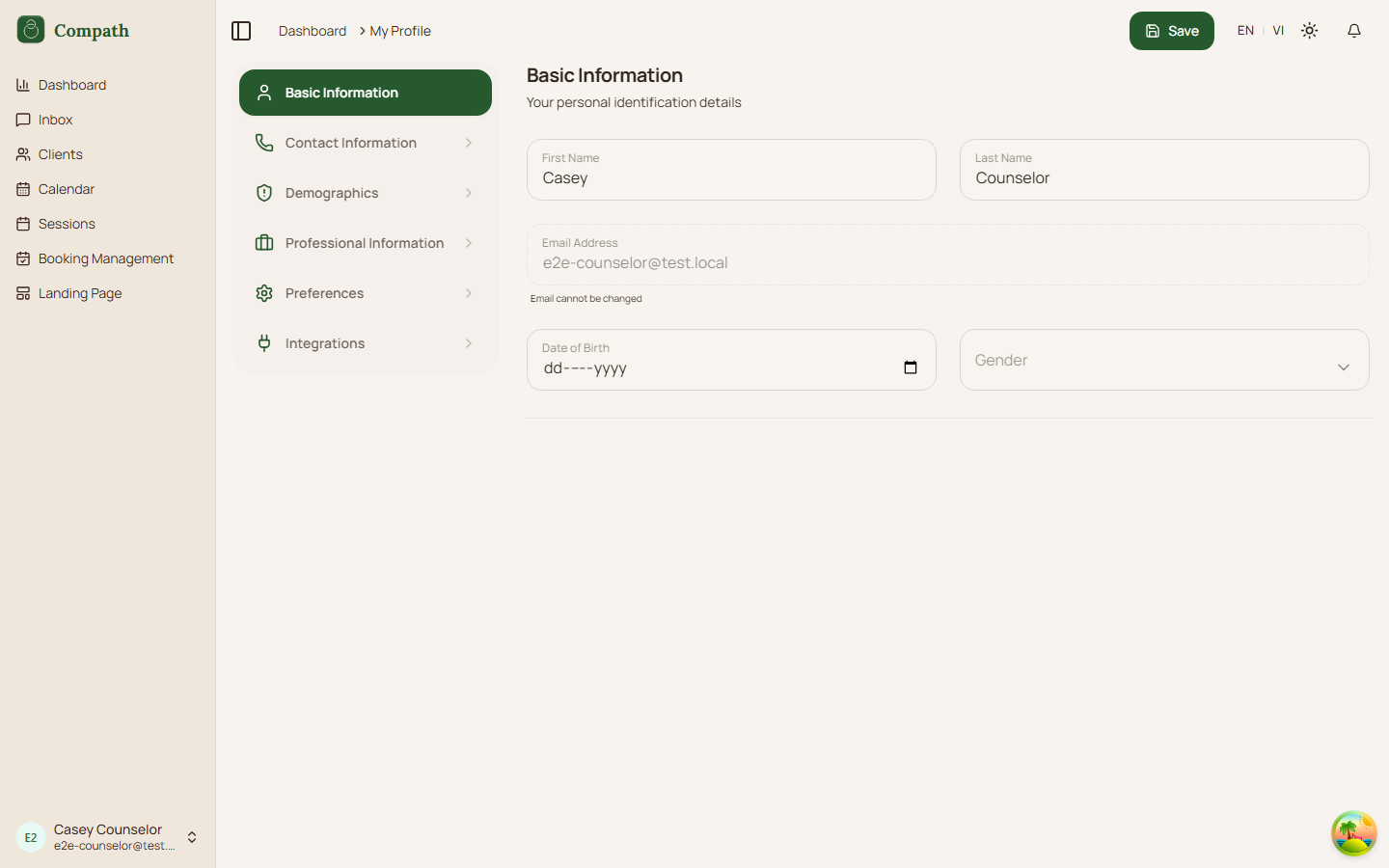
- [ Took Screenshots ] CO.31 Profile - View/edit personal info, avatar, preferences, calendar settings; screenshots:
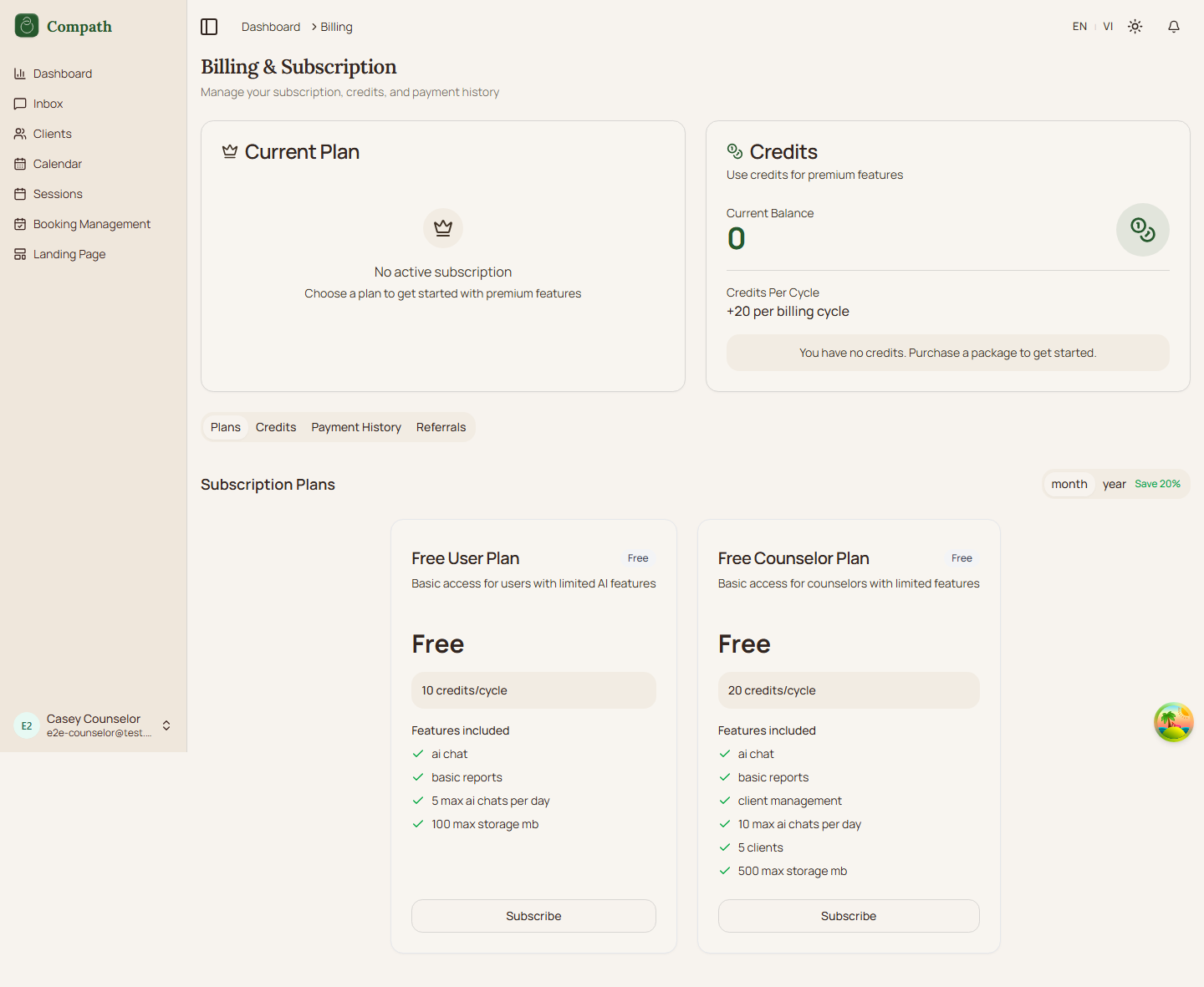
- [ Took Screenshots ] CO.32 Billing - View subscription, manage plan, payment history; screenshots:
Admin (Authenticated)
Admins manage the platform: users, system settings, billing plans, and content templates.
Sidebar navigation: Dashboard, Inbox, User Management, Library*, Assessments*, Billing Management, System Settings
Platform Management
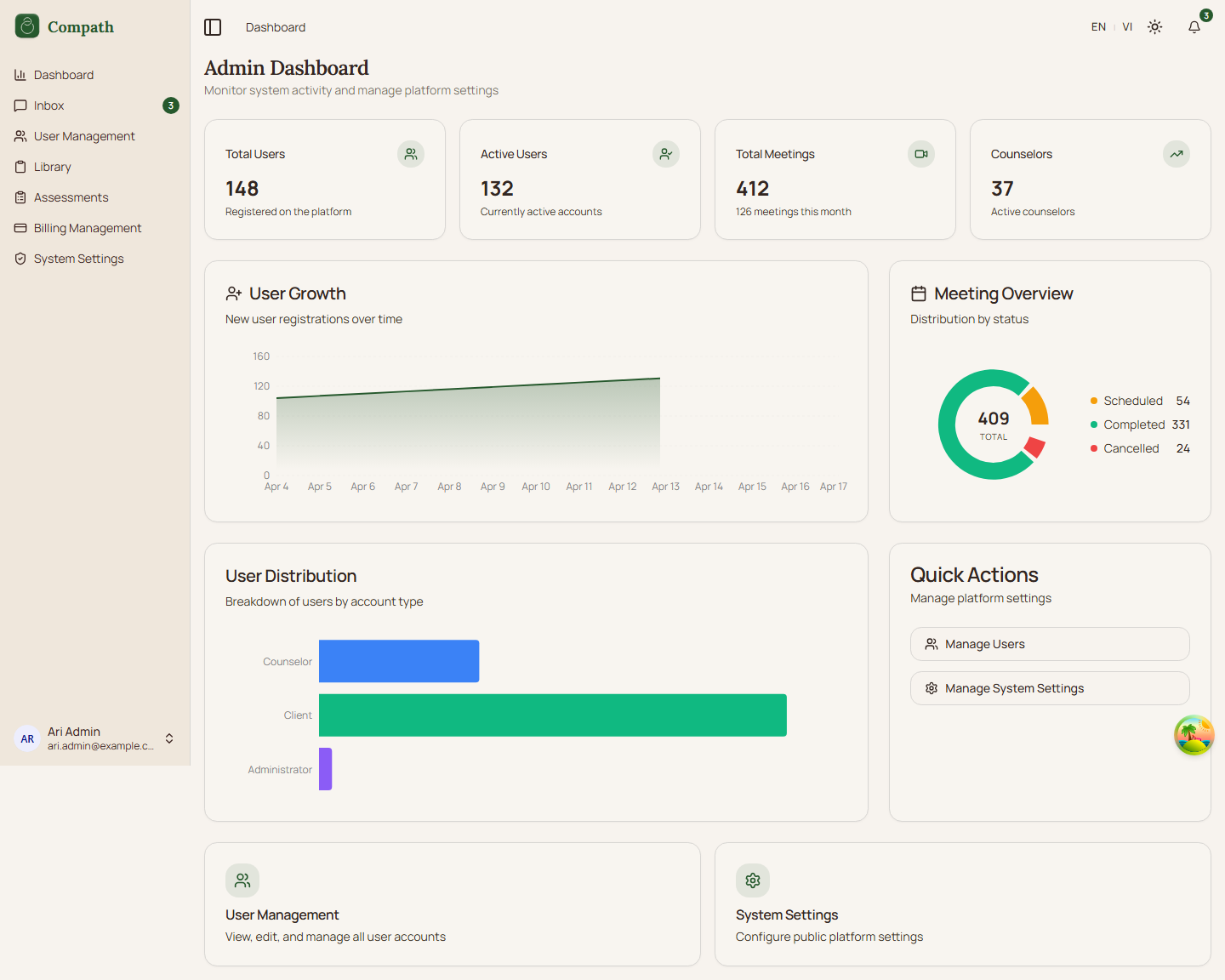
- [ Took Screenshots ] A.1 Admin Overview - System dashboard, stats; screenshots:
- [x] A.2 User Management - List users, view detail, manage roles
- [x] A.3 User Detail - View/edit individual user profile and status
- [x] A.4 System Settings - Configure app-wide settings
- [x] A.5 Email Templates - Manage email template content
- [x] A.6 Notification Templates - Manage notification template content
- [x] A.7 Admin Library - Manage public library of treatment plan templates
Billing Management
- [x] A.8 Admin Billing Overview - Manage subscription plans, packages, coupons
- [x] A.9 Plan Detail - Create/edit subscription plan
- [x] A.10 Package Detail - Create/edit session package
- [x] A.11 Coupon Detail - Create/edit discount coupon
Communication
- [x] A.12 Inbox - View and send messages
Invitation & Email Flows
Cross-role flows where a user action triggers an invitation, email, calendar invite, or in-app notification.
- [ Took Screenshots ] IE.1 Client Invitation Lifecycle - Counselor invites client -> system creates token -> email sent -> invitee accepts or rejects -> relationship created; current UI still asks unauthenticated invitees to confirm registration before accept/reject
- [x] IE.2 Templated Email Delivery - Template lookup -> language fallback -> render -> notification delivery record -> Resend send -> sent/failed tracking
- [x] IE.3 Invitation Status Management - Pending, accepted, rejected, revoked, and expired invitation handling
- [x] IE.4 Supabase Auth Emails - Login, sign-up, and invitation registration magic-link emails handled by Supabase Auth
- [x] IE.5 Booking Emails and Notifications - Booking request, confirmation, cancellation, and reschedule email/in-app notifications
- [x] IE.6 Meeting Invitations and Updates - Meeting invitee records, scheduled/instant invite emails, update notifications, and ICS download
- [x] IE.7 Assessment Emails and Notifications - Assessment assignment and completion emails/in-app notifications
- [x] IE.8 In-App Notification Delivery - Notification template render -> database record -> SSE push -> Inbox/notification read/archive lifecycle
Cross-Role Flow Summary
Quick reference showing which roles participate in shared flows:
| Flow | Guest | Client | Counselor | Admin |
|---|---|---|---|---|
| Sign Up / Login | x | |||
| Onboarding | x | x | ||
| Dashboard | x | x | x | |
| Calendar | x | x | ||
| Sessions List | x | x | ||
| Meeting Details | x | |||
| Join Meeting | x | x | x | |
| Meeting Room | x | x | ||
| Inbox | x | x | x | |
| Profile / Settings | x | x | ||
| Billing (own) | x | x | ||
| Client Management | x | |||
| Library | x | |||
| Assessments (manage) | x | |||
| Take Assessment | x | x | ||
| Booking (public) | x | x | ||
| Booking Settings | x | |||
| My Bookings | x | |||
| Landing Pages | x (beta) | |||
| User Management | x | |||
| System Settings | x | |||
| Billing Management | x | |||
| Client Invitation Lifecycle | x | x | x | |
| Templated Email Delivery | x | x | x | x |
| Invitation Status Management | x | x | x | |
| Supabase Auth Emails | x | x | x | x |
| Booking Emails / Notifications | x | x | x | |
| Meeting Invitations / Updates | x | x | x | |
| Assessment Emails / Notifications | x | x | x | |
| In-App Notifications | x | x | x |
How to Document a Flow
When filling out a flow, create a folder under the relevant role using the lowercase flow ID and slug, then place the flow Markdown file inside it. For example, use guest/g1-sign-up/G1-sign-up.md, client/c2-client-dashboard/C2-client-dashboard.md, or counselor/co9-view-clients-list/CO9-view-clients-list.md.
Screenshots for a flow belong in that flow's screenshots/ folder, e.g. guest/g5-public-booking/screenshots/session-select.png.
Include:
- Summary - One paragraph describing the flow
- Role - Which role(s) this flow applies to
- Entry Point - How the user reaches this flow (URL, navigation, link)
- Preconditions - What must be true before the flow starts
- Steps - Numbered step-by-step walkthrough
- Mermaid Diagram - Visual flowchart
- Edge Cases - Error states, alternative paths, permission checks
- Related Flows - Links to connected flows
Template
markdown
# Flow ID: Flow Name

## Summary

Brief description of what this flow accomplishes.

## Role

- **Primary:** Guest / Client / Counselor / Admin
- **Secondary:** System (email, notifications)

## Entry Point

- URL: `/path`
- Navigation: Sidebar -> Item Name

## Preconditions

- Authenticated: yes / no
- Required role: counselor / client / admin / none
- Other: ...

## Steps

1. User navigates to ...
2. System displays ...
3. User clicks ...
4. System validates ...
5. ...

## Diagram

` ``mermaid
flowchart TD
    A[Start] --> B[Step 1]
    B --> C{Decision?}
    C -->|Yes| D[Step 2a]
    C -->|No| E[Step 2b] ` ``

## Edge Cases

- **Invalid input:** ...
- **Unauthorized access:** ...
- **Network failure:** ...

## Related Flows

- [G.2 Login](./guest/g2-login/G2-login.md)
- [C.1 Client Onboarding](./client/c1-client-onboarding/C1-client-onboarding.md)