Appearance
G.1: Sign Up
Summary
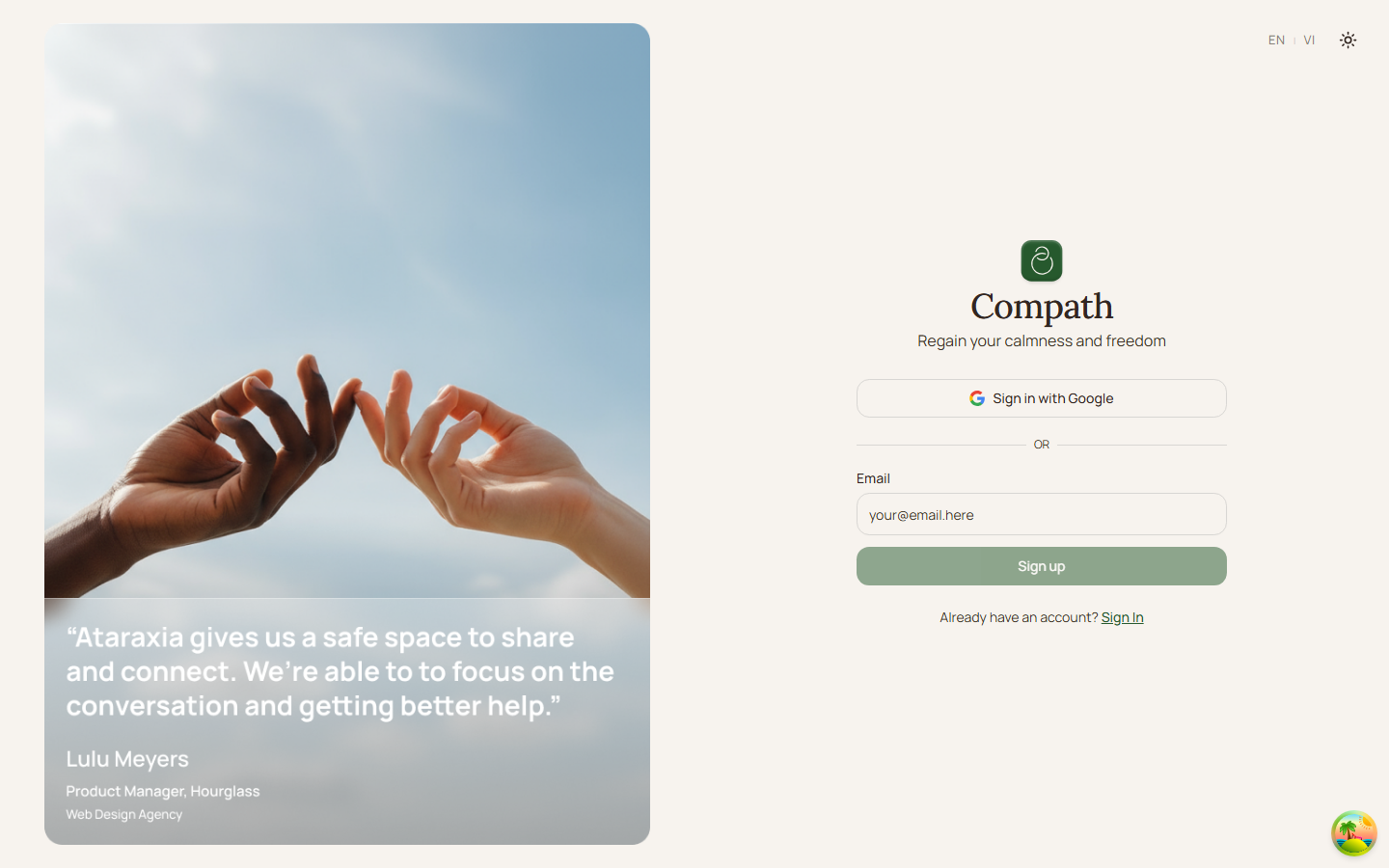
Guests create an account from the login page sign-up mode. The current frontend sends a Supabase magic-link email instead of collecting and storing a password in Compath.
Role
- Primary: Guest
- Secondary: Supabase Auth
Entry Point
- URL:
/login - UI: switch to sign-up mode on the auth page
Preconditions
- Guest is not authenticated.
- Supabase frontend environment variables are configured.
Steps
- Guest opens
/login. - Guest switches to the sign-up form.
- Guest enters an email address and submits.
- Frontend calls
supabase.auth.signInWithOtpwith an email redirect URL. - Supabase sends the magic-link email.
- Guest clicks the link and returns to Compath with a Supabase session.
- App loads the user profile and sends incomplete profiles to onboarding.
Diagram
Edge Cases
- Existing email: Supabase handles the account state and link delivery.
- OAuth sign-up: OAuth providers use Supabase redirects instead of email OTP.
- Incomplete profile: Post-auth routing sends the user to
/onboarding. - Current implementation note: This is magic-link sign-up, not a password registration flow.
Current Implementation Notes
- Frontend:
frontend/src/features/auth/components/sign-up-form.tsx,frontend/src/App.tsx - Routing:
frontend/src/shared/lib/post-auth-routing.ts
Screenshot Status
- Sign-up form:
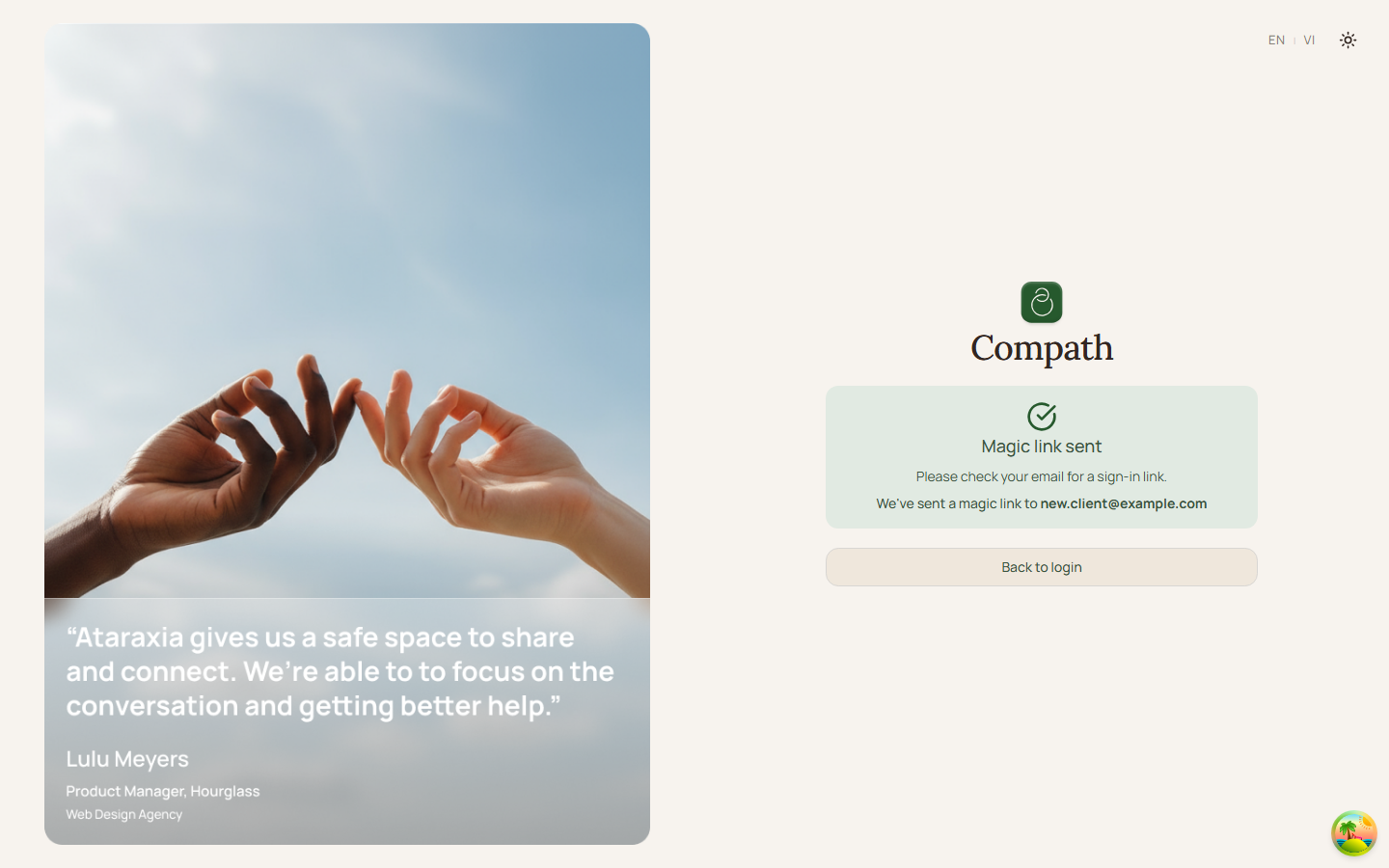
- Magic link sent: