Appearance
C.8: My Bookings
Summary
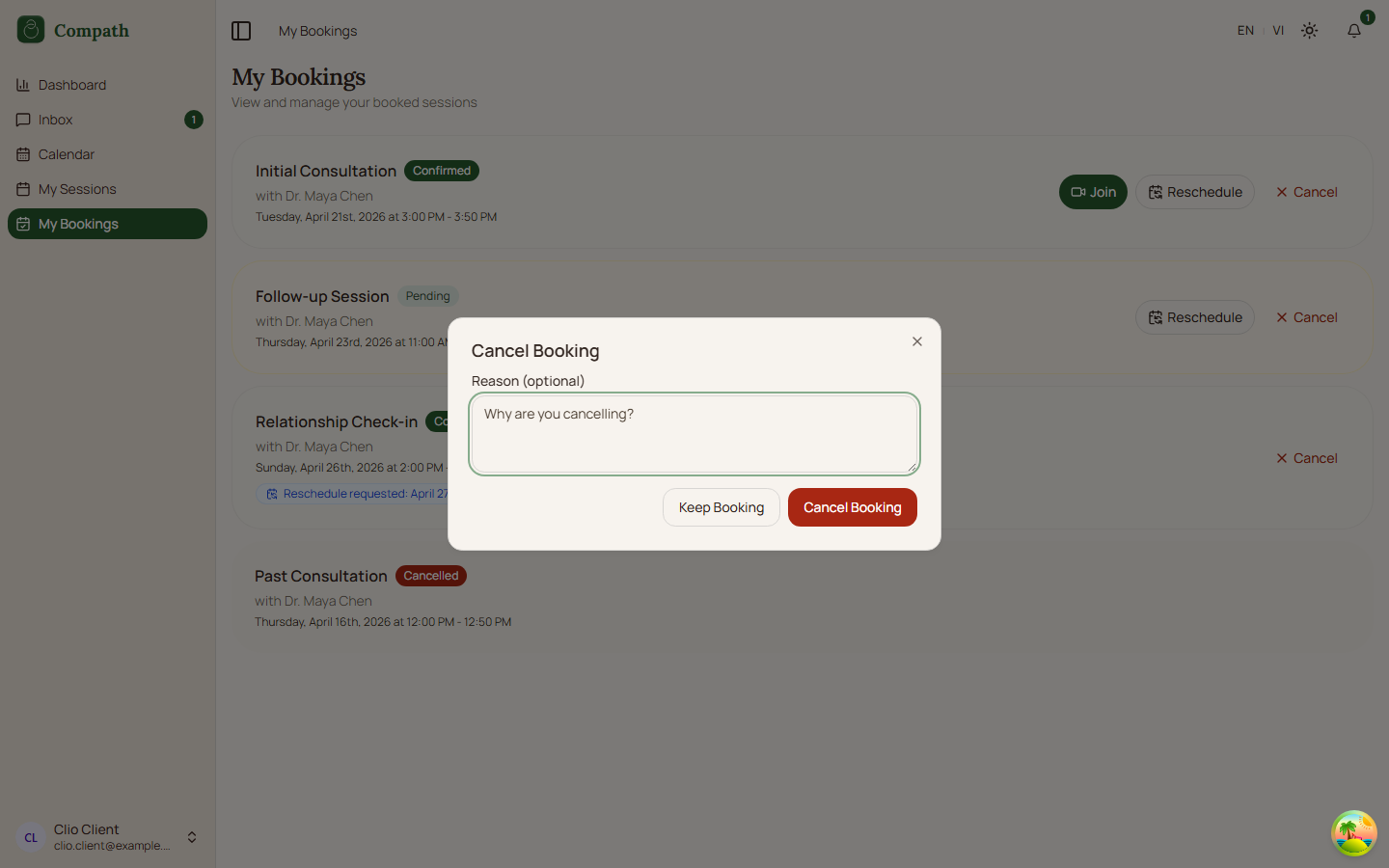
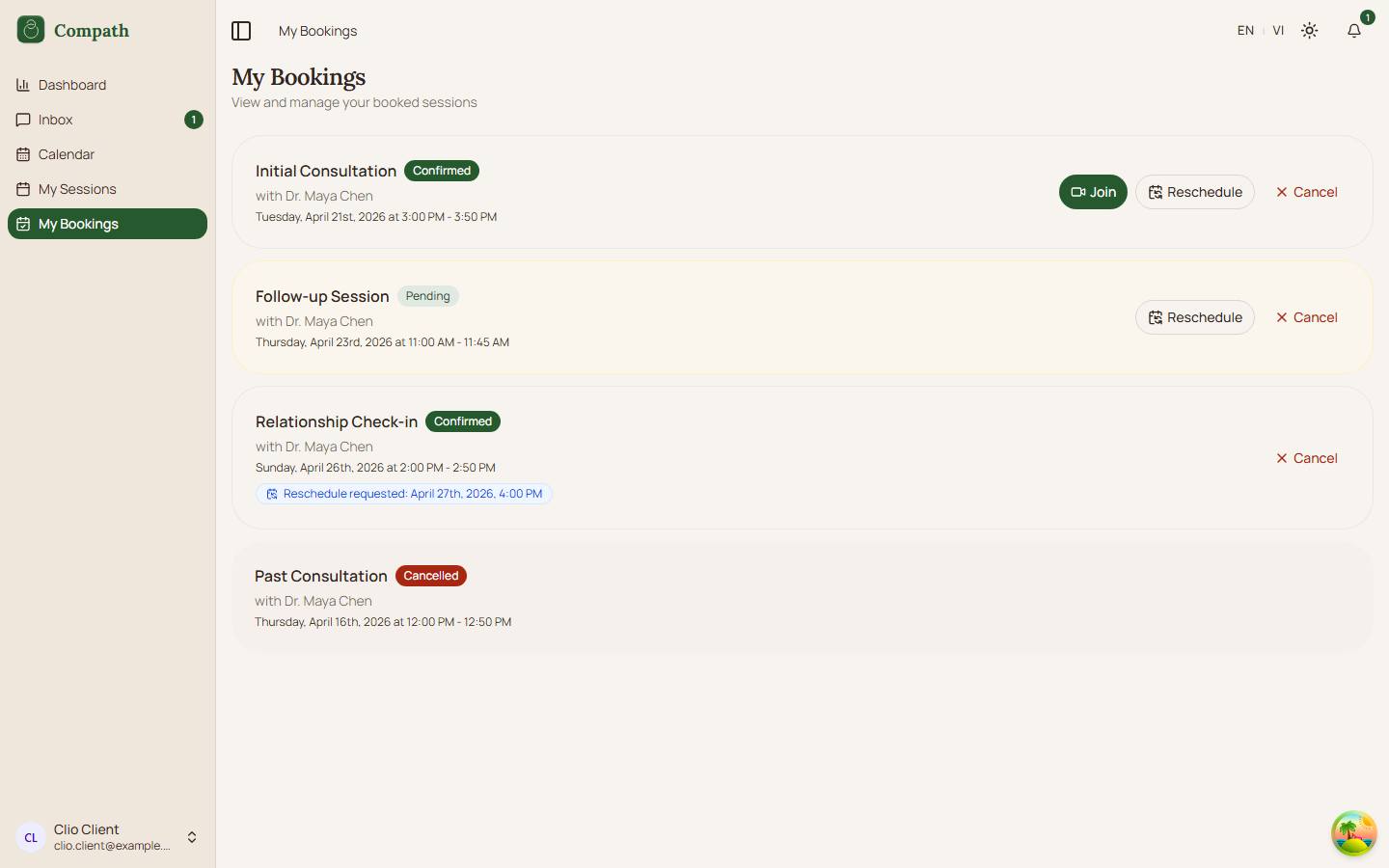
My Bookings shows the client's booked sessions, including pending, confirmed, reschedule-pending, and cancelled bookings. Clients can join upcoming confirmed meetings, request a reschedule when allowed, cancel pending or confirmed bookings with an optional reason, or retry when the booking list fails to load.
Role
- Primary: Client
- Secondary: Counselor, System
Entry Point
- URL:
/my-bookings - Navigation: Sidebar -> My Bookings
Preconditions
- Authenticated: yes
- Required role:
client - Client has zero or more booking records
Steps
- Client opens
/my-bookings. - System queries the client's bookings with the default booking list limit.
- Page displays loading, error, empty, or booking list state.
- Each booking row shows session type, booking status, counselor name, and scheduled time range.
- For upcoming confirmed bookings with a meeting ID, client can click Join Meeting to open
/meeting/:meetingId. - For pending or confirmed bookings with a booking page slug, client can open the reschedule dialog.
- Client picks a new date, waits for available slots, selects a slot, and confirms the reschedule request.
- For pending or confirmed bookings, client can open the cancel dialog.
- Client optionally enters a cancellation reason and confirms cancellation.
- System invalidates the My Bookings query after cancel or reschedule mutations.
Diagram
Edge Cases
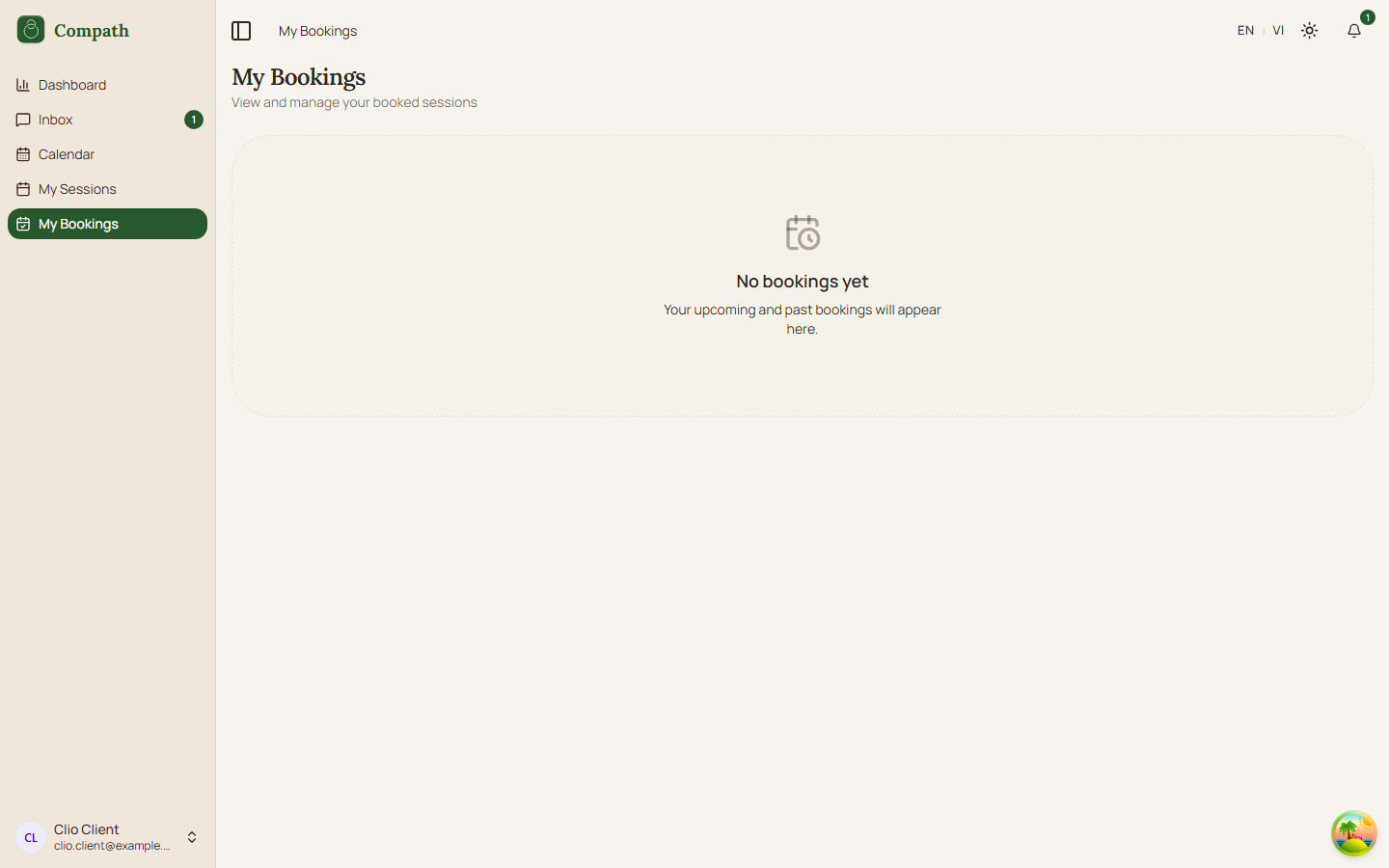
- No bookings: Page shows an empty state explaining there are no bookings.
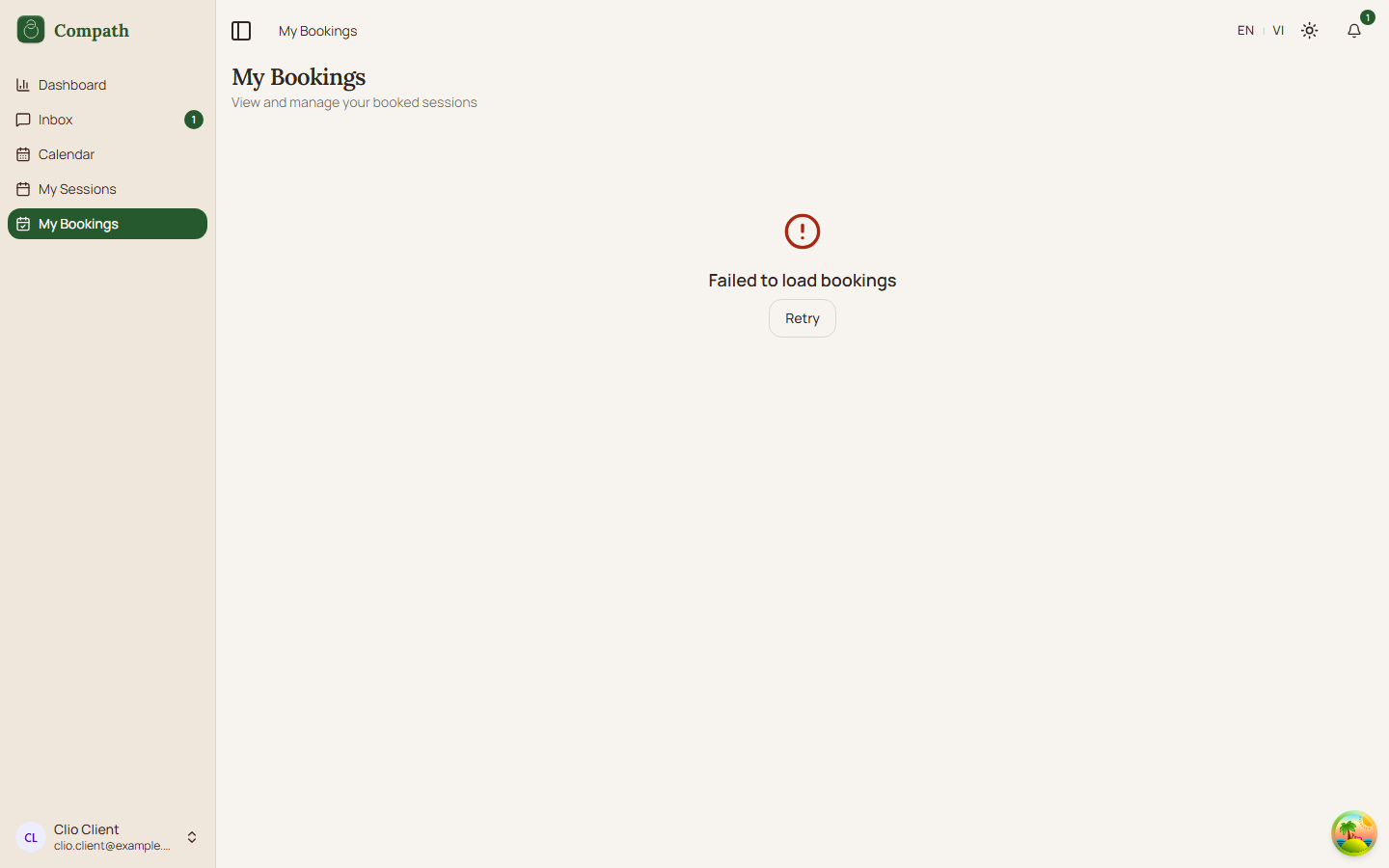
- Load failure: Page shows an inline error state with a retry button.
- Reschedule already requested: Booking shows a reschedule-pending badge and disables another reschedule request.
- No available slots: Reschedule dialog shows a no-times message for the selected date.
- Past slots: Past time slots are disabled.
- Missing booking page slug: Reschedule action is hidden because available slots cannot be fetched.
- Join action: Join Meeting is shown only for confirmed future bookings that have a
meeting_id.
Screenshot Status
- Captured:
- Captured:
- Captured:
- Captured: