Appearance
CO.27: Booking Settings
Summary
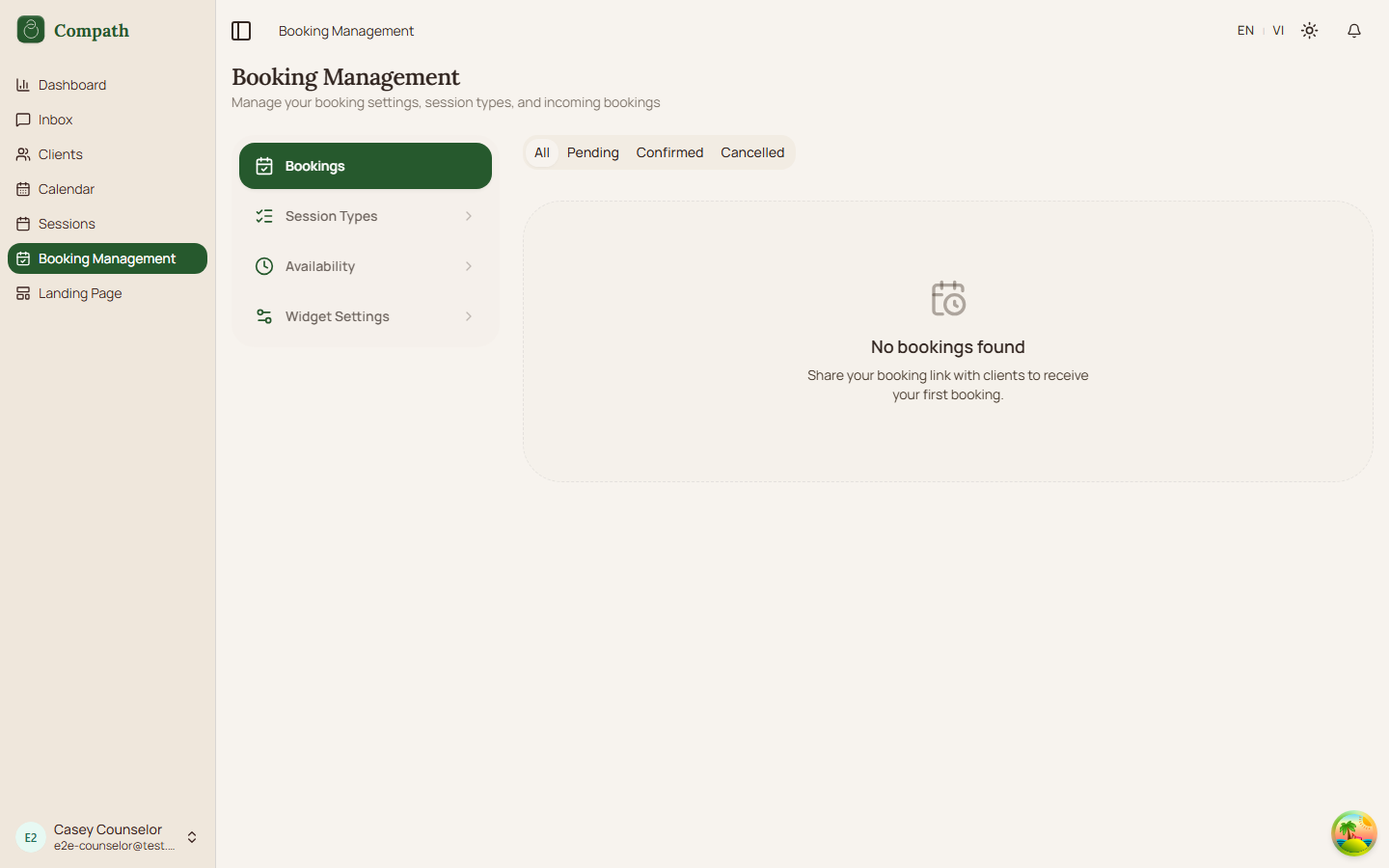
Counselors configure booking requests, session types, availability, and public/embed widget settings from the booking settings page.
Role
- Primary: Counselor
Entry Point
- URL:
/booking-settings - Sidebar: Booking Settings
Preconditions
- User is authenticated as a counselor.
Steps
- Counselor opens booking settings.
- Page renders tabs for bookings, availability, and widget settings.
- Counselor reviews incoming bookings.
- Counselor configures availability and booking rules.
- Counselor edits widget slug and embed settings.
- Public booking pages use the saved configuration.
Session types: three sources, two switches
Session types have their own page, reached from the sidebar rather than from this one. They are the only part of booking setup a counselor also needs while working inside a workspace, where Booking Settings is not in the sidebar at all.
A counselor draws on three tiers: platform templates set by an admin, workspace templates set by their owner or manager, and types they create themselves. All three appear in one picker.
Templates are referenced live, not copied — a manager editing the workspace price changes what every counselor in that workspace offers. A counselor who genuinely differs can override the duration or price for themselves; the name always follows the template.
Each type carries two independent switches:
- Offer — the counselor can be booked for it, including by a manager booking on their behalf.
- Publish — it appears on the counselor's public booking link.
They are separate because two counselors sharing one workspace template must be able to disagree about publishing it, so that decision lives with the counselor rather than on the template.
Defaults exist so a new counselor is bookable without setting anything up: every visible template is offered, and their own types are published. Shared templates are never published without the counselor saying so — putting terms they never chose in front of their own clients is their call.
That page holds all of it: the picker across the three tiers, the counselor's own types with full create and edit, and — for owners and managers — the workspace templates.
Which of them the Schedule session dialog lists follows the sidebar switcher: inside a workspace, that workspace's templates plus the platform ones; in the personal practice, the counselor's own types plus the platform ones. Switching context drops a type that is no longer on offer back to "Meeting only". The server backs this up: a session booked with a type while standing in a workspace is filed under that workspace, and a type belonging to a different workspace is refused (session_type_unavailable). It is looser than the dialog on purpose — platform types and the counselor's own types are accepted in any context, and the personal view may book any workspace's type.
Retired templates are archived, never deleted, because bookings reference them and the history has to survive.
Diagram
Edge Cases
- Slug availability: Public and embed URLs depend on widget slug.
- Pending bookings: Counselor actions trigger booking notification flows.
- Availability conflicts: Booking backend validates final slot availability.
Current Implementation Notes
- Frontend:
frontend/src/app/pages/booking-settings.tsx,frontend/src/features/booking/components
Screenshot Status
- Captured: