Appearance
C.1: Client Onboarding
Summary
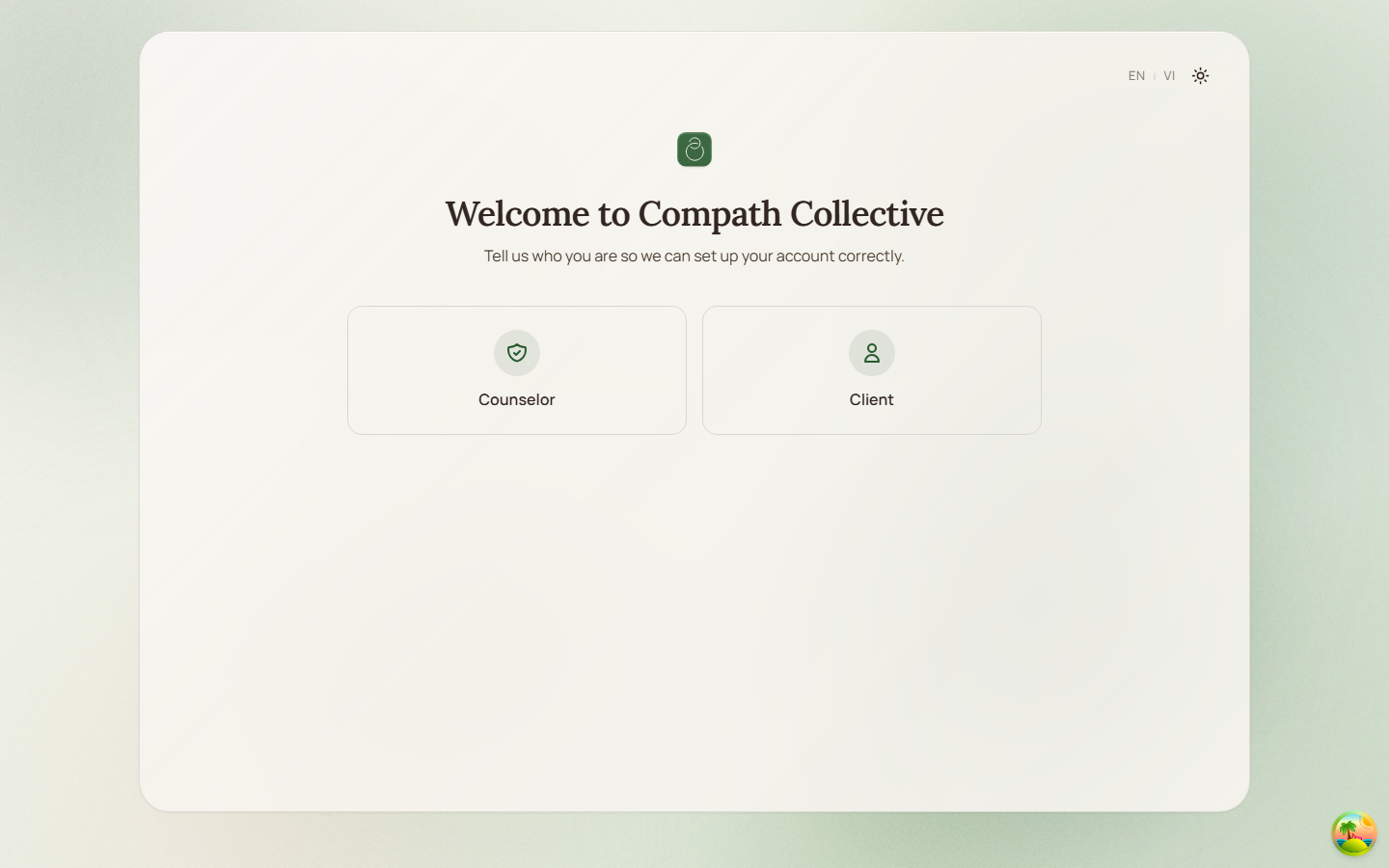
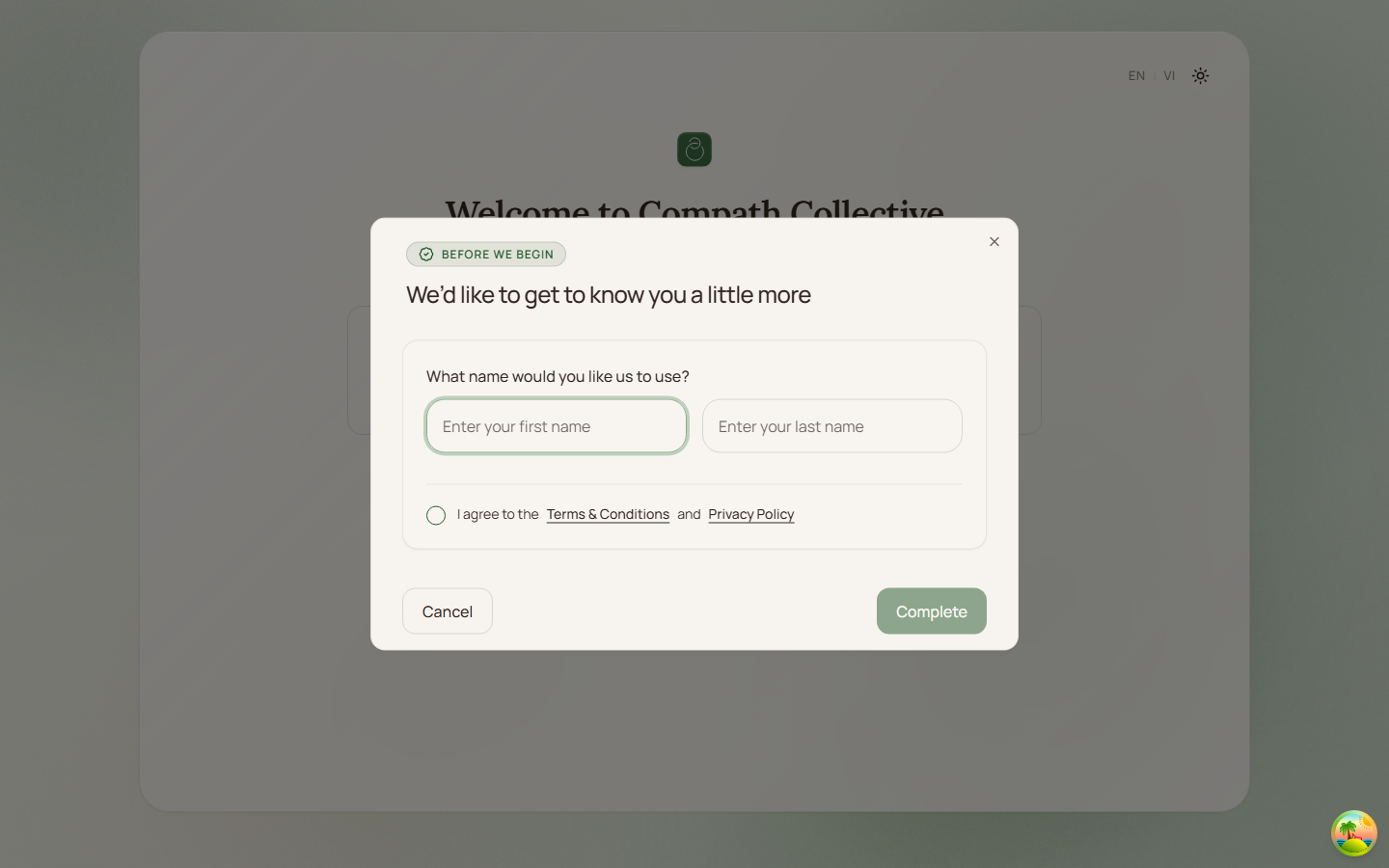
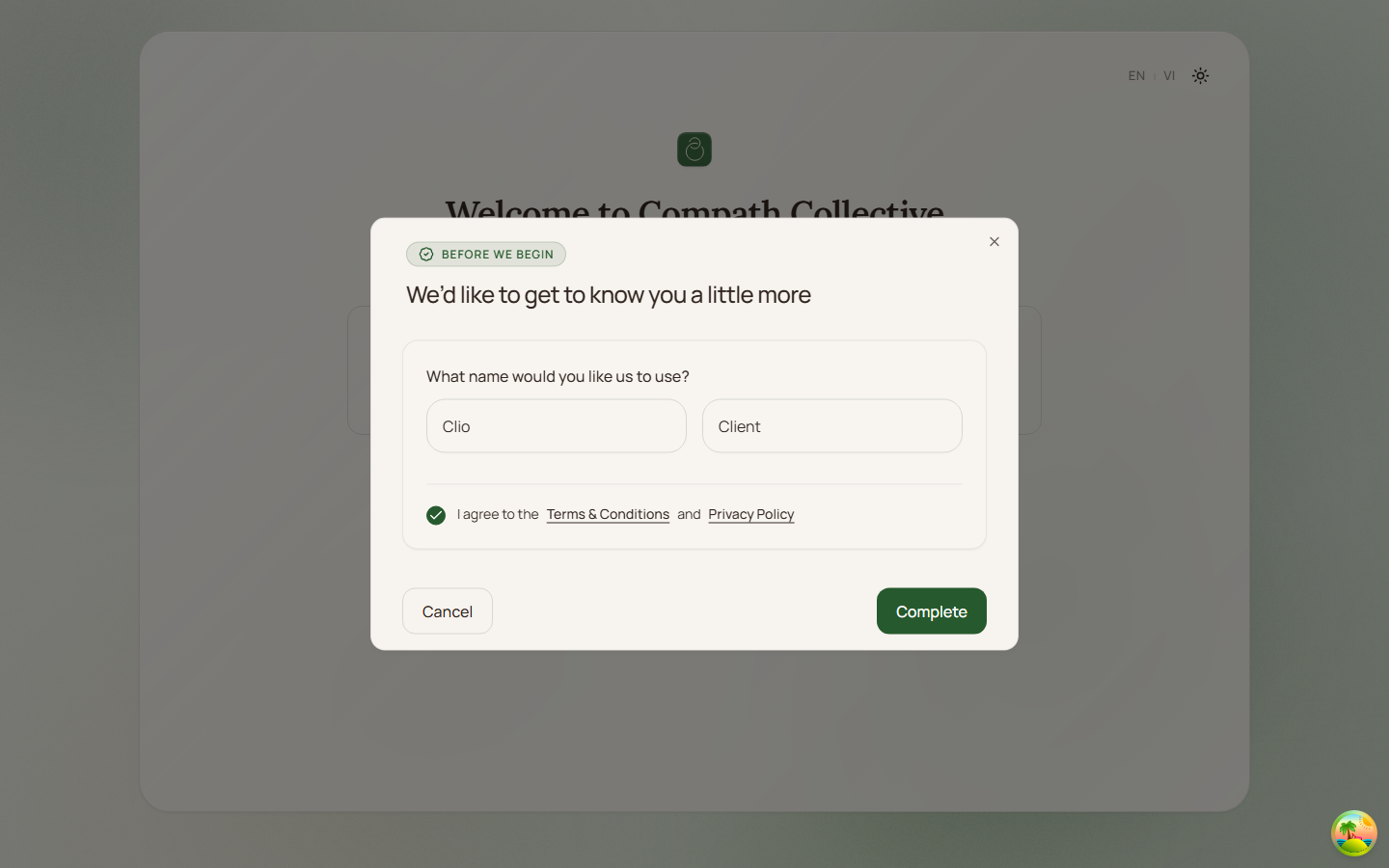
Client onboarding starts when an authenticated user has not yet selected a role. The user chooses the Client role on /onboarding, is routed to the dashboard, then completes a client profile modal with first name, last name, and recording consent.
Role
- Primary: Client
- Secondary: System, Supabase Auth
Entry Point
- URL:
/onboarding - Redirect:
/or/dashboardroutes the user to onboarding whenaccount_typeisunassigned - Follow-up:
/dashboardopens the client profile modal whenonboarding_completedisfalse
Preconditions
- Authenticated: yes
- Required role:
unassignedbefore role selection,clientafter role selection - The current user profile must load from
useCurrentUser/useOnboardingStatus
Steps
- User signs in and reaches the app entry route.
- System loads the current user profile.
- If the profile is
unassigned, system redirects the user to/onboarding. - User selects the Client role.
- System calls the onboarding role endpoint through
useSetOnboardingRole. - On success, system refetches the current profile and navigates to
/dashboard. - Client dashboard renders and opens
ClientProfileModalif onboarding is not complete. - User enters first name and last name.
- User accepts recording consent linked to terms and privacy policy.
- User submits the modal.
- System submits onboarding steps for profile data, recording consent, and final completion.
- System invalidates/refetches the current user profile and leaves the client on the dashboard.
Diagram
Edge Cases
- Profile loading: The app shows a spinner while user/profile data is loading.
- Profile load failure: Dashboard shows a retry state when the profile request fails.
- Already assigned role:
/onboardingredirects to/dashboardif onboarding is already complete or the user is no longerunassigned. - Incomplete modal: The Complete button is disabled until first name, last name, and recording consent are present.
- Submit failure: The modal shows the generic onboarding submit error and stays open.
- Development preview:
/dev/onboardingcan preview the client modal without writing onboarding data.
Screenshot Status
- Captured with Playwright on 2026-04-17 using dev-only onboarding preview data:
- Role selection:
- Client profile empty state:
- Client profile ready-to-submit state:
- Role selection: