Appearance
CO.9: View Clients List
Summary
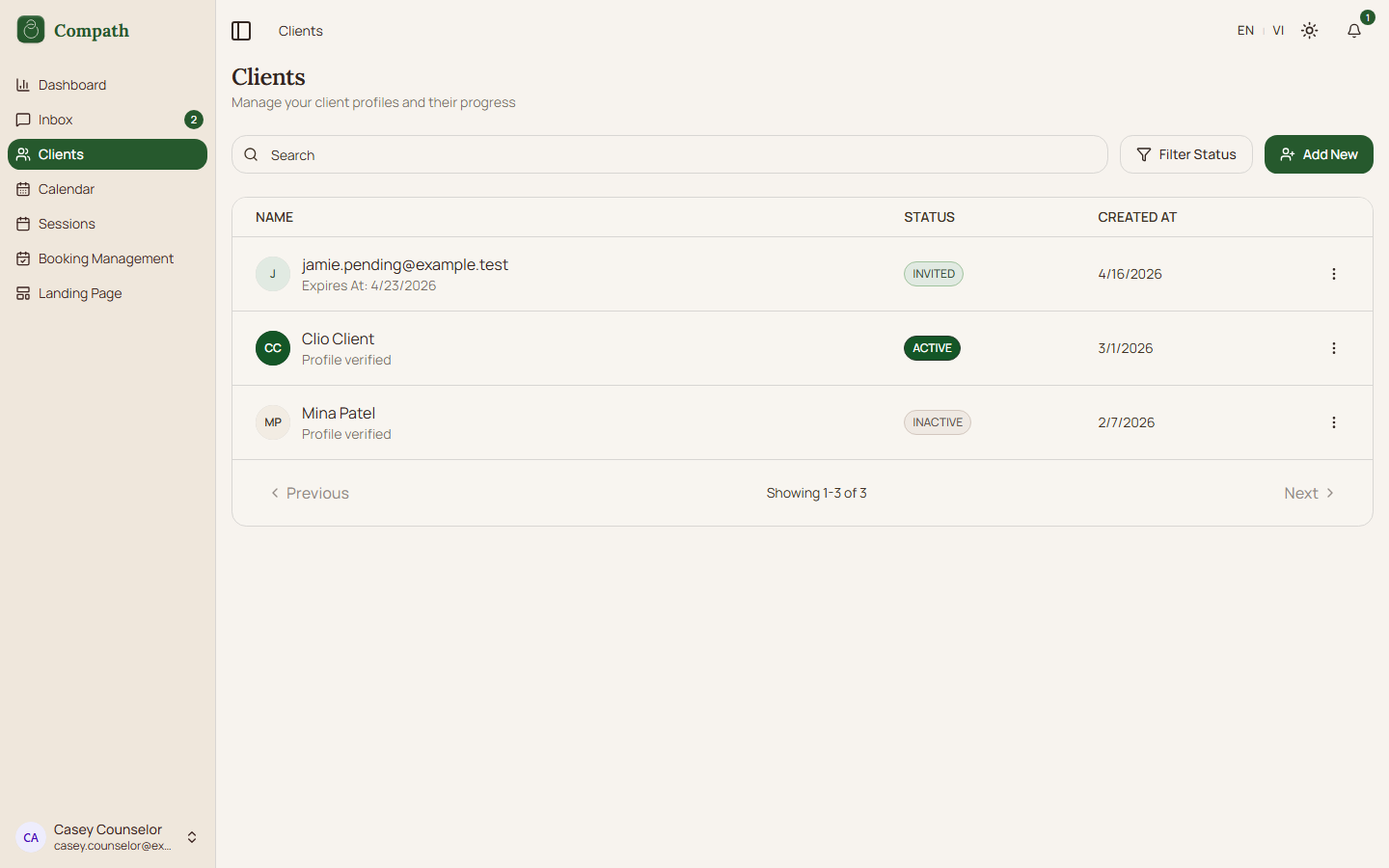
Counselors browse, search, filter, and paginate their client list, including pending invitation rows when applicable.
Role
- Primary: Counselor
Entry Point
- URL:
/clients - Sidebar: Clients
Preconditions
- User is authenticated as a counselor.
Steps
- Counselor opens
/clients. - Frontend loads client relationships and invitation counts.
- Counselor searches or filters by visual status.
- Page combines client rows and pending invitation rows where needed.
- Counselor opens a client row or invitation action.
Diagram
Edge Cases
- Invited filter: Invitation rows are included for invited status.
- Pagination: Client and invitation data are combined for all-status view.
- Empty list: Page offers invite-client action.
Current Implementation Notes
- Frontend:
frontend/src/app/pages/clients.tsx
Screenshot Status
- Captured: