Appearance
CO.1: Counselor Onboarding
Summary
Counselors with incomplete profiles are routed to onboarding after authentication. The flow collects role-specific profile data before allowing normal dashboard use.
Role
- Primary: Counselor
- Secondary: System
Entry Point
- URL:
/onboarding - Automatic redirect from app entry or dashboard when profile setup is incomplete.
Preconditions
- User is authenticated.
- Current user profile requires onboarding.
Steps
- User authenticates through Supabase.
- App loads the current Compath profile.
- Post-auth routing detects missing onboarding fields.
- User completes counselor profile information.
- Frontend saves profile updates.
- User is routed to the dashboard.
Diagram
Edge Cases
- Profile load error: App shows a retry state before routing.
- Bypass mode: Dev auth bypass can skip normal protected-route behavior.
- Role differences: Counselor and client onboarding share the page but branch by account type/profile state.
Current Implementation Notes
- Frontend:
frontend/src/app/pages/onboarding.tsx,frontend/src/shared/lib/post-auth-routing.ts
Screenshot Status
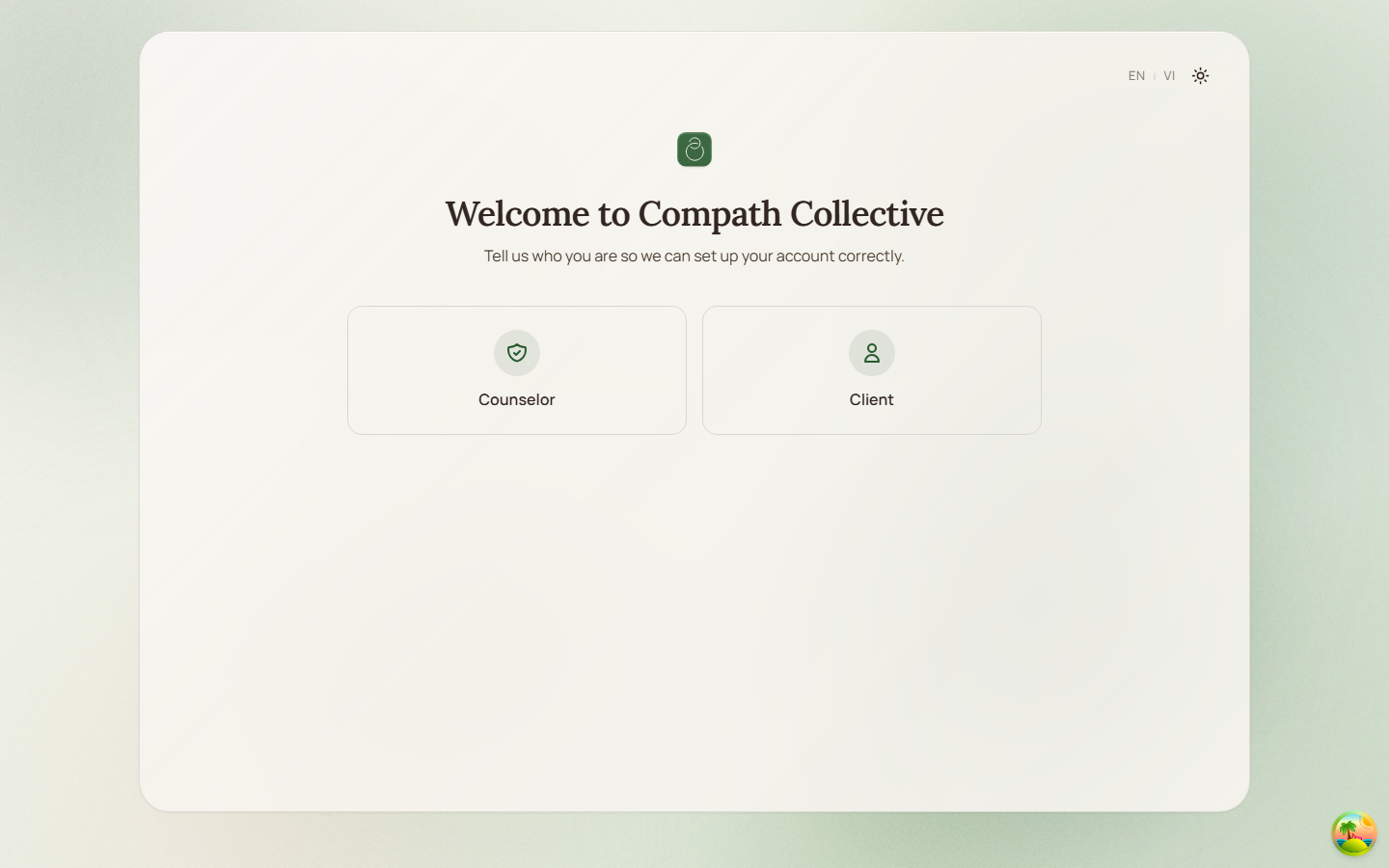
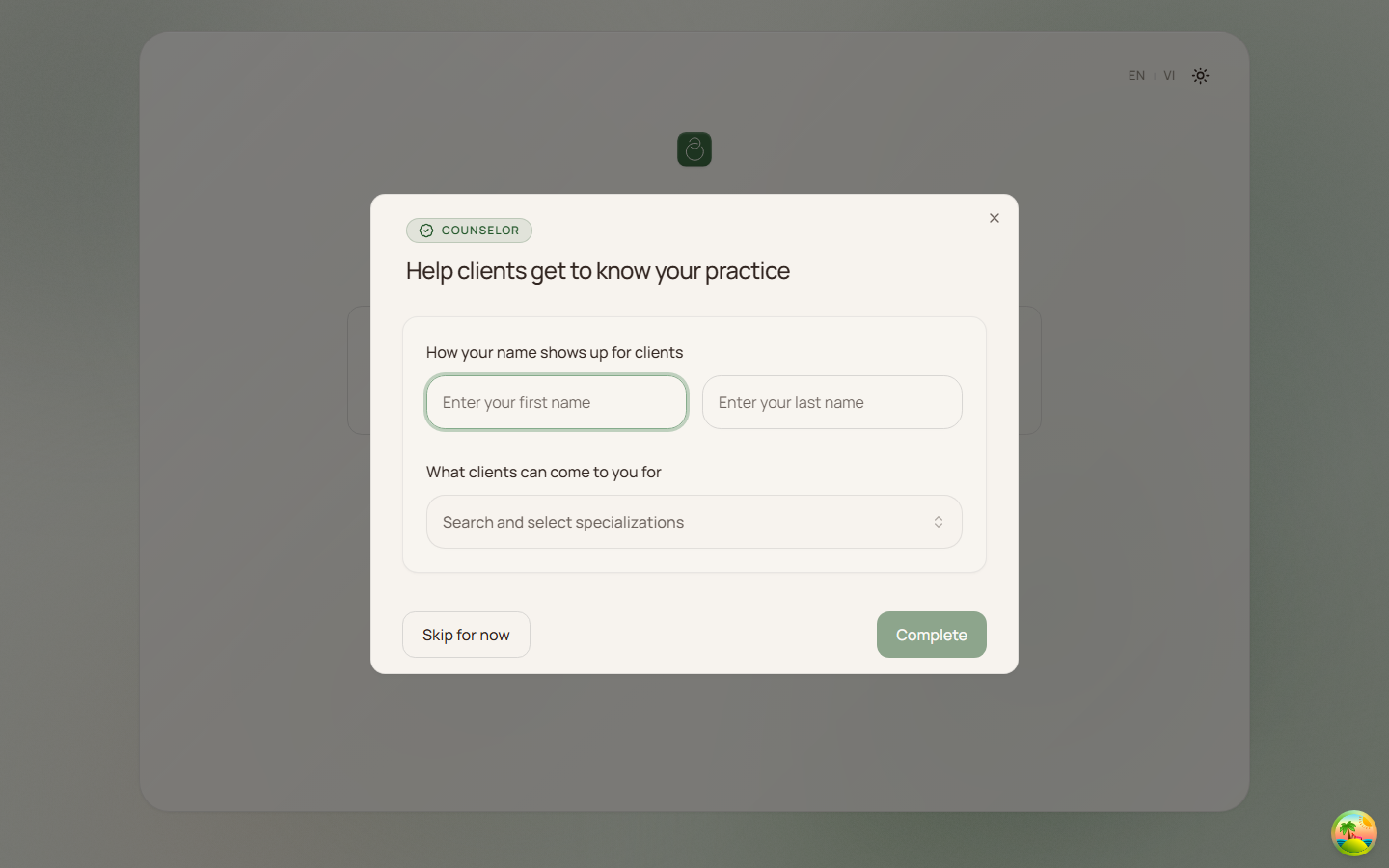
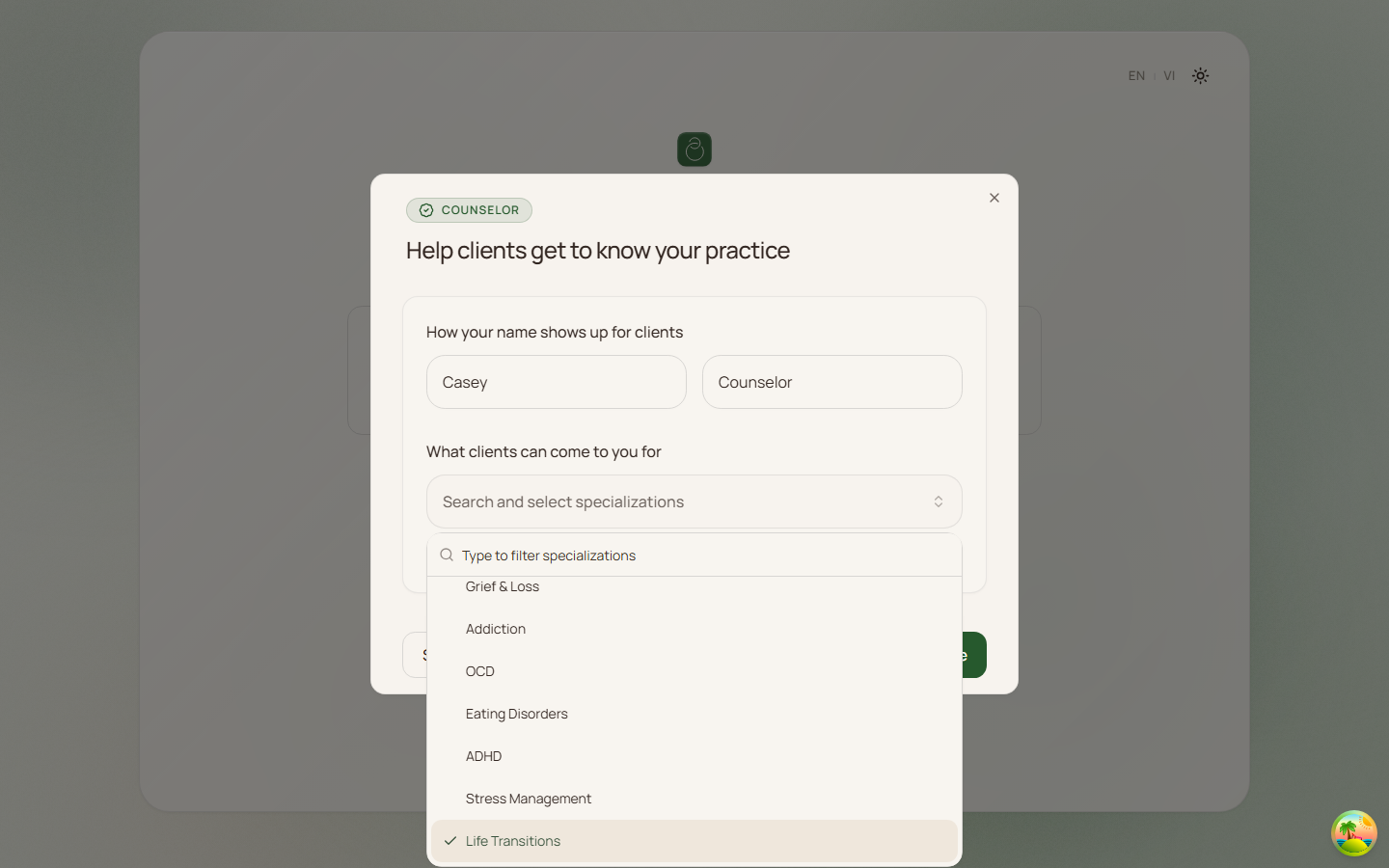
- Captured with Playwright on 2026-04-17 using dev-only onboarding preview data:
- Role selection:
- Counselor profile empty state:
- Counselor profile ready-to-submit state:
- Role selection: