Appearance
G.3: Password Reset
Summary
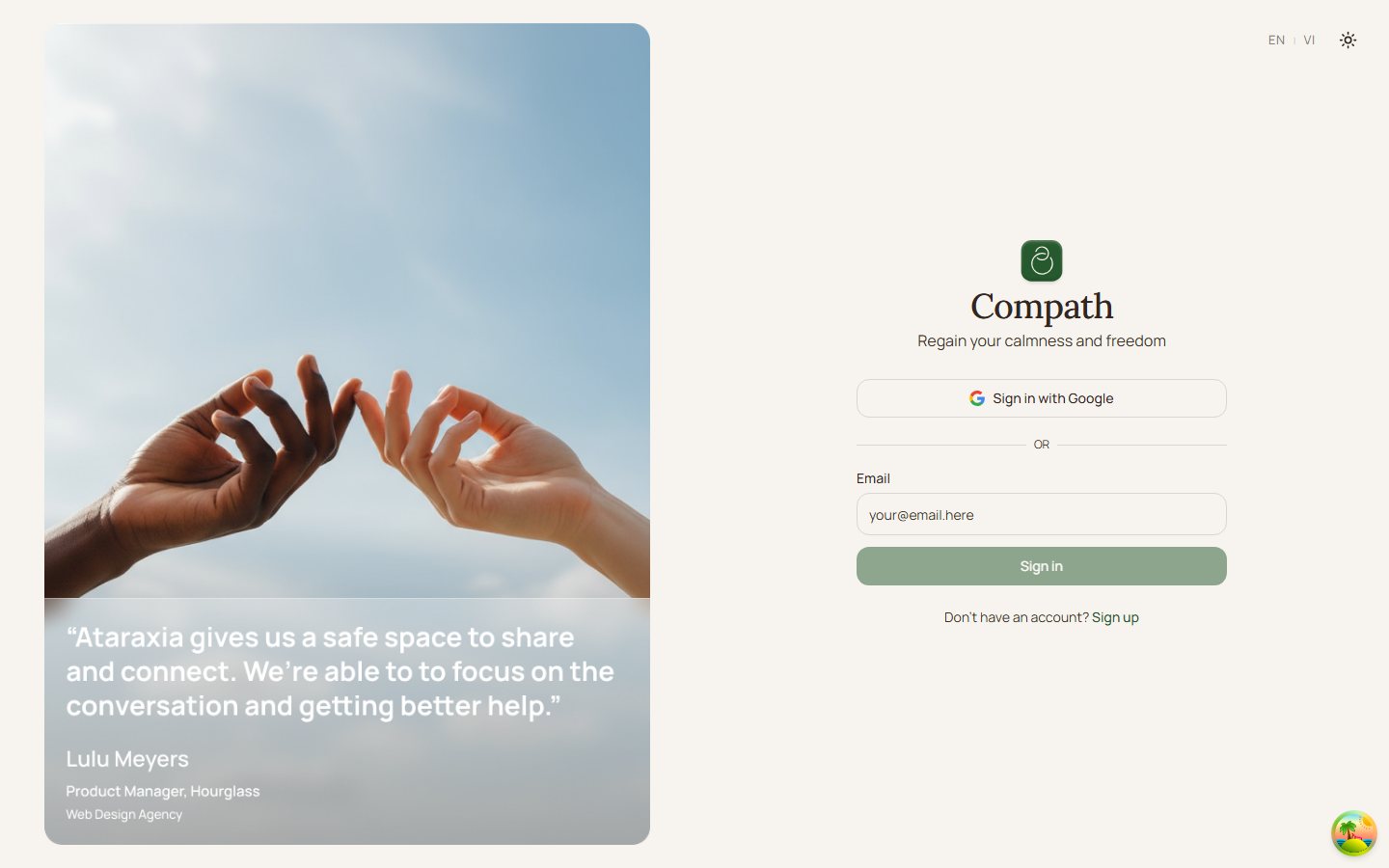
Password reset is listed as a planned guest flow, but the current routed frontend does not expose /forgot-password or /reset-password pages. Authentication currently relies on Supabase magic-link email login.
Role
- Primary: Guest
- Secondary: Supabase Auth
Entry Point
- Planned constants:
/forgot-password,/reset-password - Current implemented auth entry:
/login
Preconditions
- None in the current UI because the dedicated reset pages are not routed.
Steps
- Guest needs account access.
- Guest opens
/login. - Guest requests a magic link by email.
- Supabase sends a one-time login link.
- Guest returns authenticated without using a password reset form.
Diagram
Edge Cases
- No reset route:
ROUTES.FORGOT_PASSWORDandROUTES.RESET_PASSWORDconstants exist, butApp.tsxdoes not route them. - Password-based copy mismatch: Any docs or UI that imply password reset should be checked against the current magic-link auth model.
Current Implementation Notes
- Constants:
frontend/src/shared/constants/app.ts - Auth UI:
frontend/src/features/auth/components/login-form.tsx - Routes:
frontend/src/App.tsx
Screenshot Status
- Current magic-link access flow: