Appearance
G.5: Public Booking
Summary
Guests book a counselor session through a public booking page. The booking can be confirmed immediately or submitted as a request depending on widget settings.
Role
- Primary: Guest
- Secondary: Counselor, System
Entry Point
- URL:
/book/:slug
Preconditions
- Counselor has a published booking widget.
- Session type and availability are configured.
Steps
- Guest opens
/book/:slug. - Frontend loads widget, services, and available slots.
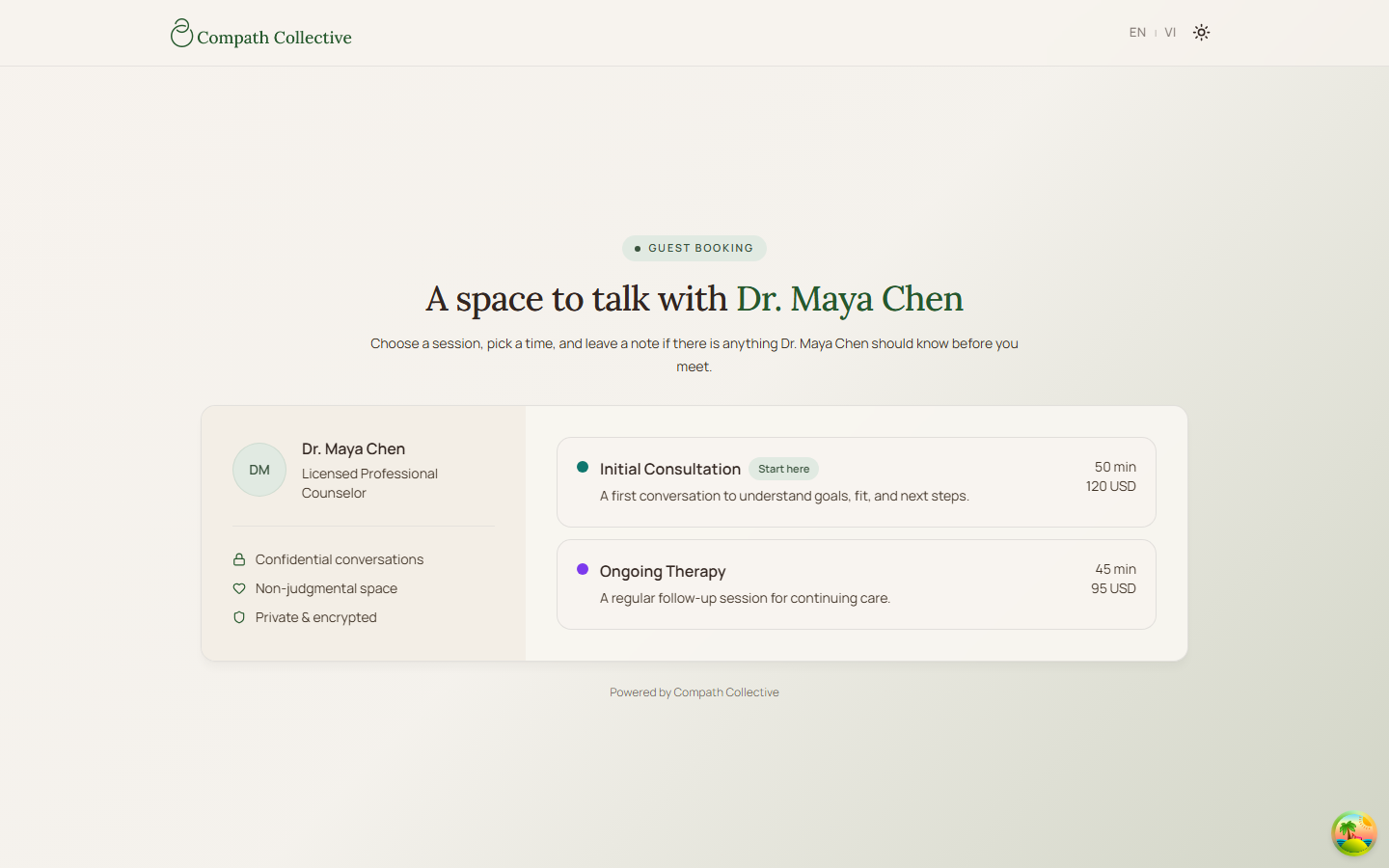
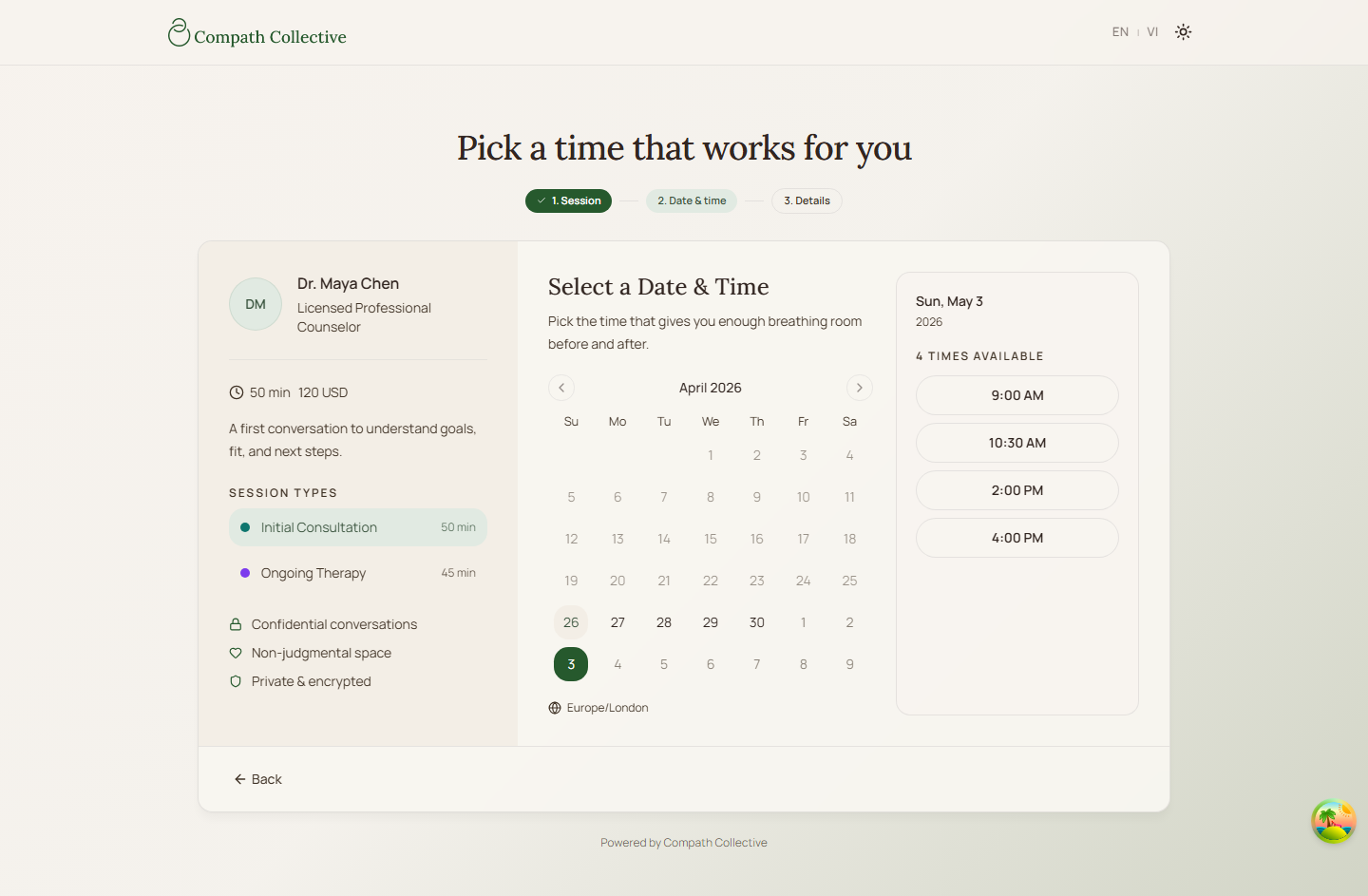
- Guest selects a session type, date, and slot. Only the types the counselor published are listed — see CO.27.
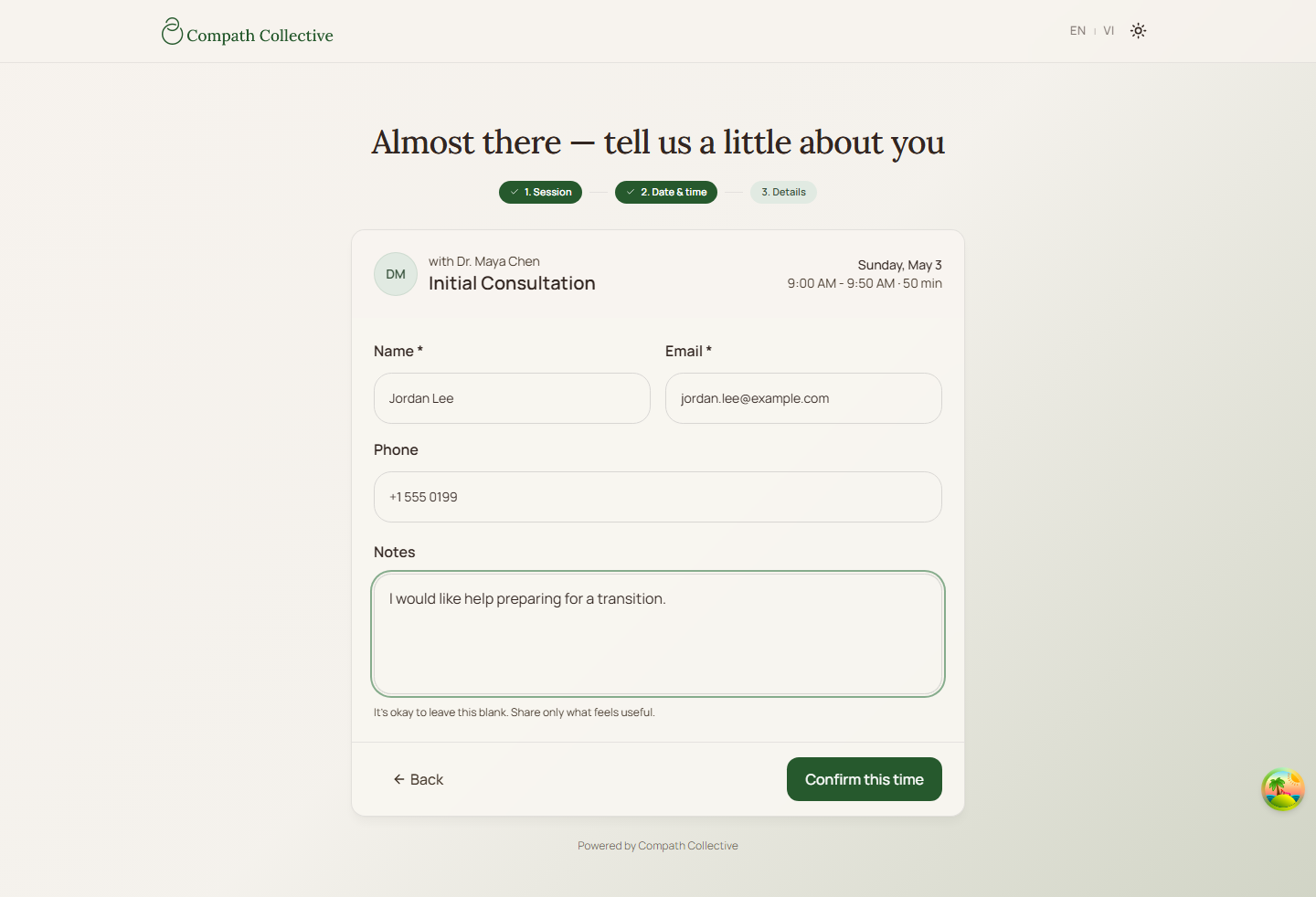
- Guest enters contact details and submits.
- Backend validates availability and creates the booking.
- System sends booking emails and notifications.
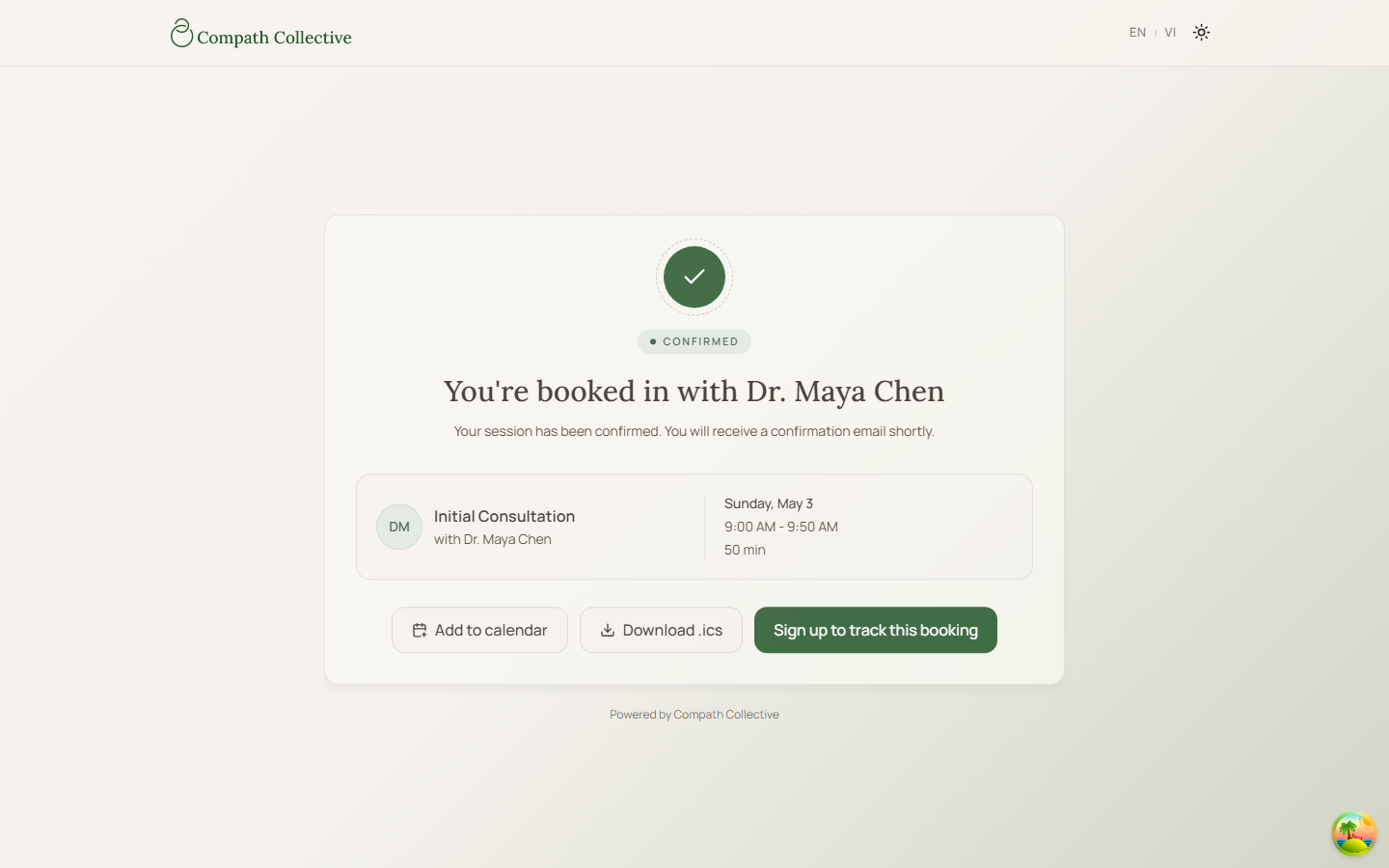
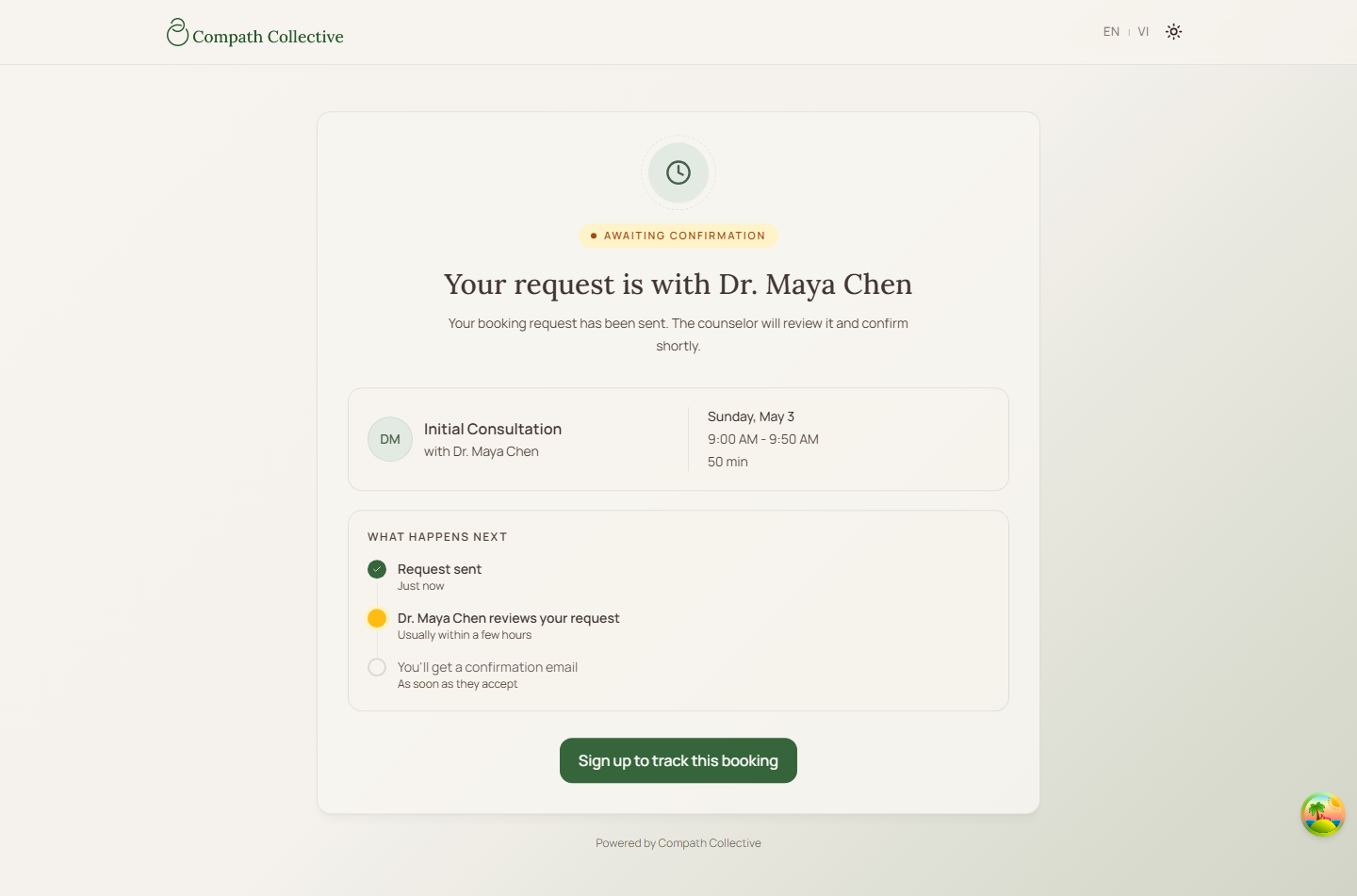
- Guest sees confirmation or request-received state.
Diagram
Edge Cases
- Slot conflict: Backend rejects overlapping bookings.
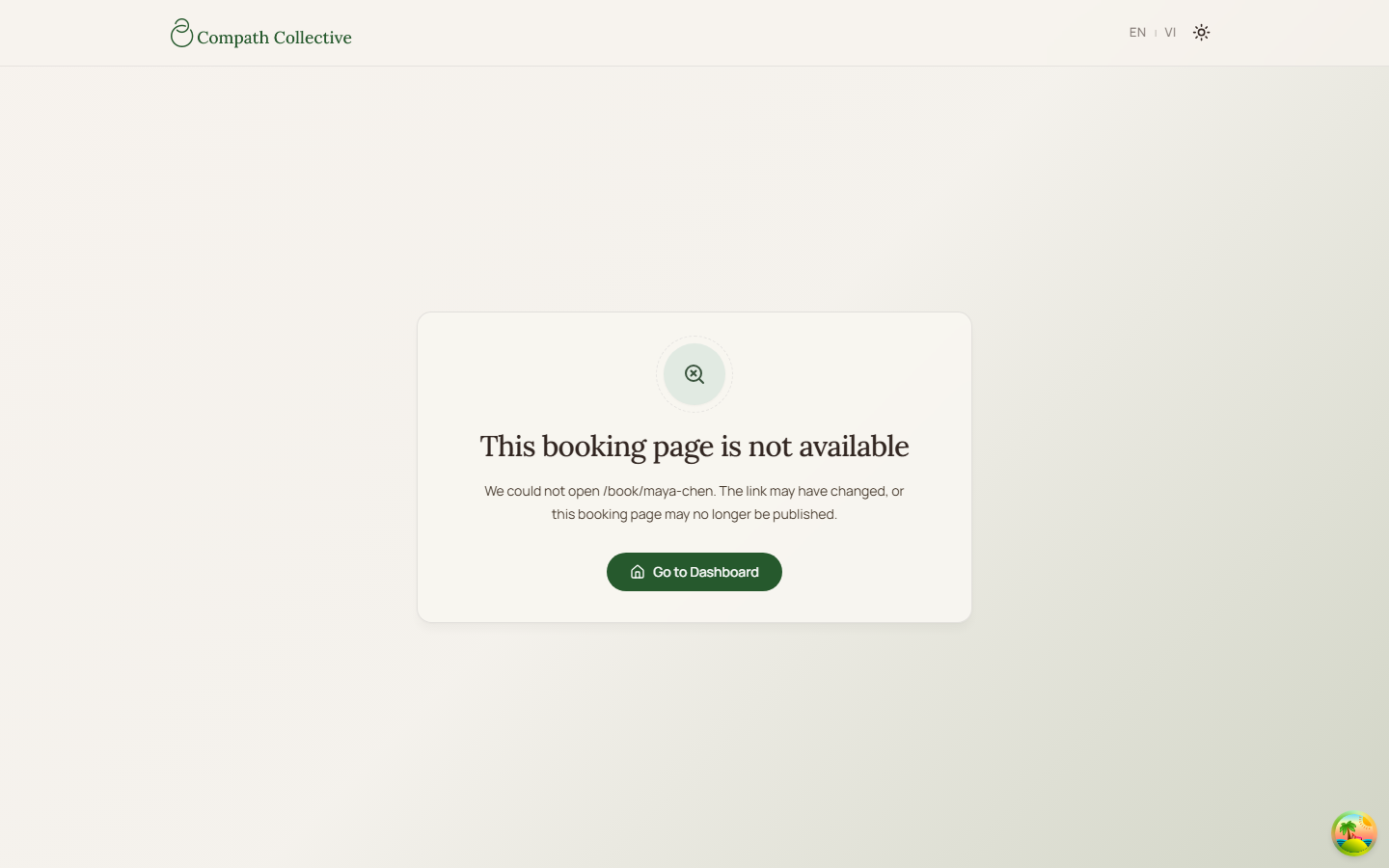
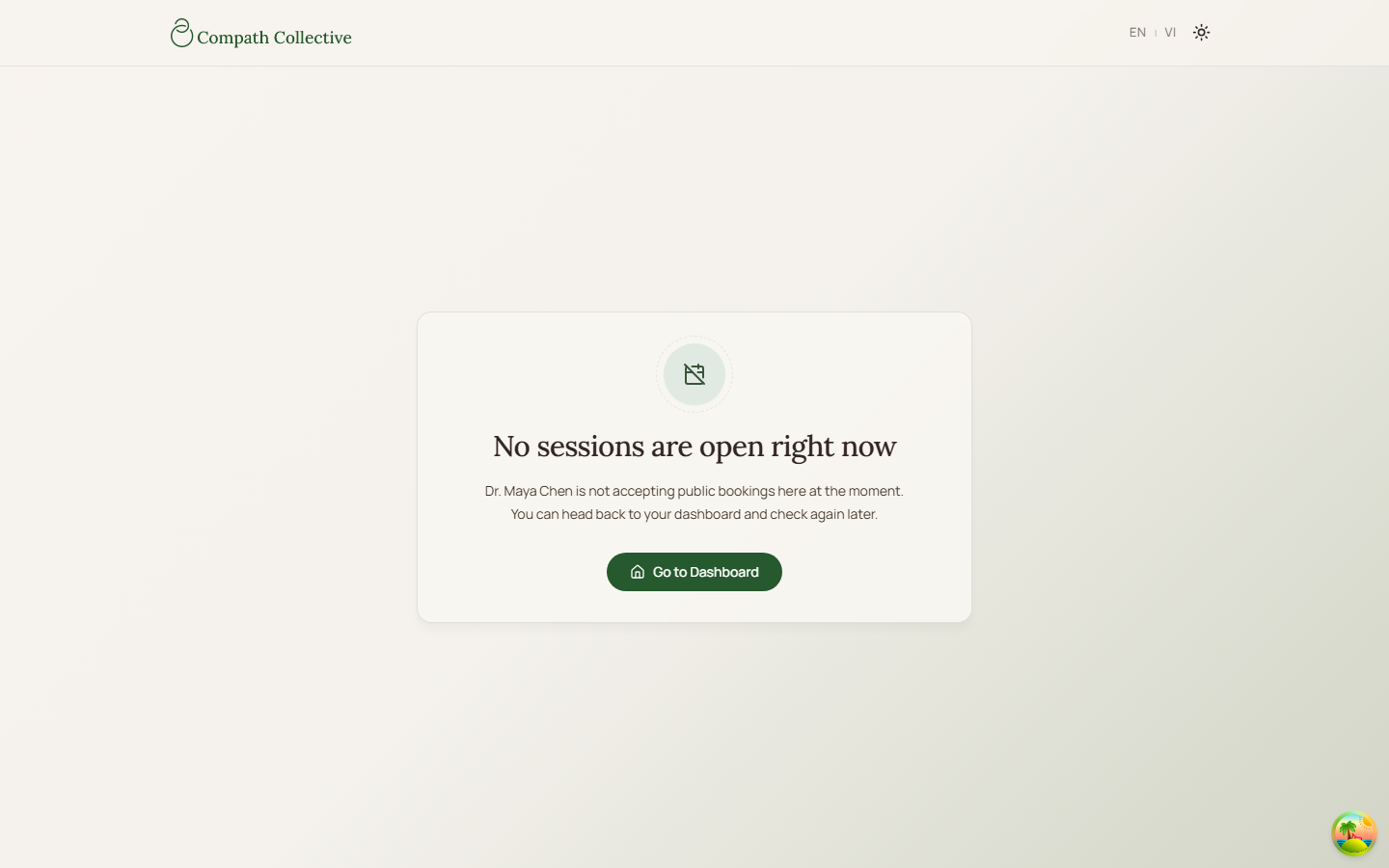
- Unavailable widget: Page shows not-found or unavailable state.
- Guest client: Email delivery works without an in-app notification recipient.
Current Implementation Notes
- Frontend:
frontend/src/features/booking/components/public-booking-page.tsx - Backend:
backend/internal/services/booking_service.go
Screenshot Status
- Captured with Playwright on 2026-04-17 using mocked public booking API responses.
- Session selection:
- Date and slot picker:
- Guest details form:
- Instant confirmation:
- Request received:
- No available sessions:
- Not found: