Appearance
CO.31: Profile
Summary
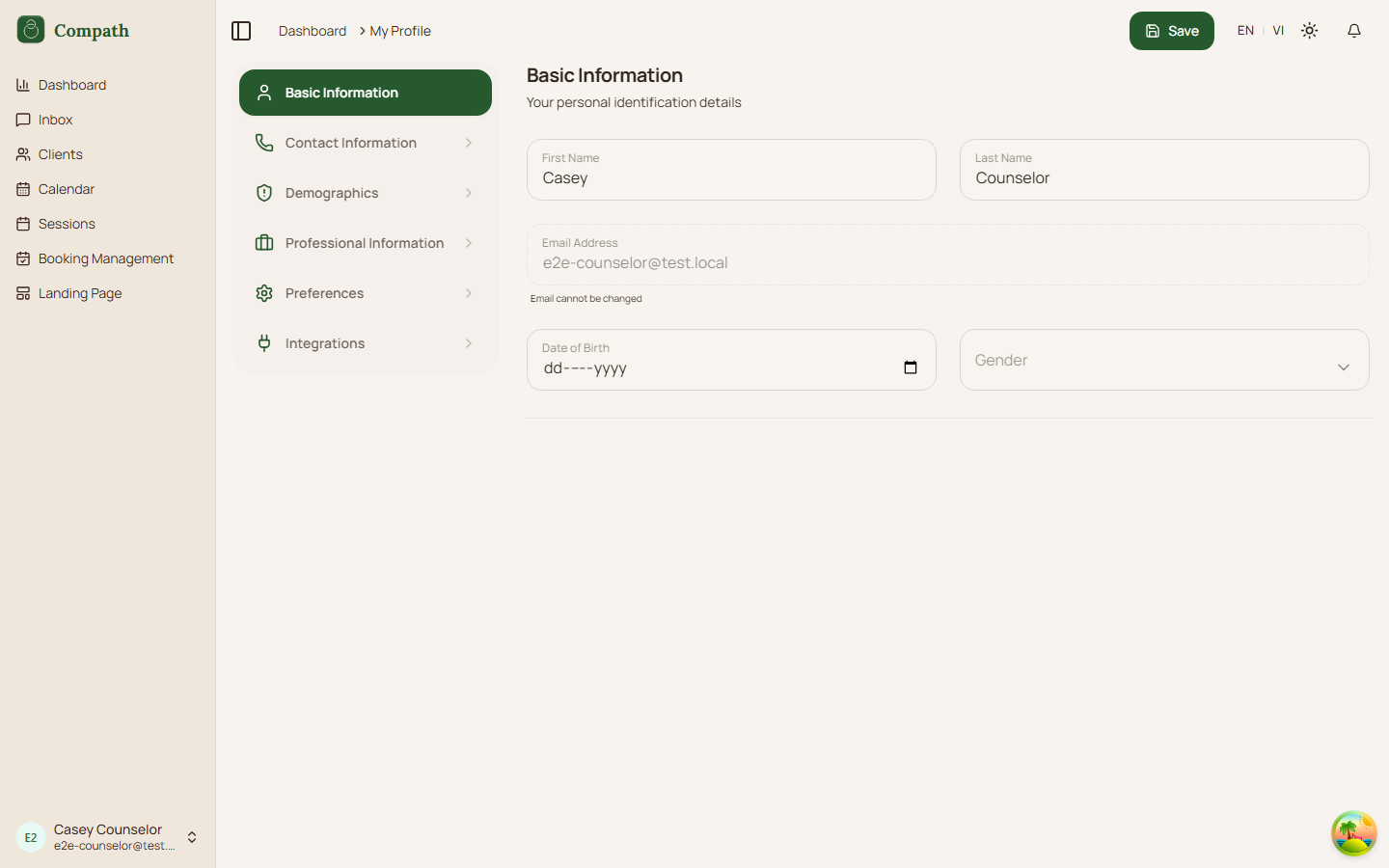
Counselors manage personal information, preferences, avatar/profile settings, and integrations such as calendar sync from the profile page.
Role
- Primary: Counselor
Entry Point
- URL:
/profile - URL:
/settingsredirects to/profile
Preconditions
- User is authenticated.
Steps
- Counselor opens profile.
- Frontend loads current user profile.
- Counselor edits personal or professional fields.
- Counselor updates preferences and integrations.
- Frontend saves changes and refreshes profile state.
Diagram
Edge Cases
- Settings redirect:
/settingsredirects to/profile. - Calendar integration: Google Calendar setup is handled inside integrations.
- Validation: Profile save can fail on invalid or missing fields.
Current Implementation Notes
- Frontend:
frontend/src/app/pages/profile.tsx,frontend/src/features/calendar-sync/components/integrations-tab.tsx
Screenshot Status
- Captured: