Appearance
CO.5: Sessions List
Summary
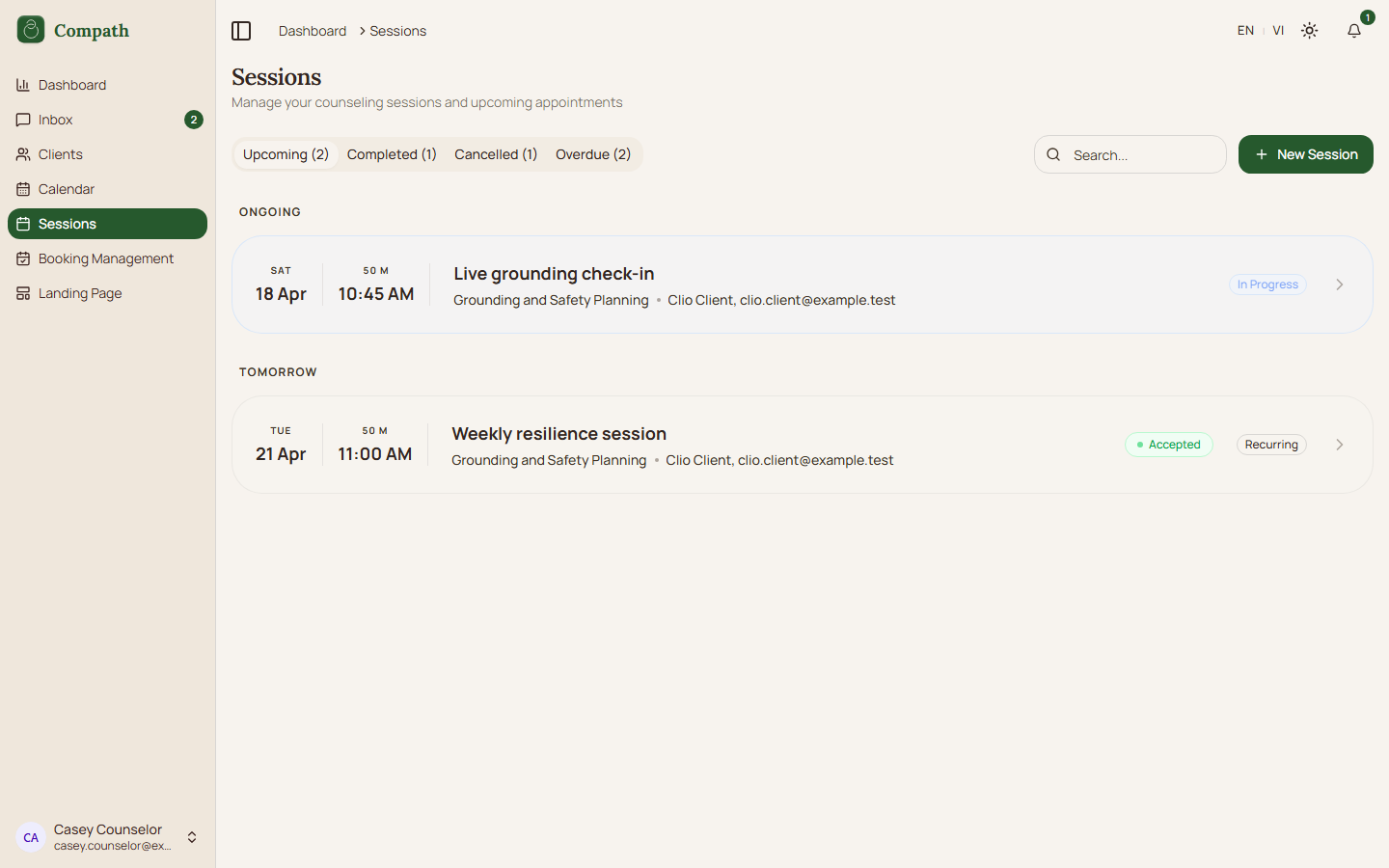
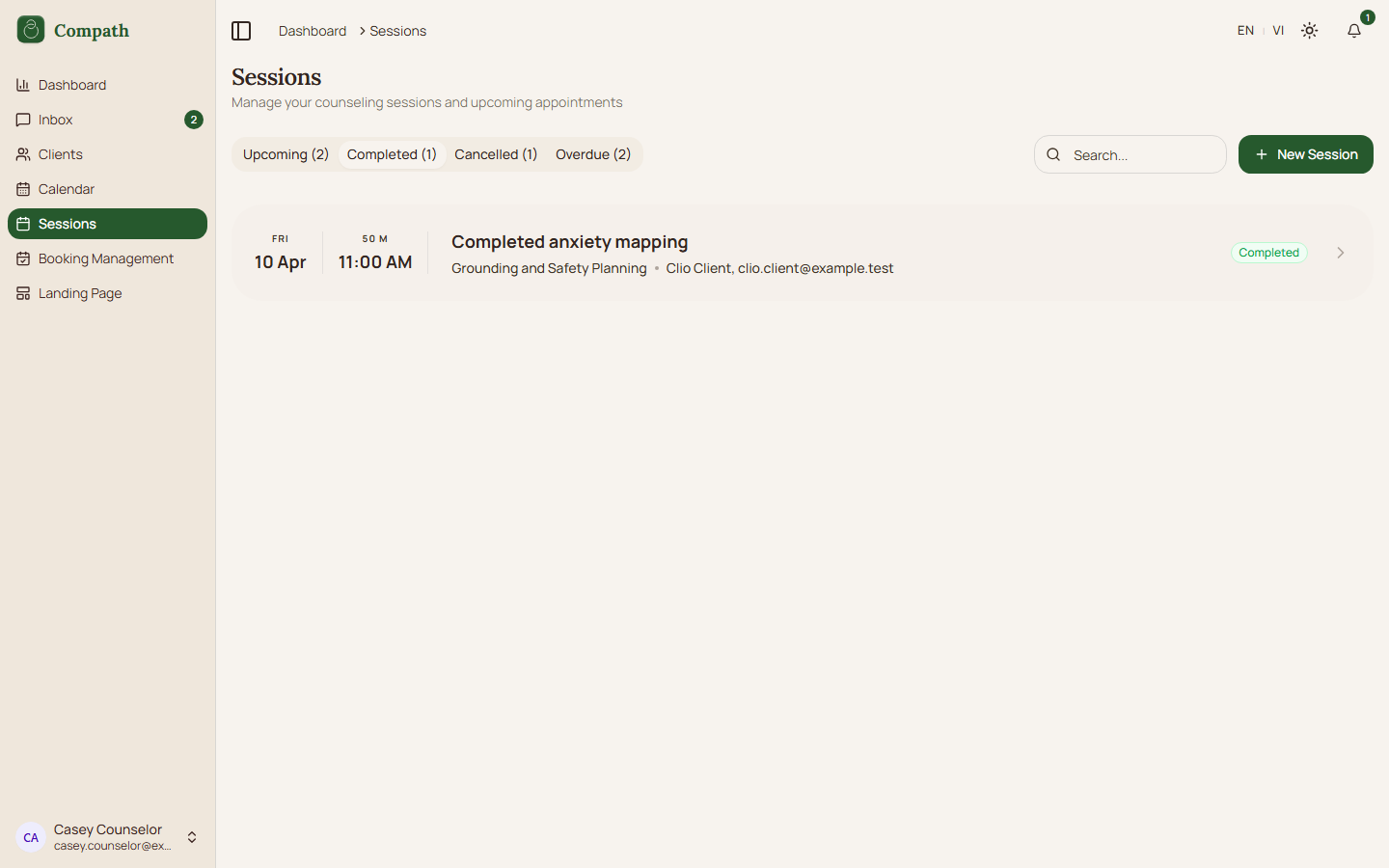
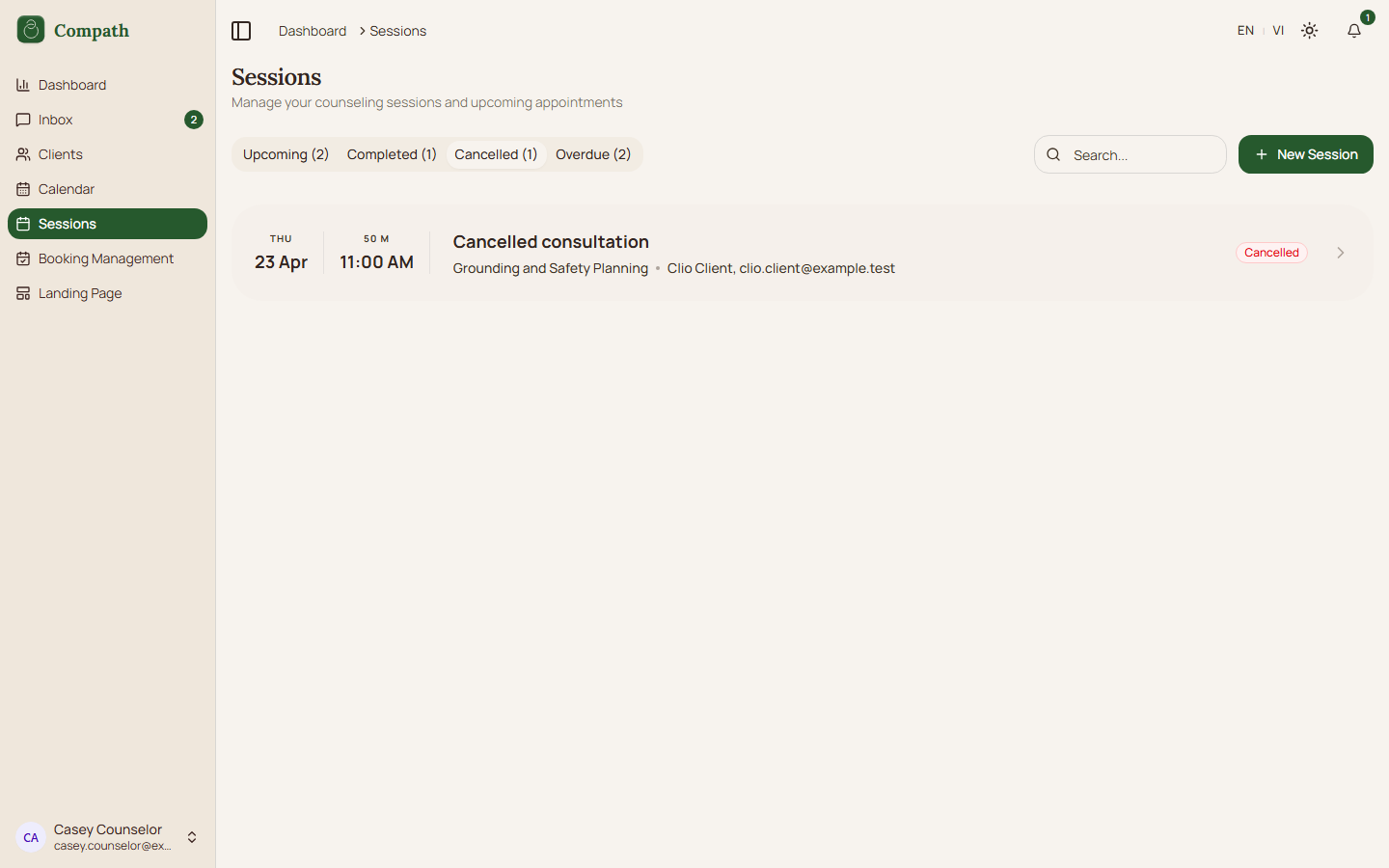
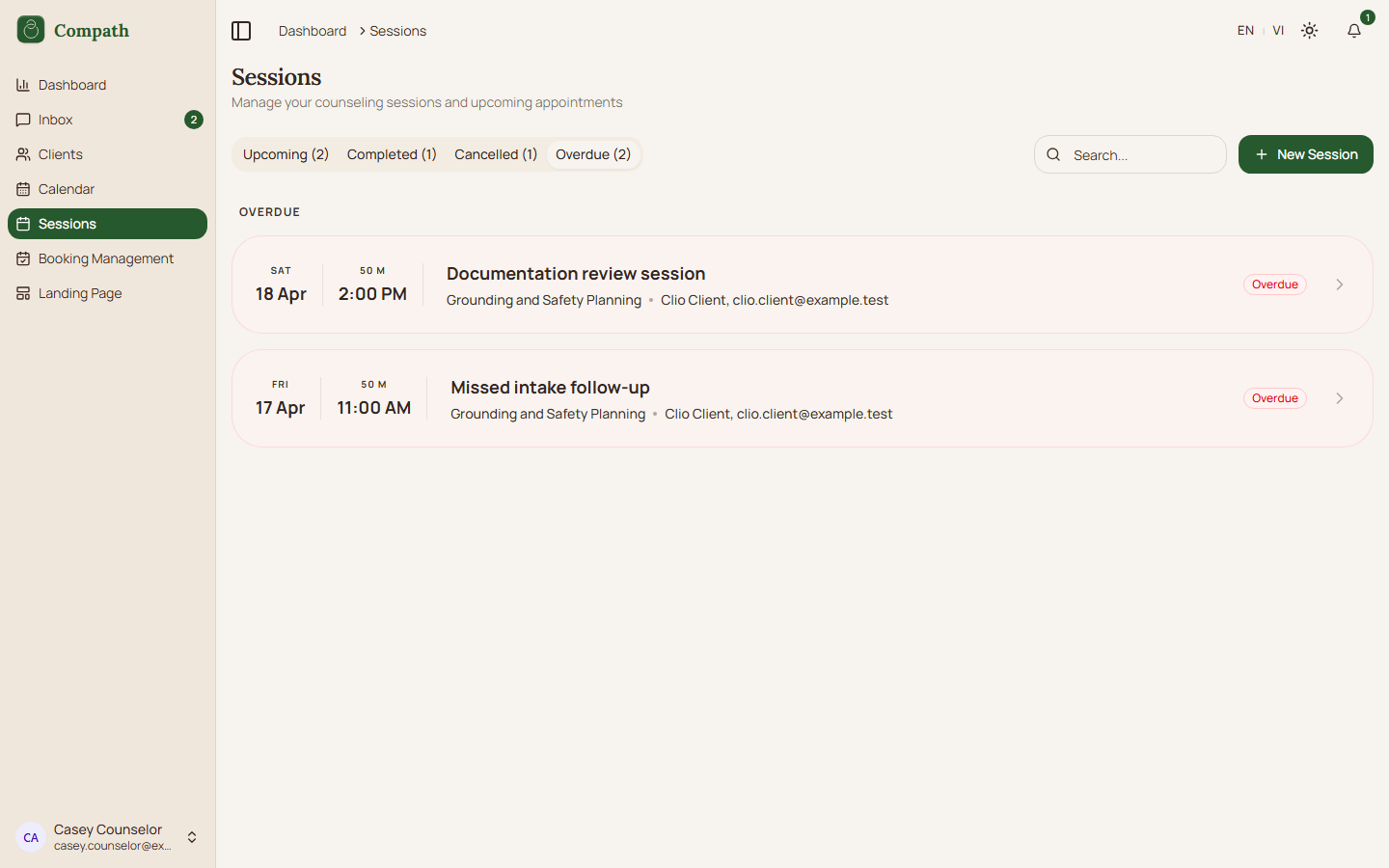
Counselors browse upcoming, past, cancelled, and overdue meetings from the sessions page, with search/filter controls and quick actions for creating sessions.
Role
- Primary: Counselor
Entry Point
- URL:
/sessions - Sidebar: Sessions
Preconditions
- User is authenticated.
Steps
- Counselor opens
/sessions. - Frontend loads meeting/session rows.
- Counselor switches between status tabs.
- Counselor searches or filters the list.
- Counselor selects a session row.
- App navigates to
/sessions/:sessionId.
Diagram
Edge Cases
- Empty tab: Page shows an empty-state message.
- Pagination/filter state: Filters update the visible result set.
- Create action: New session sheet is available for counselor workflows.
- Workspace filter: Inside a workspace (sidebar switcher) the list shows only that workspace's sessions and the workspace select is hidden. In the personal practice it defaults to Personal (sessions with no workspace) and offers All workspaces or a specific workspace, appearing only once some session carries a workspace badge. A stale
?workspace=value the page cannot vouch for falls back to that default rather than blanking the list.
Current Implementation Notes
- Frontend:
frontend/src/app/pages/sessions.tsx,frontend/src/features/sessions/components/new-session-sheet.tsx,frontend/src/features/workspaces/lib/workspace-filter.ts
Screenshot Status
- Captured with Playwright using deterministic mock data:
- Upcoming tab:
- Completed tab:
- Cancelled tab:
- Overdue tab:
- Upcoming tab: