Appearance
CO.30: Inbox
Summary
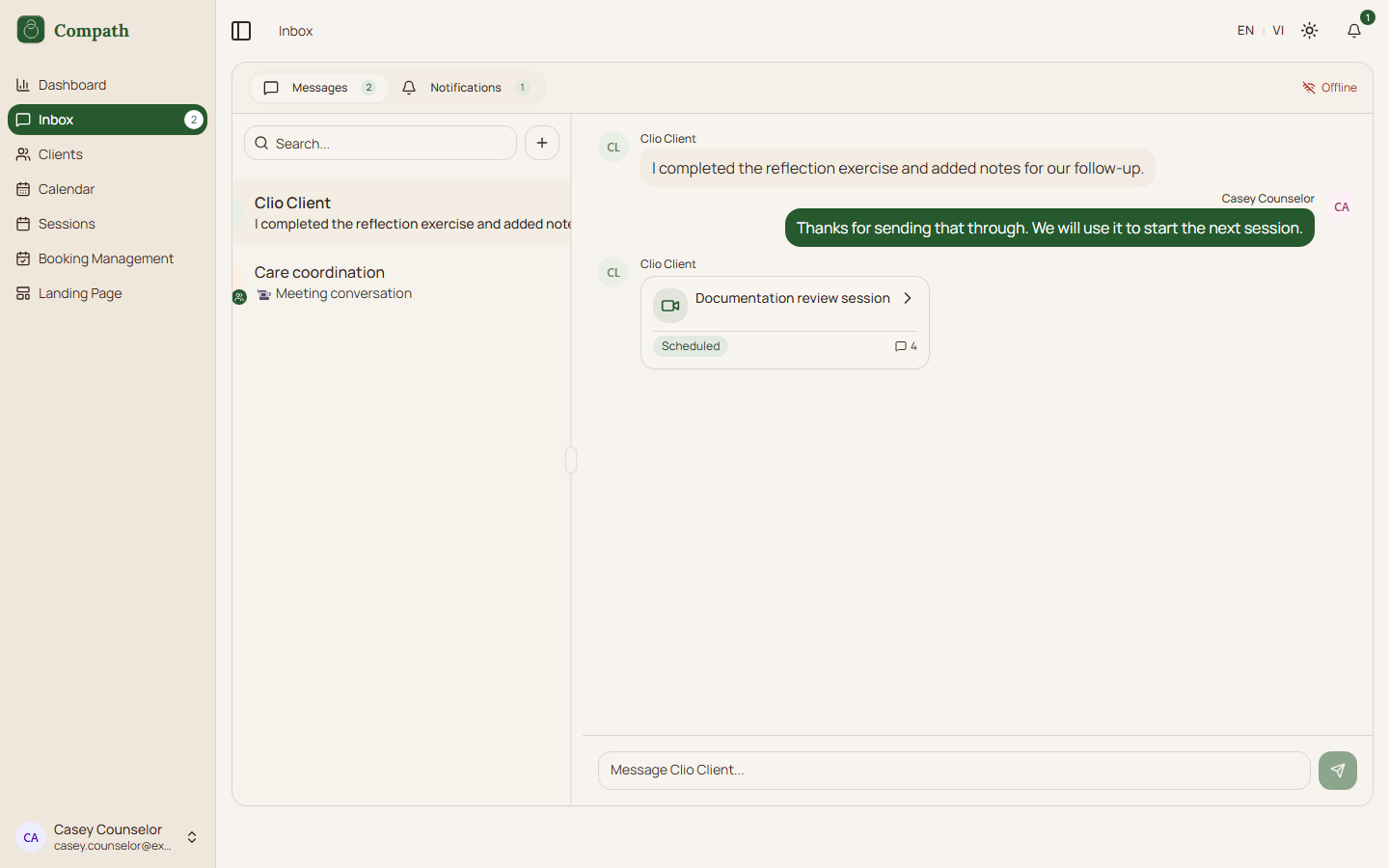
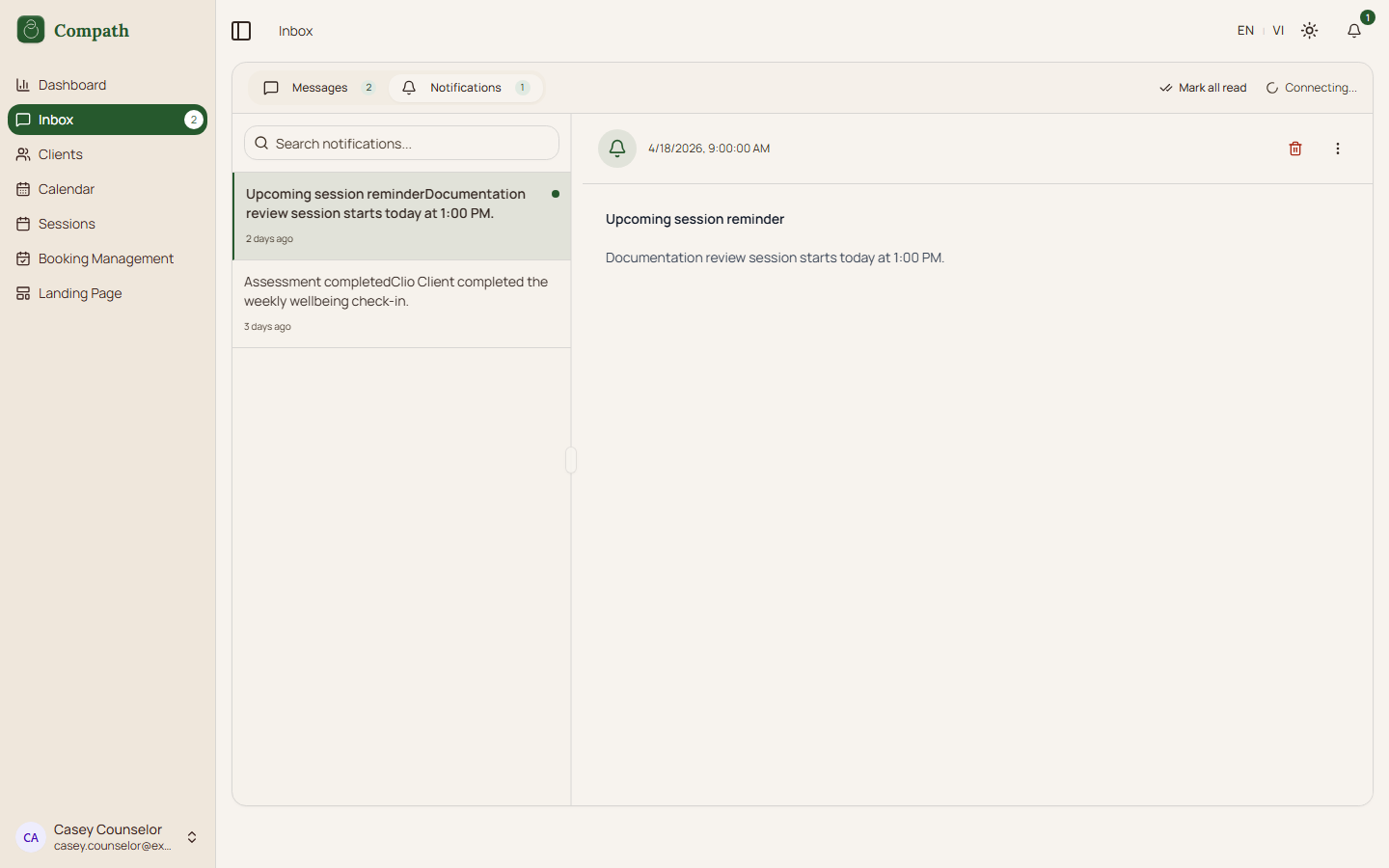
Counselors use the Inbox to read and send client messages and review notification activity.
Role
- Primary: Counselor
- Secondary: Client
Entry Point
- URL:
/inbox - Sidebar: Inbox
Preconditions
- User is authenticated.
Steps
- Counselor opens Inbox.
- Frontend loads conversations and notifications.
- Counselor selects a conversation.
- Counselor sends messages and receives realtime updates.
- Counselor can switch to notifications, mark items read, or archive notifications.
Diagram
Edge Cases
- Realtime gap: Reconnect fetches missed notifications.
- No conversation: Empty state is shown.
- Unread state: Notification and message counts update separately.
Current Implementation Notes
- Frontend:
frontend/src/app/pages/inbox.tsx,frontend/src/features/conversations/components/realtime-provider.tsx
Screenshot Status
- Captured with Playwright using deterministic mock data:
- Messages tab with selected conversation:
- Notifications tab with selected notification:
- Messages tab with selected conversation: